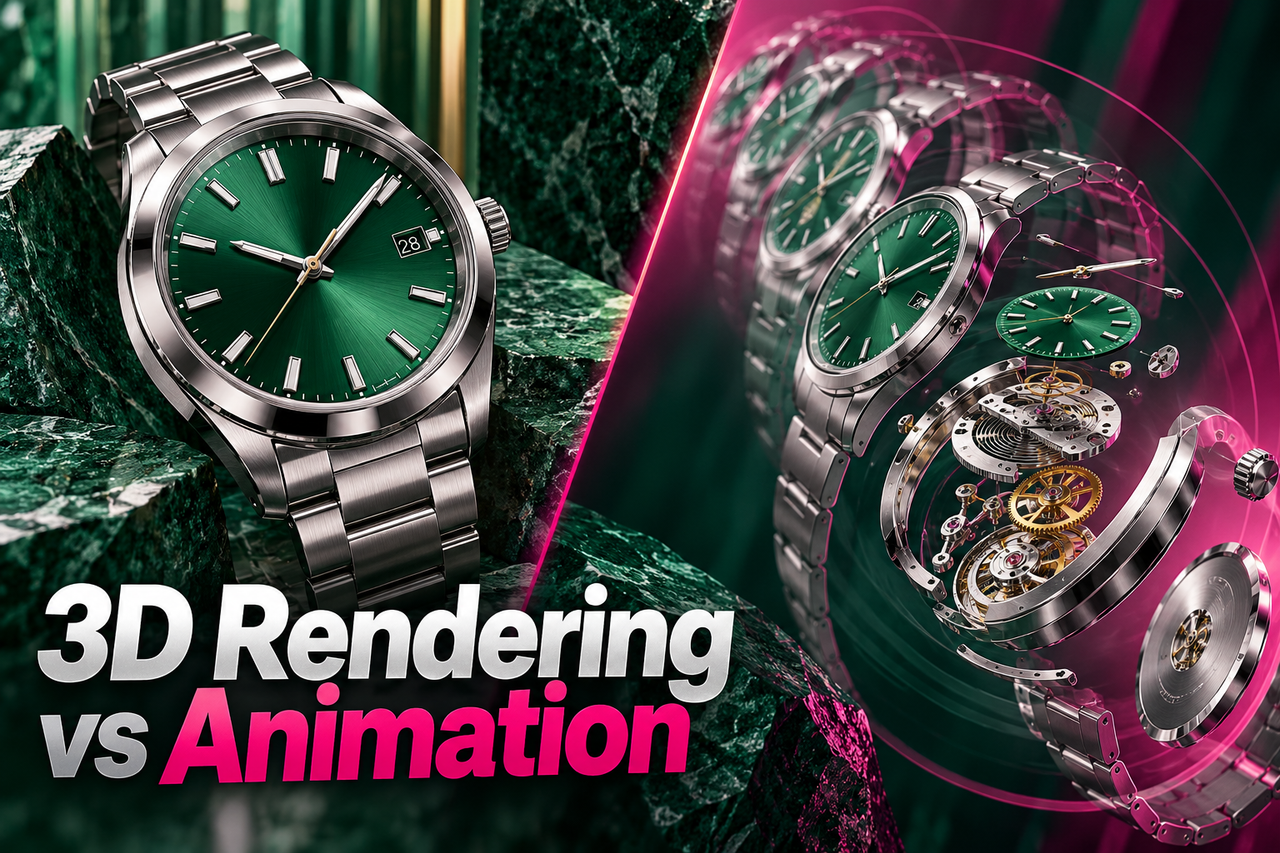
A 3D product render is a still image of a digitally built product. A 3D product animation uses movement over time to show how the product looks, works, or changes. Choose rendering when the audience needs a clear view of form and finish; choose animation when movement or sequence explains something a still image cannot.
What is 3D product rendering?
A 3D product render is a finished image created from a digital product model, materials, lighting, and a camera view. A project can produce one hero image or a set of views for a product page, presentation, packaging, or campaign. Rendering is useful when shape, color, finish, or detail is the main thing the viewer needs to inspect.
What is 3D product animation?
A 3D product animation is a sequence of rendered frames assembled into a moving video. It can show a camera orbit, a component opening, a product being assembled, or a feature operating. Animation is useful when time, motion, or a change in state is part of the explanation.
Choose a render when the product needs to be seen
Still renders can suit product pages, catalogs, launch graphics, concept reviews, and sales presentations. They let a team control the camera and lighting without arranging a photo shoot for every angle or finish. They do not, on their own, explain how a moving part works or how a workflow unfolds.
Choose animation when the product needs to be understood in motion
Animation can show internal structure, assembly, motion, scale changes, or a sequence that would be difficult to capture with a camera. It can also combine a product reveal with labels or explanatory graphics. The story should still focus on a small number of useful actions; movement added only for decoration may make the product harder to understand.
For a technical application, read how 3D medical device animation explains complex procedures. Our healthcare video production page outlines the wider sector context.
When a product needs both
A product launch may need still images for product pages and a short animation for a launch film or sales presentation. A single 3D model can sometimes support both kinds of output, but the model, materials, lighting, and framing may need changes for each use. Ask the studio to scope both deliverables together so the asset plan is clear.
A quick way to decide
- If the key question is “What does it look like?”, start with product rendering.
- If the key question is “How does it move or work?”, consider 3D product animation.
- If the product has several finishes or configurations, list each one and where it will appear.
- If the item is still in development, gather current CAD files, sketches, dimensions, and reference images.
- If viewers need a product story and reusable images, scope the still and motion assets together.
What to prepare for production
Share the product model or reference material, the features viewers need to notice, target audience, desired visual style, and final uses. For animation, describe the exact actions, sequence, and camera views. For renders, list the required angles, colors, finishes, and image sizes. The clearer the deliverables are, the easier it is to compare proposals.
Frequently asked questions
Do I need a finished CAD model?
No. A studio may be able to work from sketches, product images, or an early model, but the amount of modeling and interpretation required will vary. Provide dimensions and reference views whenever accuracy matters.
Can the same 3D model make both images and video?
Often, but not automatically. The asset may need adjustments for the camera, materials, lighting, and movement required by each deliverable. Confirm this during scoping.
Is a product render the same as a product visualization?
A render is one type of product visualization. Product visualization can also include multiple views, interactive experiences, or animation, depending on the project.
Explore NXTALE’s 3D product visualization service.
For moving product features, see the 3D product animation service.