
Animated SaaS Product Demo Videos
An animated product demo helps buyers see a specific task in the software and the result it produces. We identify the viewer and the workflow first, then choose the few interface states needed to explain it clearly. That keeps the video focused on the decision a buyer is making instead of touring every menu. Animation can help when a live recording is cluttered, needs staged data, or would be difficult to keep visually consistent. A useful brief includes product access or captures, interface files if available, feature documentation, the intended page or channel, and claims your team has approved. From there, we map the steps into a visual sequence, animate the key interactions, and add narration or sound where it improves understanding. A homepage demo may show one meaningful outcome; a sales follow-up can go deeper into a specific use case. The goal is an accurate picture of how the product works and a clear next step for the viewer. Tell us which task buyers need to see, and we can scope the demonstration around it.
What you get
- Viewer and workflow brief
- Demo concept and visual sequence
- Interface and feature animation
- Supporting illustrations and labels
- Narration, sound, and final exports as agreed
Best for
- SaaS product and feature pages
- Sales demos and follow-ups
- App and platform launches
- Workflows that are hard to record cleanly
- Product updates needing a focused walkthrough
Demonstrate the task behind the buying decision
Start with the audience and the workflow they need to evaluate. We identify the starting state, the actions taken and the outcome shown, then plan the screen sequence before detailed animation. Representative data and simplified interface states can help a viewer follow the task, but they must remain accurate.
The ProcureChain, UniDesk and Sudvet projects below show different product workflows. They provide concrete examples of how a sequence can focus on a user task instead of presenting every feature.
Prepare the screens, claims and intended placement
Share current product screens, a working flow where available, relevant interface files and the product claims your team has approved. Explain whether the viewer is new to the product or already evaluating a particular use case.
A homepage demonstration and a sales follow-up may need different detail, pacing and narration. Caption requirements, aspect ratios and expected interface changes should be included in the brief so the final assets match their intended use.
SaaS product demo examples: procurement and IT support
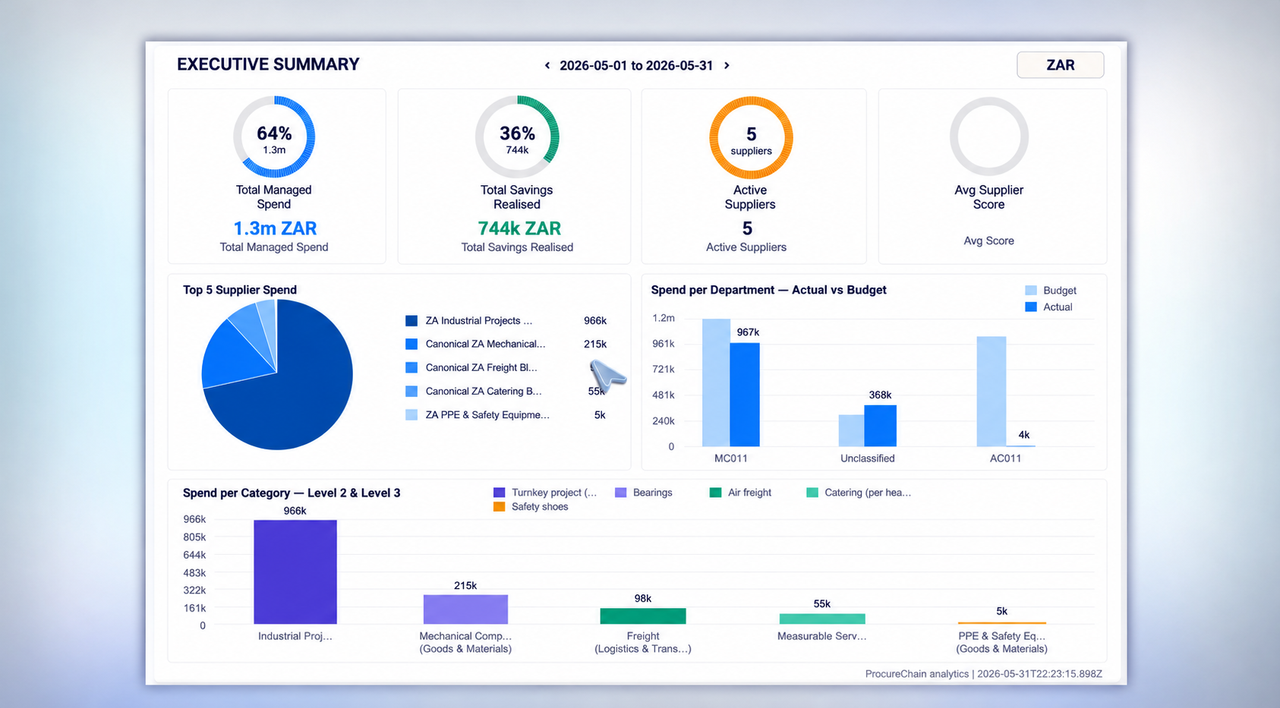
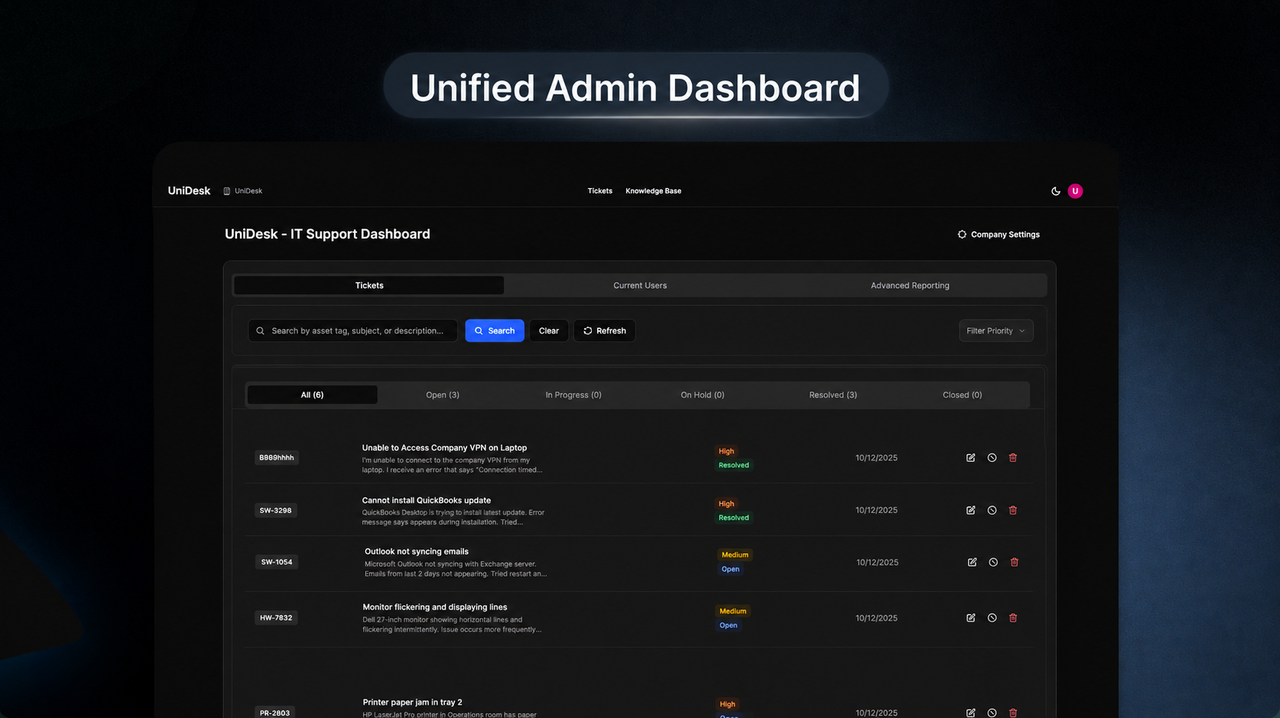
For ProcureChain, the product story follows a procurement workflow from requisitions and supplier quotes through approvals, purchase orders and reporting. For UniDesk, the demo follows an IT support request as it moves from employee submission into assignment, prioritization and AI-assisted support. These are examples of turning a complicated interface into a focused buyer journey, not claims of increased revenue or conversion. Both projects appear in the work examples below, where visitors can watch the actual videos.
Our animated product demo video production process
The starting point is a real user task and the one outcome a buyer must understand. We agree on the audience and placement, review your live product or approved screens, and map a short sequence with only the UI states that matter. After the storyboard is approved, we animate interfaces, labels and supporting illustrations, then finish narration, sound, captions and export variants according to the brief. The product owner reviews any simplified interface states so the finished demo stays accurate.
- Discovery: audience, use case, product access and approved claims
- Storyboard: the before, action and outcome of a real workflow
- Animation: interface transitions, annotations and supporting motion
- Delivery: reviewed video exports suited to your website, sales deck or launch
What affects a SaaS product demo video quote?
A demo built from approved Figma screens is different from a project that requires interface reconstruction, multiple workflows or several language versions. The number of scenes, UI complexity, animation style, voiceover, captions, aspect ratios and revision requirements shape the scope. Tell us where the video will run and which product journey matters; we can propose a focused deliverable list rather than quoting a generic per-minute package.
Featured Work
 1:00
1:00ProcureChain — Procurement SaaS Product Demo
Animated procurement SaaS demo connecting requisitions, supplier quotes, approvals, purchase orders and spend reporting.
 1:40
1:40UniDesk — AI-Powered IT Support Platform
An animated SaaS product demo showing employee IT tickets, prioritization, assignment and AI-assisted support workflows.
 1:30
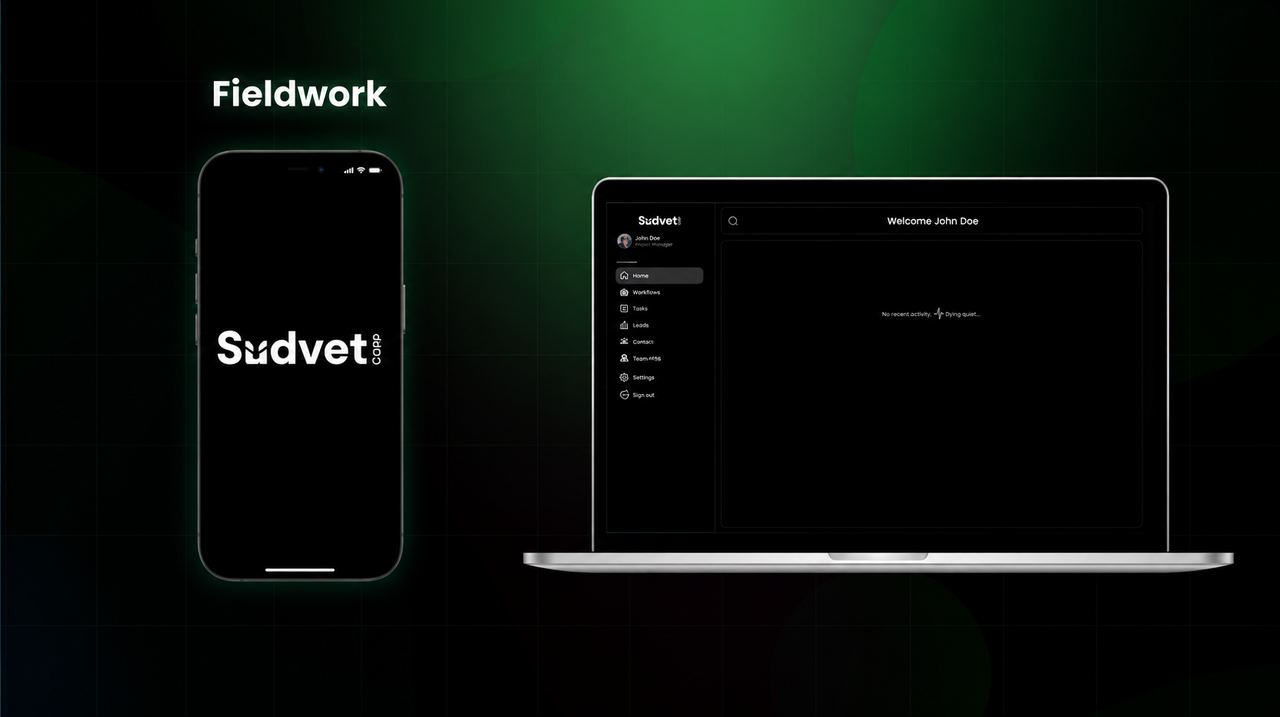
1:30Sudvet Corp — Aquaculture Field Operations Platform
Software explainer for aquaculture field operations, including mobile treatment workflows, offline records and central oversight.
Industries We Make This For
Product Demo Videos: Questions We Get
Animation can help simplify crowded screens, stage representative data and maintain visual consistency. Screen recording may suit a stable interface and a straightforward workflow. Accuracy and the placement determine the choice.
Also in 2D Animation
SaaS Explainer Videos
Custom 2D SaaS explainer videos for software launches, product positioning and sales conversations.
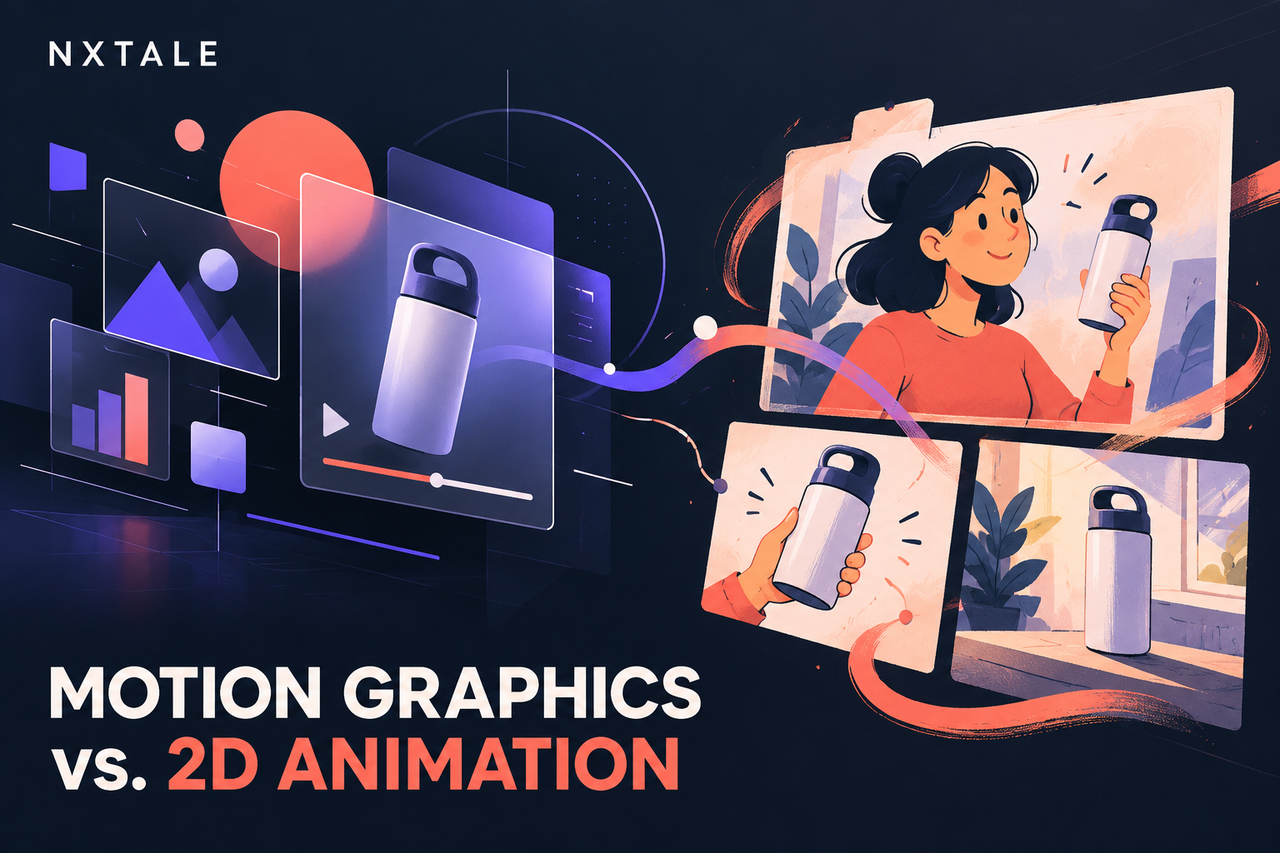
Motion Graphics
Movement that makes information easier to see, follow, and remember.
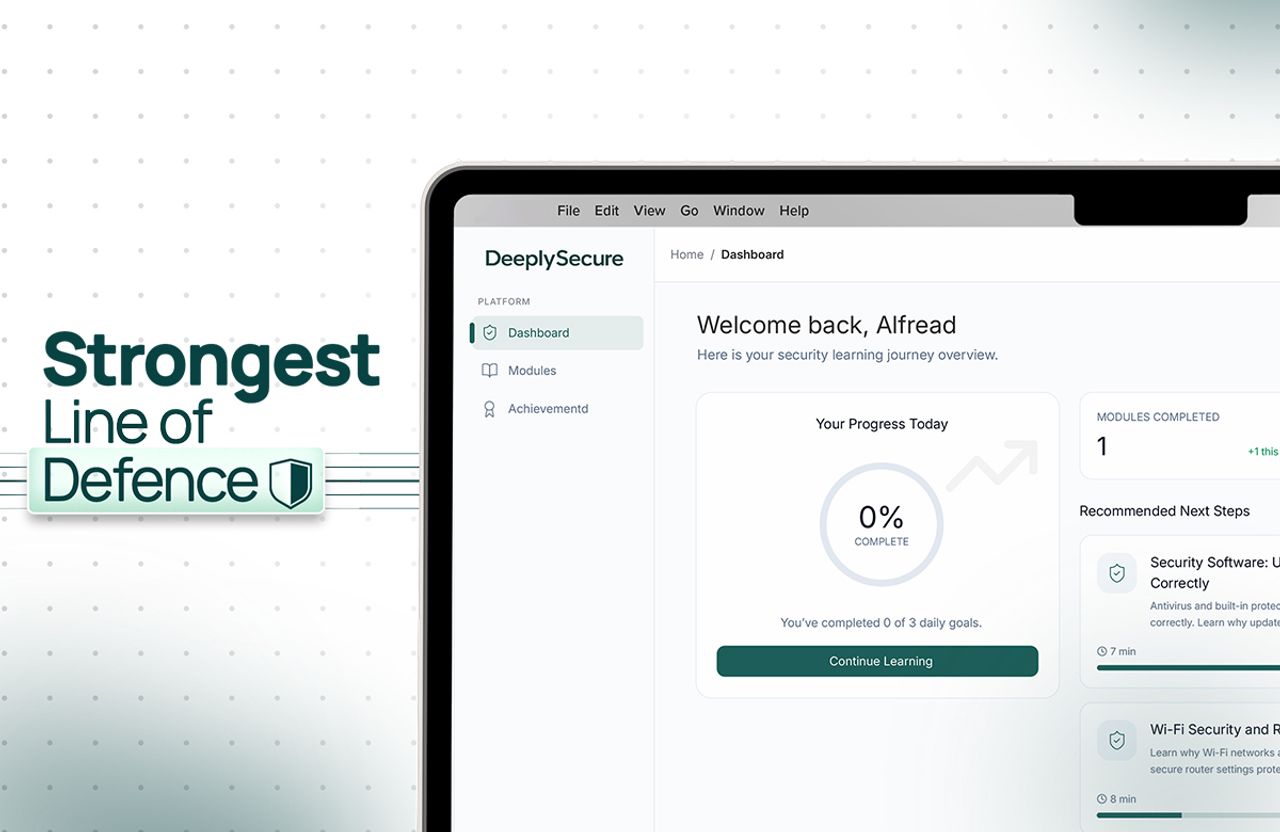
Walkthrough Videos
Step by step, at the speed someone actually taps.
Not Sure Which One You Need?
Tell us the message, the audience, and the goal. We will help you find the format that makes the most sense.