
Walkthrough Videos
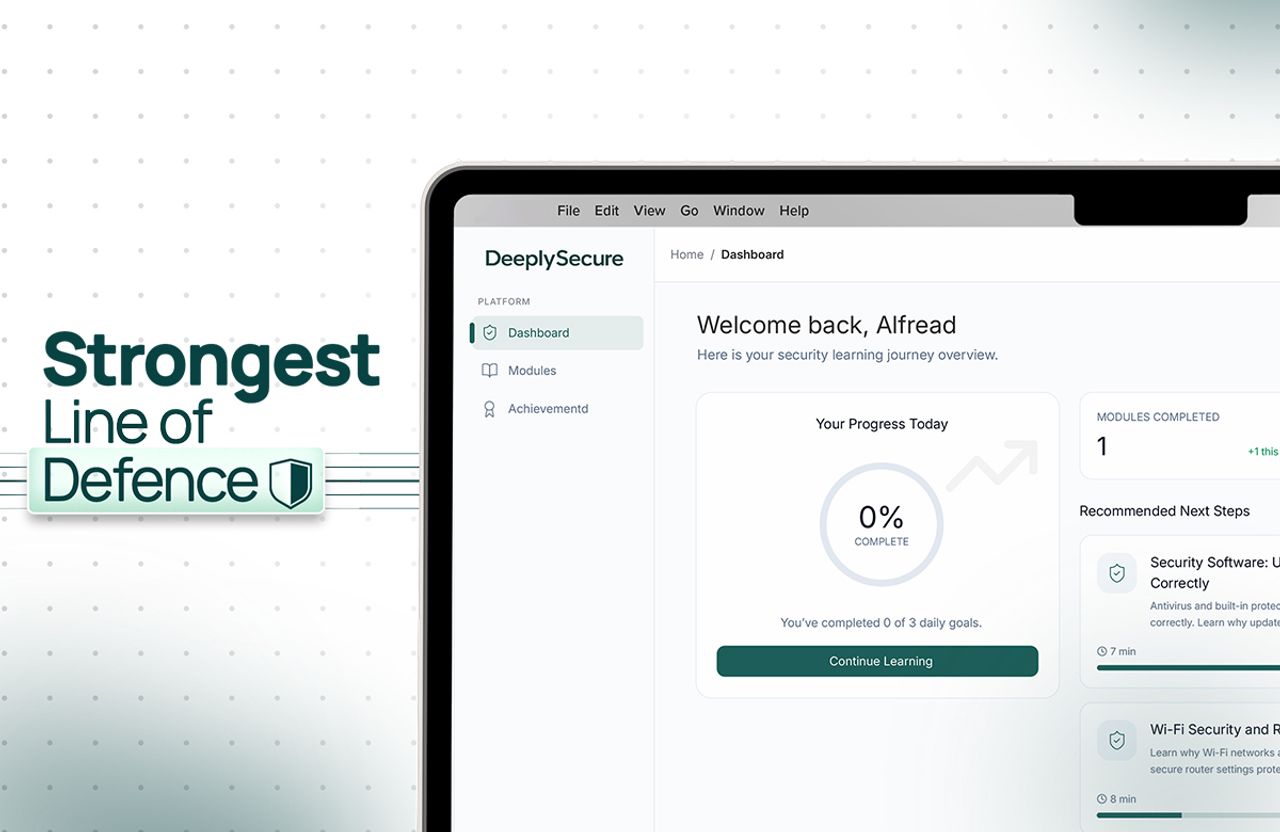
A walkthrough video helps someone complete a task, not just recognize that a feature exists. We plan the steps around a specific user journey, such as getting started, submitting a request or moving through a product workflow. Each screen, transition and instruction should make the next action clear. An animated walkthrough can simplify a crowded interface, use representative data and maintain a consistent visual style. It still needs to reflect the actual product, including the correct sequence and any important prerequisites. The intended viewer matters: an onboarding lesson may need slower pacing than a short sales demonstration. Share the workflow, product references and where the video will appear so we can scope the right level of guidance.
What you get
- Walkthrough concept and creative direction
- Scriptwriting and visual sequencing
- Custom UI and interface animation
- Step-by-step workflow visualization
- Voiceover and sound design
Best for
- Product onboarding
- Feature walkthroughs
- Software tutorials
- Customer education
- Support and training content
Build the sequence around a real user task
A useful walkthrough has a clear starting point, a small number of necessary actions and a recognizable end result. We review the workflow before preparing a script or storyboard. Screens that do not help explain that task can be omitted from the sequence.
Check instructions with someone who knows the product and someone who represents the intended viewer. That helps catch missing prerequisites, unexplained labels and transitions that move too quickly.
Plan for onboarding and future product changes
If you need several tutorials, define the tasks as separate videos rather than putting every feature into one long tour. Consistent screen framing, captions and naming help viewers find the right lesson.
Identify the interface areas most likely to change before production. A modular sequence can make later revisions easier to scope, while accurate source screens and a clear approval process reduce avoidable rework.
- Provide the current screens and task sequence
- Identify account roles, prerequisites and example data
- Confirm captions, narration and intended placement
Featured Work
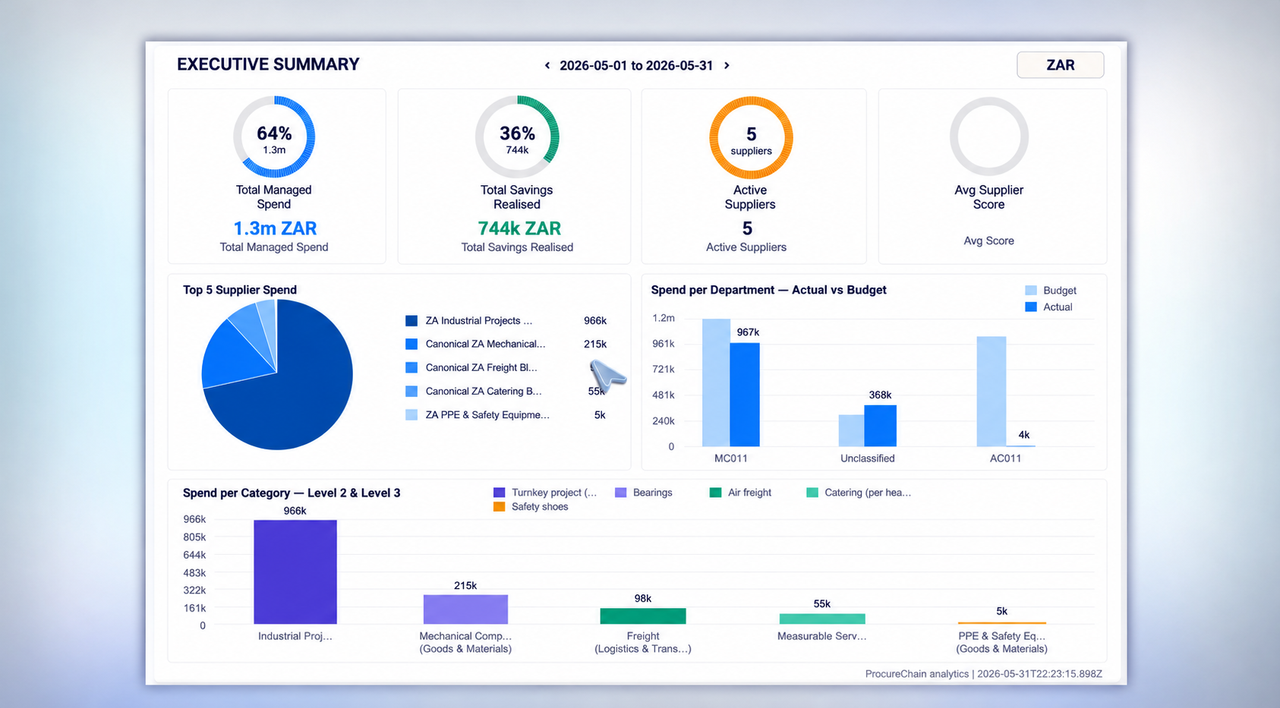 1:00
1:00ProcureChain — Procurement SaaS Product Demo
Animated procurement SaaS demo connecting requisitions, supplier quotes, approvals, purchase orders and spend reporting.
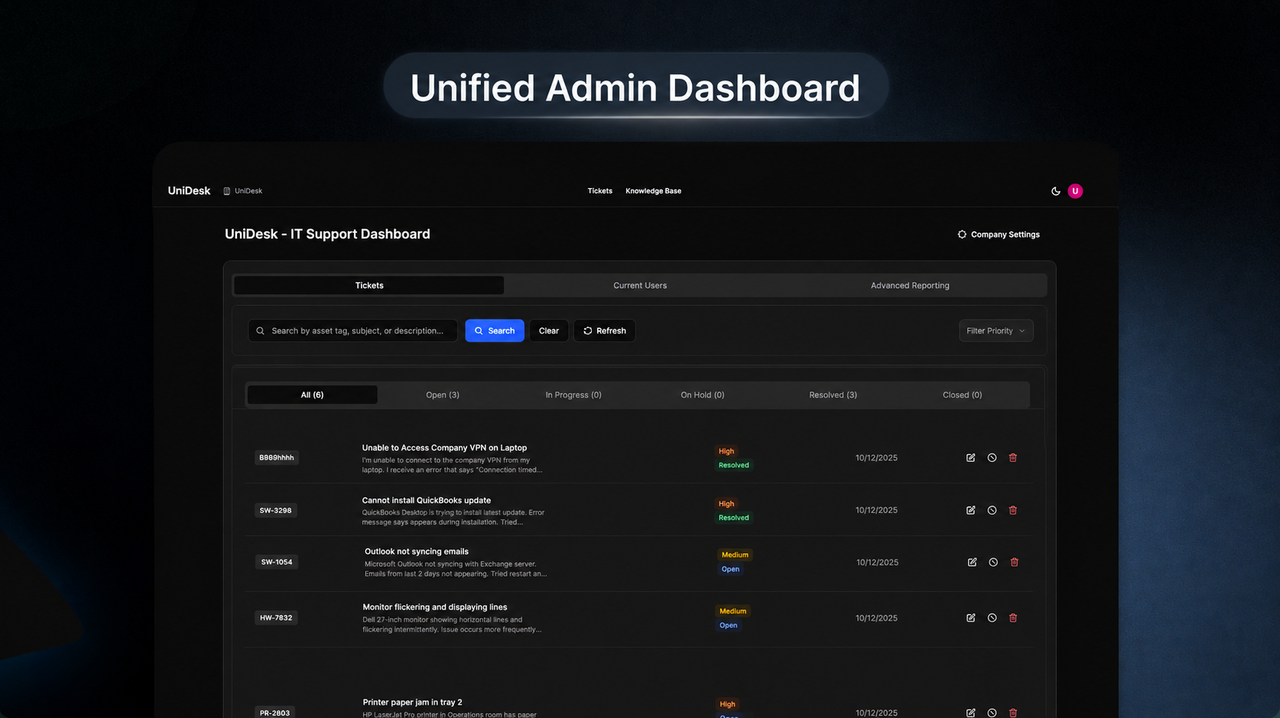 1:40
1:40UniDesk — AI-Powered IT Support Platform
An animated SaaS product demo showing employee IT tickets, prioritization, assignment and AI-assisted support workflows.
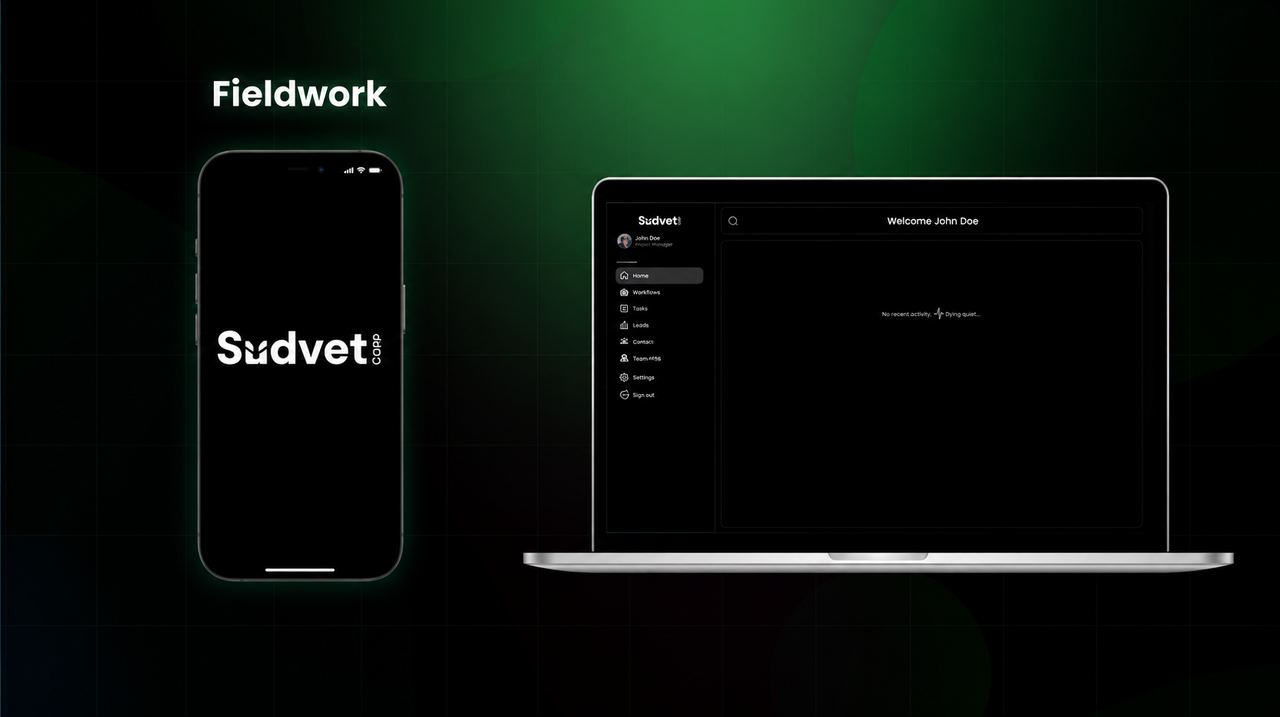 1:30
1:30Sudvet Corp — Aquaculture Field Operations Platform
Software explainer for aquaculture field operations, including mobile treatment workflows, offline records and central oversight.
Industries We Make This For
Walkthrough Videos: Questions We Get
A product demo usually helps a buyer understand value or a use case. A walkthrough guides a viewer through the steps of a task. The audience and intended action determine how detailed the sequence should be.
Also in 2D Animation
SaaS Explainer Videos
Custom 2D SaaS explainer videos for software launches, product positioning and sales conversations.
Motion Graphics
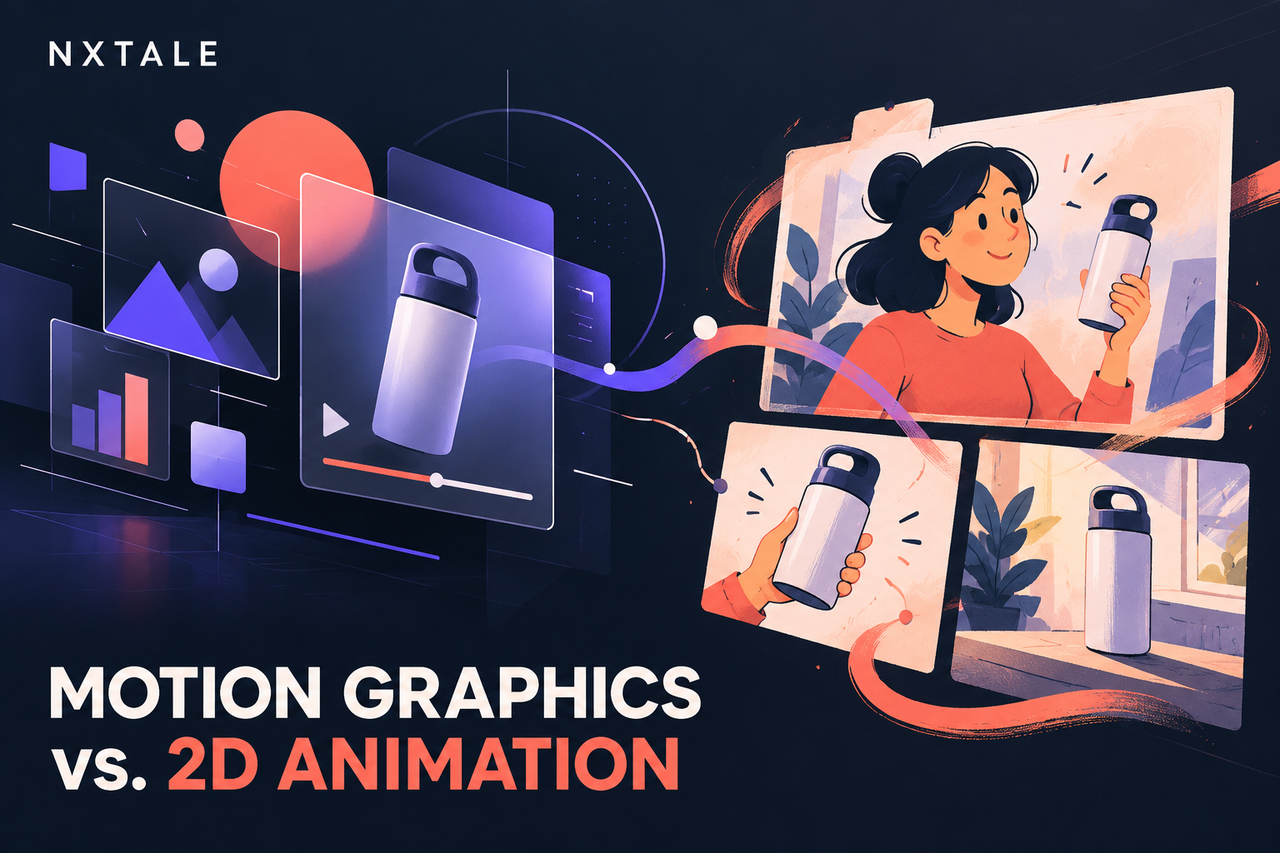
Movement that makes information easier to see, follow, and remember.

Product Demo Videos
Animated product demo videos for SaaS teams that need to show the real workflow, not just a list of features.
Not Sure Which One You Need?
Tell us the message, the audience, and the goal. We will help you find the format that makes the most sense.