
3D Industrial Animation Services
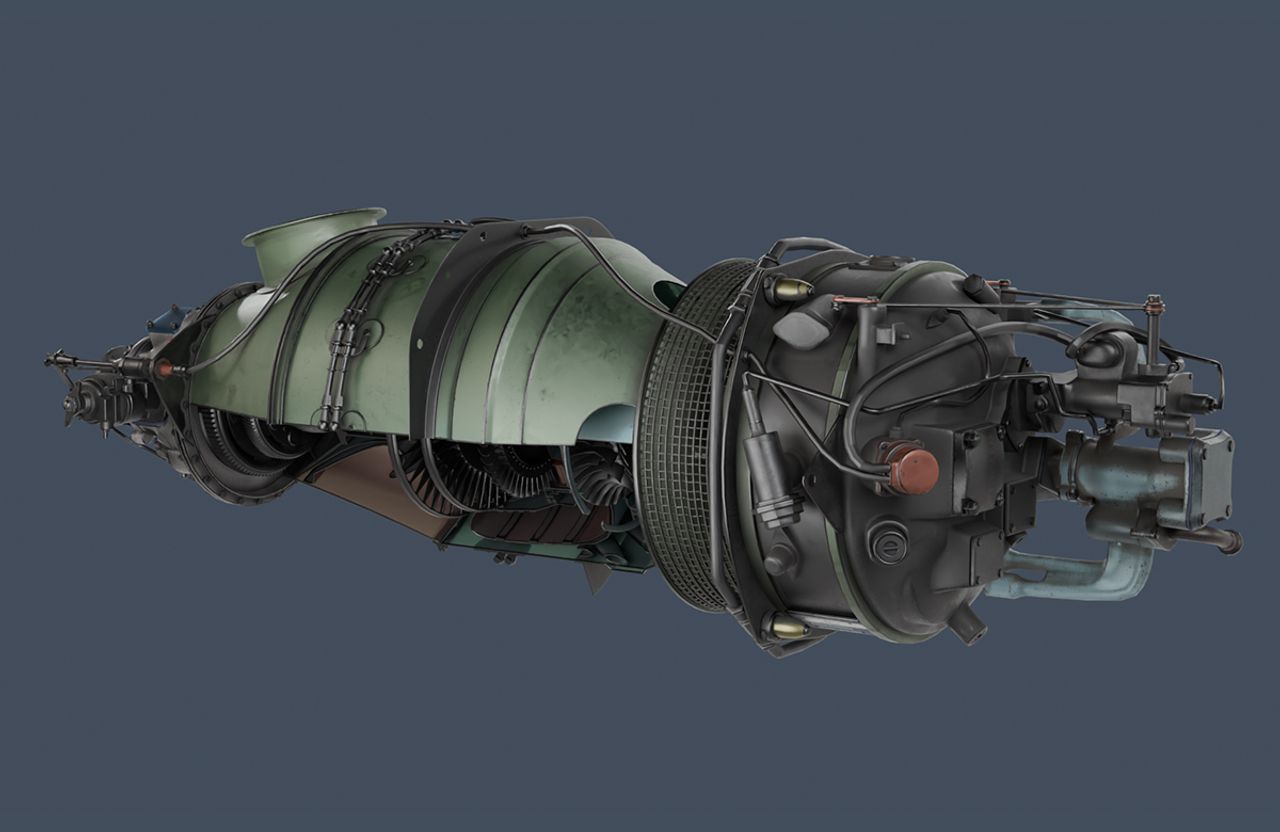
3D industrial animation can explain a machine or process when a camera cannot show the important parts, equipment is not yet installed, or the viewer needs to see inside a system. We build the visual sequence around the technical question: what moves, how components connect, and which steps matter to the audience. Available CAD files, drawings, reference images, and engineering notes help establish the right level of detail. We plan camera views and an animation outline for review before developing the final scenes. Depending on the brief, the work may show exploded components, cutaways, assembly or operating sequences, labels, or a technical environment that gives the viewer context. The output can be planned for a sales presentation, trade show, engineering explanation, or training material, with captions or narration if needed. Your technical team should review specifications and safety language before delivery. Share the product references and the mechanism or process that needs explaining, and we can recommend the visual approach and scope.
What you get
- Technical reference review and visual outline
- 3D modeling and component visualization
- Exploded, cutaway, or process animation as scoped
- Camera, lighting, labels, and rendering
- Final video assets for agreed uses
Best for
- Industrial machinery and equipment
- Component and assembly explanations
- Manufacturing process visualization
- Engineering and sales presentations
- Technical training materials
Explain the mechanism that cannot be filmed clearly
We select the component, operating sequence or installation relationship the audience needs to understand. Cutaways, exploded views and controlled camera movement can show how parts connect without requiring physical access to the complete system.
The ChemDial, Gizmo Height Bar Alarm, Radar Sensor and mechanical-assembly projects below provide different examples of technical visualization. Each brief needs its own references, terminology and review by people who understand the equipment.
Set the technical reference and approval process
Share available CAD, drawings, product images and operating notes. Identify what is confirmed, which details are provisional and whether the intended use is sales, a technical explanation or training.
Visual accuracy should be checked before final rendering. Safety instructions and engineering claims require the appropriate review; an animation is a communication asset and does not independently validate machinery or a process.
Industrial animation examples: pumps, sensors and safety
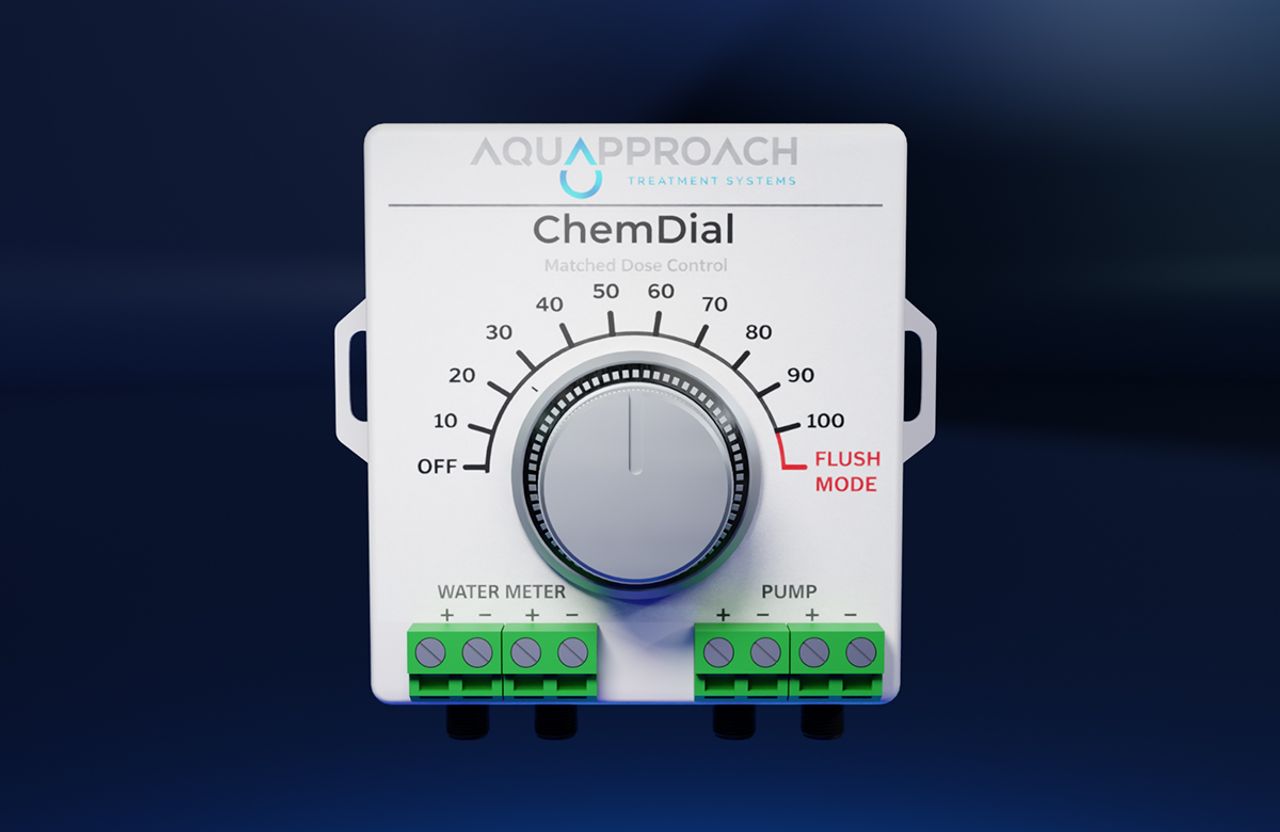
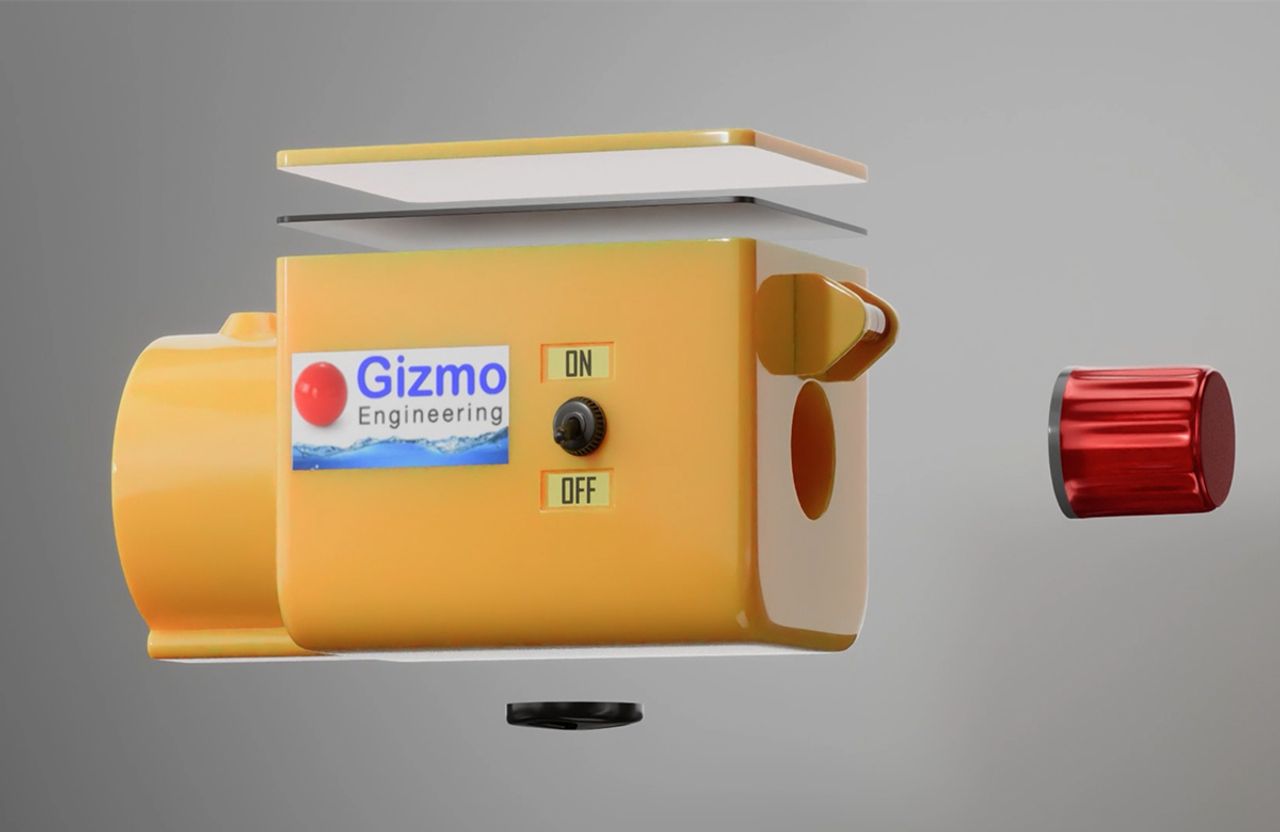
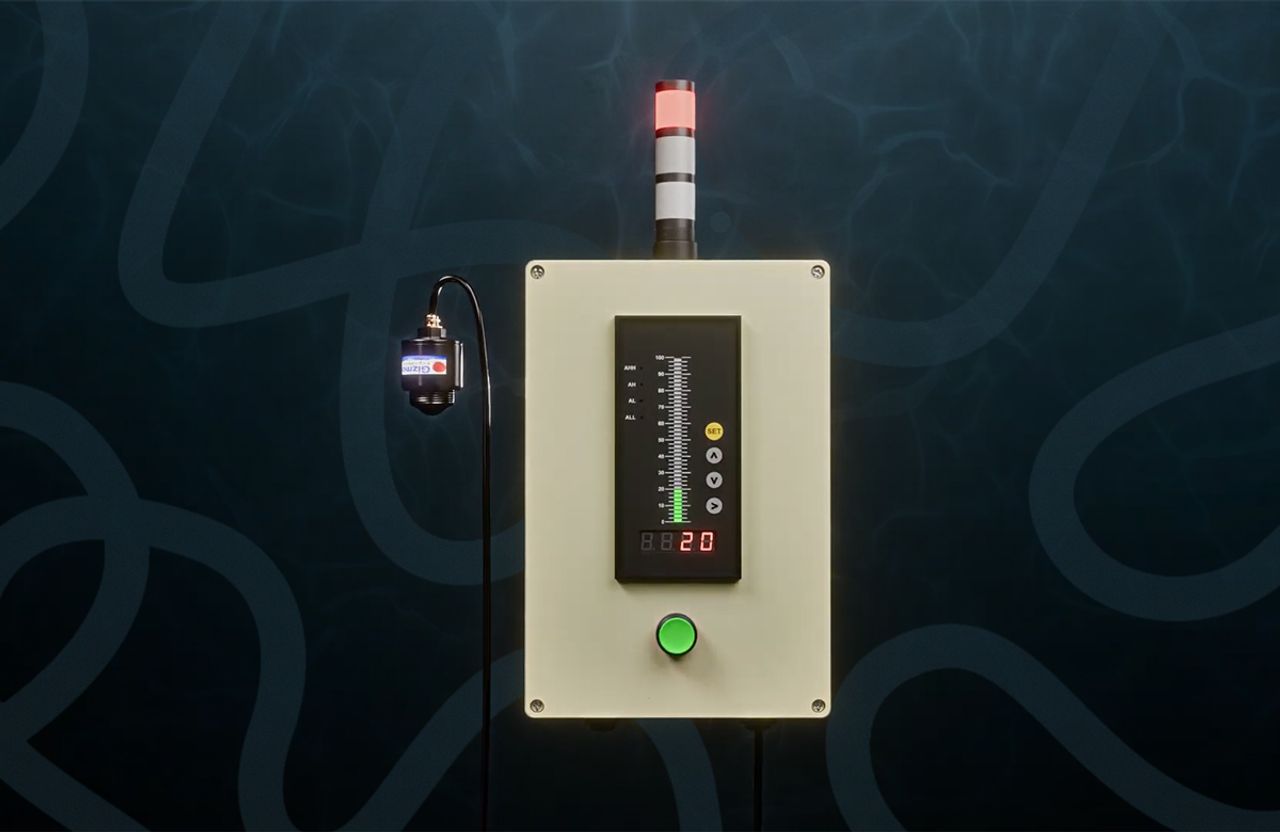
The ChemDial film helps explain how an adjustable chemical dosing controller integrates with a water line and pump. Our radar-level monitoring animation shows a non-contact sensor measuring changing liquid levels inside a tank and relaying status feedback. The Gizmo Height Bar Alarm video illustrates an overheight vehicle warning system and reset sequence. These are practical uses for industrial animation: explaining motion, components and conditions that would be difficult to film clearly.
Our technical 3D animation workflow
We begin with the engineering question: which mechanism, component, step or process does the audience need to understand? Reference CAD, mechanical drawings, photographs, operating notes and approved terminology determine the modeling approach. We review the sequence and camera views with a product owner before full animation, then use cutaways, labels and controlled motion to communicate the approved operation. For safety-critical systems, the responsible engineering team must confirm the technical claims.
- Collect CAD, drawings, reference photos and operating sequence
- Agree which components, process states and views the audience needs
- Storyboard camera moves, cutaways and annotations for technical review
- Produce, render and deliver versions for sales, training or presentations
What influences industrial animation scope?
An existing 3D model does not always include materials or geometry suitable for visualization. Detailed assemblies, internal fluid or material movement, process environments, annotations and required technical reviews can change the work considerably. Sharing available source files, intended audience, final use and approval responsibilities helps define a realistic project scope before production starts.
Featured Work
 1:56
1:56ChemDial — 3D Product Animation for Water Treatment
3D animation showing ChemDial's adjustable chemical dosing control, pump integration and continuous water-treatment workflow.
 2:10
2:10Gizmo Height Bar Alarm — Industrial Safety Animation
Industrial 3D animation showing how an overhead height bar detects an overheight load, triggers a warning and resets.
 0:00
0:00Radar Sensor — Industrial Level Monitoring Animation
Technical 3D animation visualizing non-contact radar level monitoring, changing liquid levels and tank status feedback.
0:00Mechanical Product — 3D Engineering Visualization
3D engineering visualization presenting a mechanical assembly's geometry, components and materials from controlled viewpoints.
 0:45
0:45SonoCath — 3D Medical Device Animation
3D medical device animation showing catheter insertion, anatomical positioning and balloon inflation in a clear technical sequence.
Industries We Make This For
3D Industrial Animation: Questions We Get
CAD can be a useful starting point. We assess model readiness, required detail and what needs to move or be revealed before defining the animation scope.
Also in 3D Animation
3D Product Animation
3D product animation for launches, ecommerce and technical product stories, including feature reveals, cutaways and working mechanisms.

3D Product Visualization
Turn product concepts into something you can see, refine, and experience.
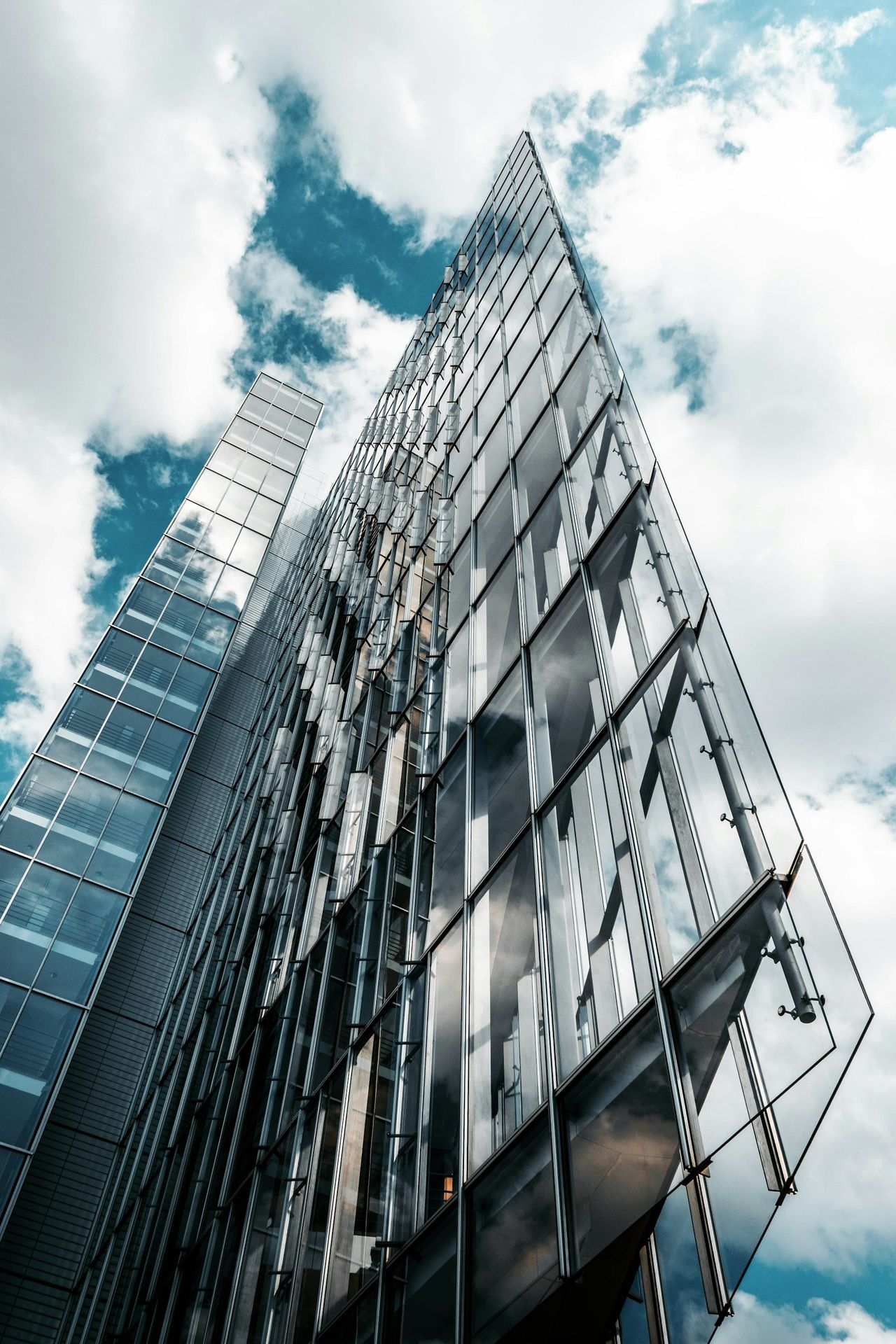
3D Architecture Render & Animation
See the space before it exists.

3D Character Design & Animation
Characters with personality, presence, and a story to tell.
Not Sure Which One You Need?
Tell us the message, the audience, and the goal. We will help you find the format that makes the most sense.