SaaS product videos are often watched in busy settings, on small screens, or with sound turned off. Captions and clear visuals help more people follow the explanation and make the video more useful in those contexts. Accessibility should shape the script, design, and delivery—not be added as a last-minute export task.
Write for listening and reading
Use direct sentences and explain product terms before relying on them. Voiceover should add context rather than repeat every label that already appears on screen. Keep important instructions long enough to read, and avoid placing captions over buttons, charts, or other essential interface details.
When a sound effect conveys meaning, such as an alert or status change, make sure the visual also communicates what happened. Do not rely on colour alone to distinguish states; pair colour with a label, icon, or other visible cue.
Create and review accurate captions
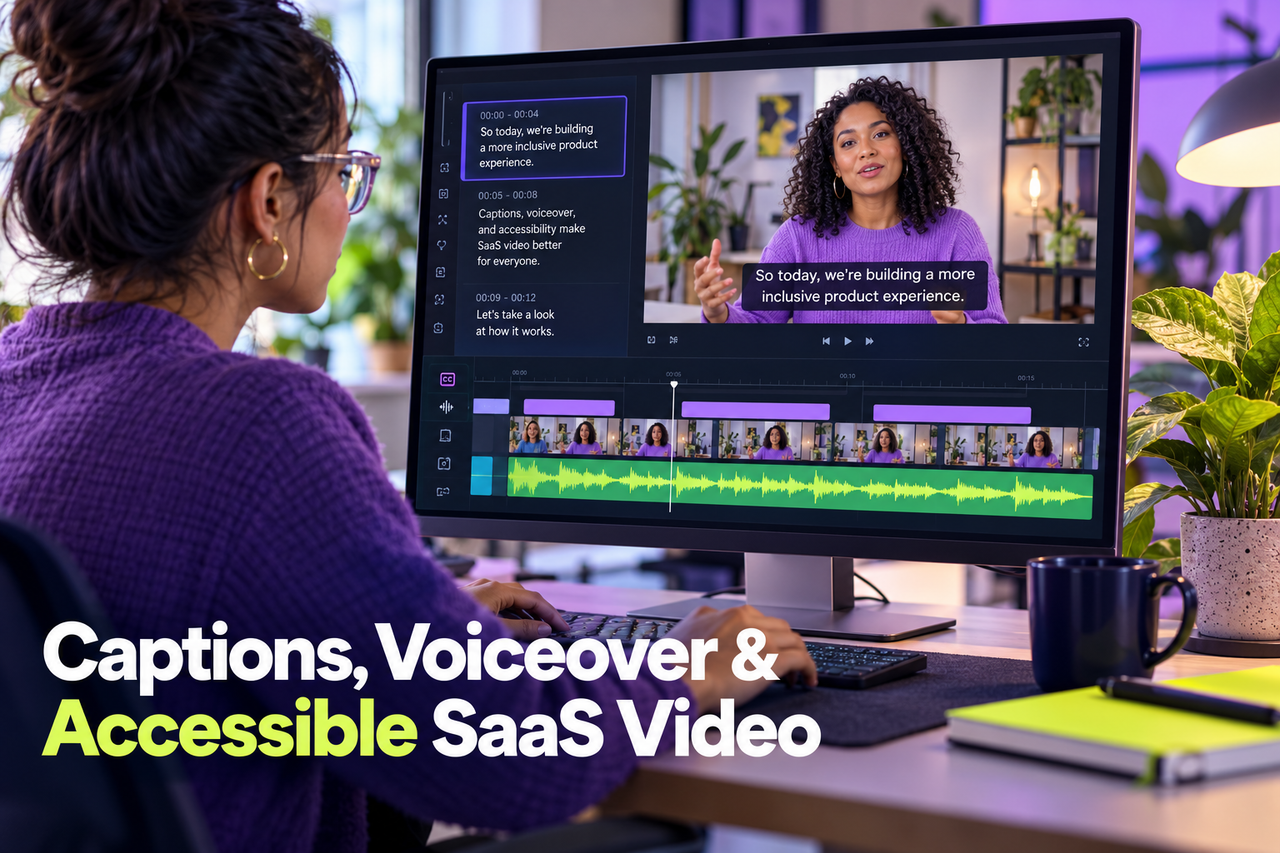
Use captions that match the final voice track, including meaningful speaker changes and relevant non-speech audio. Automatic transcription can help create a first pass, but a person should review product names, acronyms, punctuation, timing, and line breaks. Incorrect captions can change the meaning of a product instruction.
Choose a delivery format that fits the platform. A caption file can let viewers turn captions on or off; burned-in captions may suit a silent social clip. Keep text high contrast, readable at the intended size, and positioned so it does not cover the action being described.
Make the interface readable
Show only the part of the interface needed for the current step. Crop carefully, increase scale where needed, and give viewers time to notice changes. Small text and fast cursor movement make even a well-narrated demo difficult to follow.
Use a descriptive thumbnail and title, and provide a nearby text summary or transcript when it helps people scan or revisit instructions. Check that controls work with keyboard navigation where the player allows it, and test on mobile as well as desktop.
Include access in the production review
Add caption accuracy, contrast, readable type, sound-off comprehension, and mobile playback to the normal review checklist. Ask people with different viewing needs to test the video when possible. Accessibility standards and legal obligations vary by context, so organizations should confirm their own requirements with the appropriate specialist.
These choices often improve clarity for every viewer. For a product walkthrough, a clean interface, deliberate pacing, and precise captions make the steps easier to understand even when sound is available.