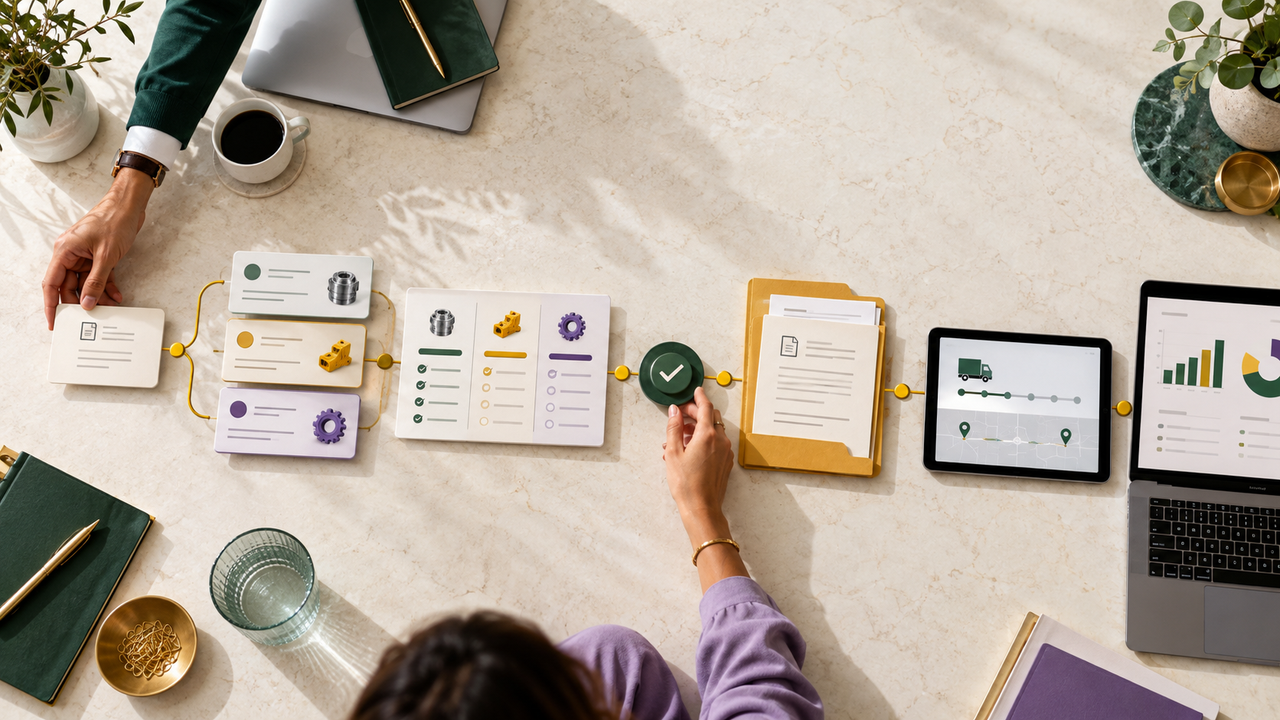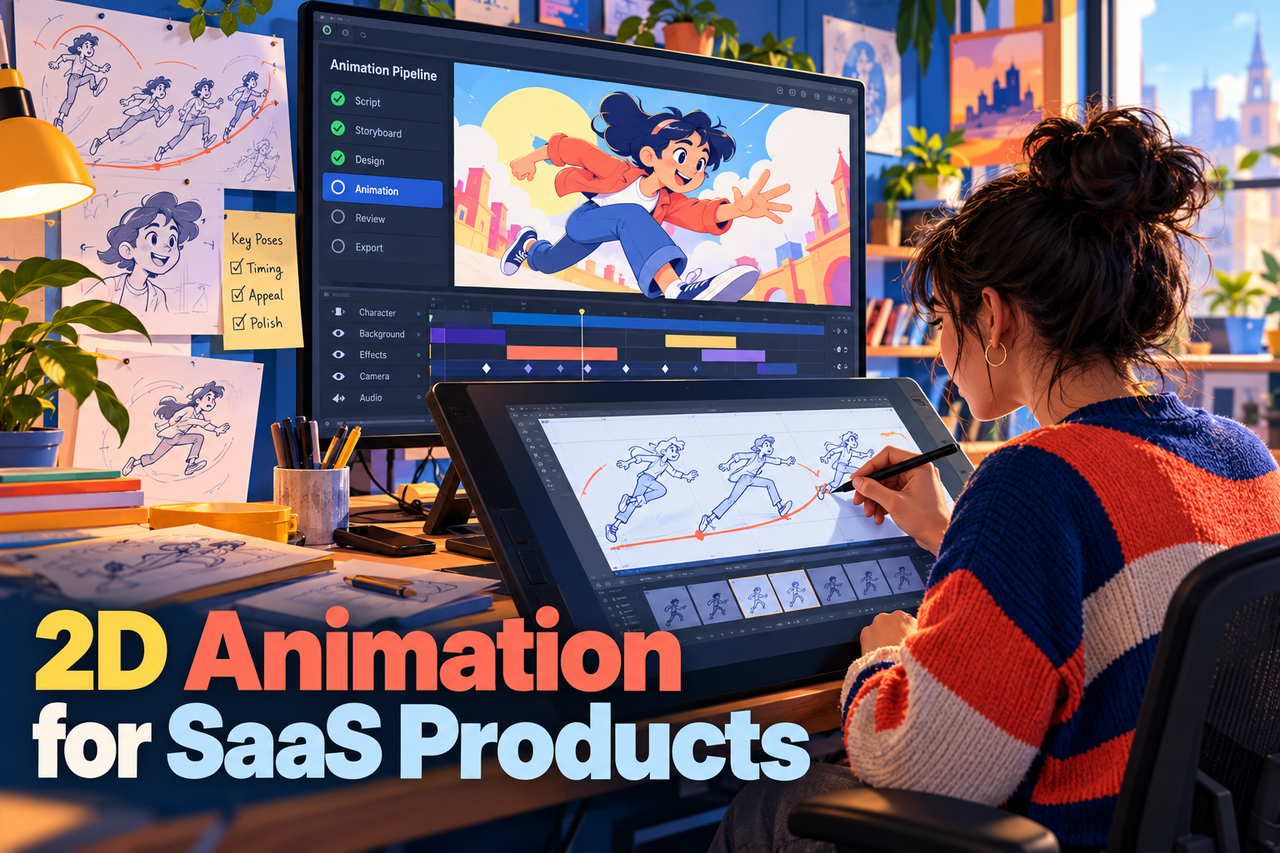
SaaS products can be difficult to explain when their value depends on several steps, roles, or pieces of information working together. 2D animation gives a team control over what appears on screen and in what order. Used well, it helps viewers follow the product story without turning the video into a tour of every feature.
Choose the part of the product that needs explaining
Start with one audience and one question. A new buyer may need to understand the problem the software addresses; an evaluator may need to see a workflow; an existing user may need help with a task. The video should focus on that question and leave secondary details to the website or help content.
Write the product explanation in plain language before choosing scenes. State the user’s situation, what the software helps them do, and what changes after the workflow. This keeps the animation from becoming a sequence of attractive visuals with no clear point.
Use visual elements with a clear job
Interface screens can show where a user acts. Labels and diagrams can explain relationships or data flow. Characters can represent a user’s context, while simple visual metaphors can introduce an abstract idea. Give each element a reason to be there, and distinguish metaphors from literal product behavior when needed.
For interface scenes, show the relevant controls large enough to read and long enough to follow. Simplify surrounding detail, but do not change a step in a way that misrepresents the product. Confirm screens and feature names with the product team before production.
Design the story before the animation
Create a short script and storyboard that connect the user problem to the product workflow and next action. Review the sequence with someone who does not already know the product. If they cannot explain what the software does after one viewing, revise the story before producing finished scenes.
Decide early where the video will be used. A homepage overview, feature page, sales presentation, and onboarding clip need different levels of detail and different calls to action. If several versions are needed, identify the shared scenes and what must change for each audience.
Keep claims and visuals accurate
Animation makes it easy to show an idealized workflow, so check that permissions, human review, waiting steps, integrations, and limitations are represented honestly. Use approved product claims and avoid promises that the company cannot support.
A useful 2D SaaS video makes the important idea easier to grasp while leaving viewers with an accurate expectation of the product.