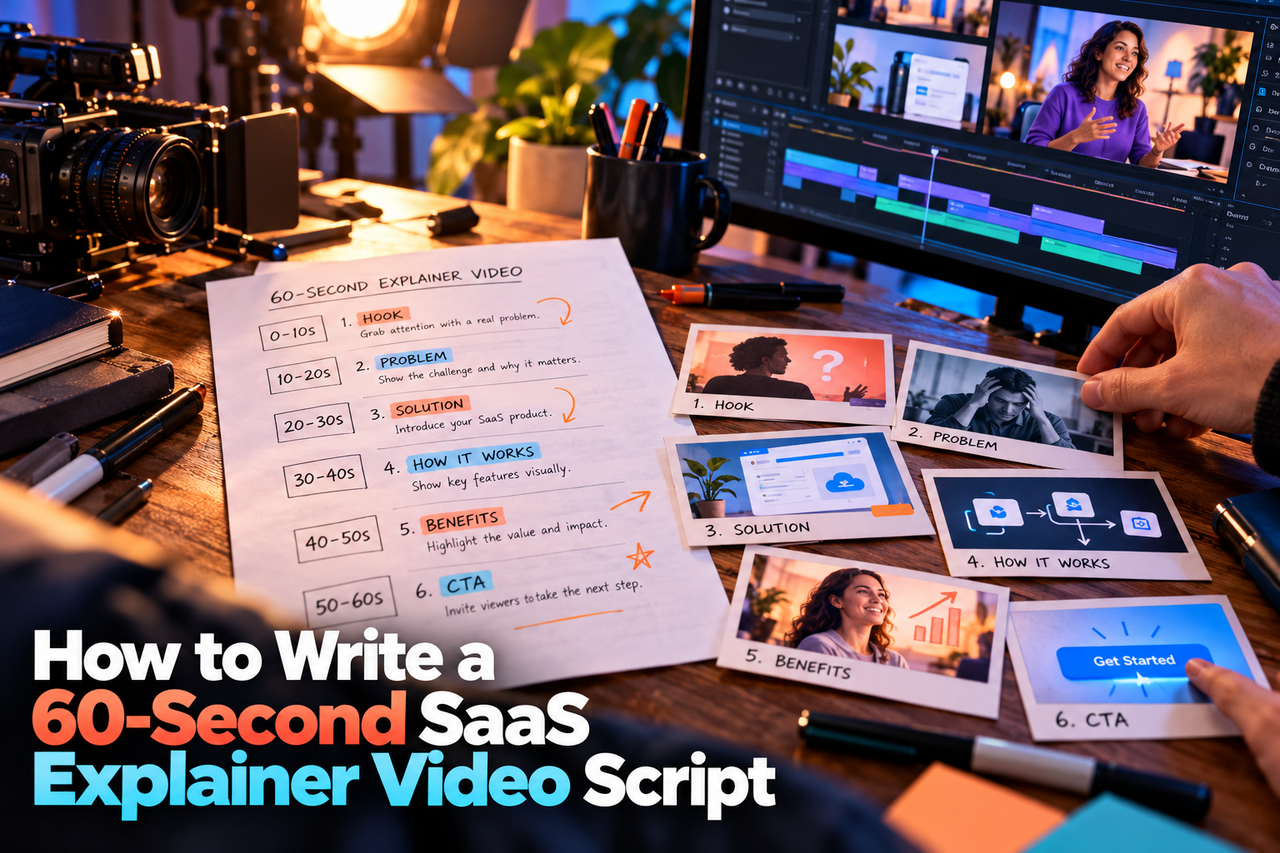
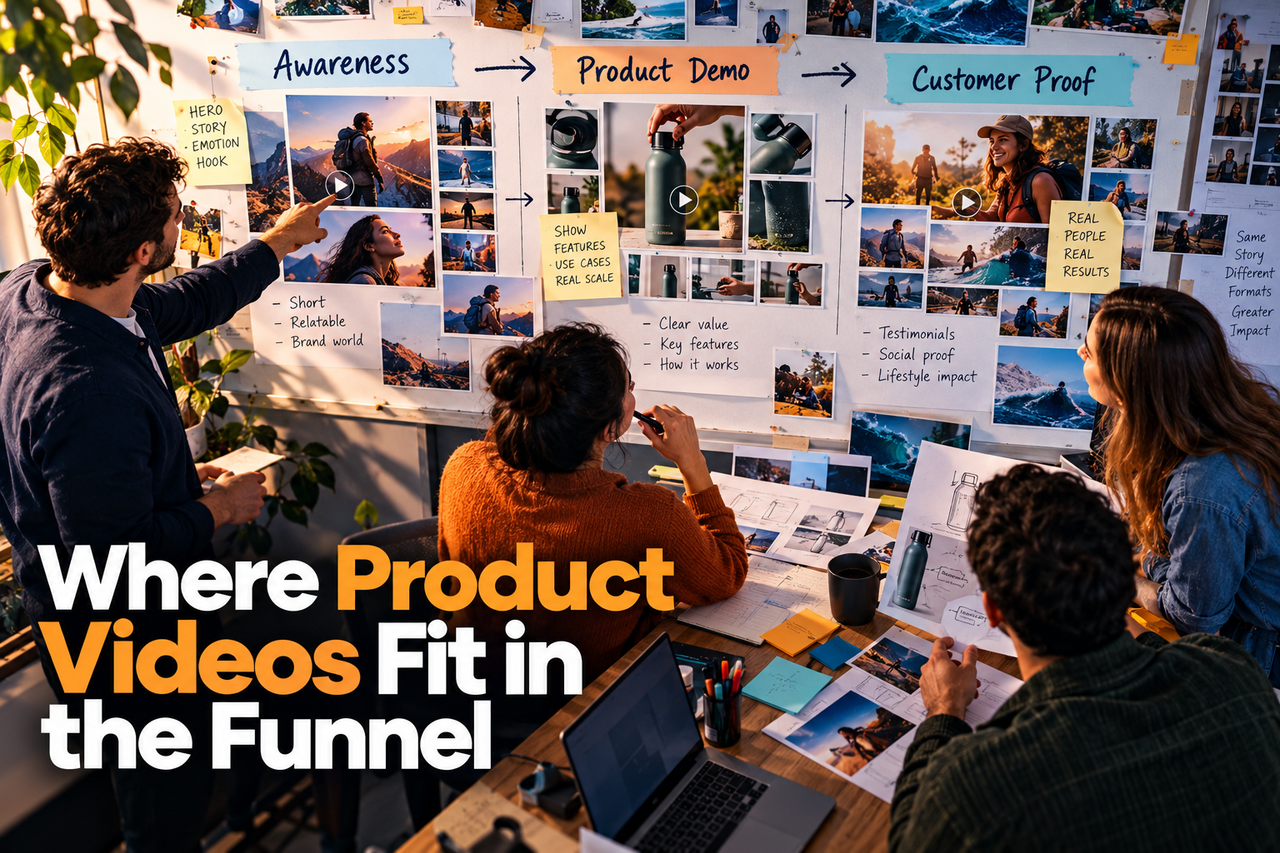
A useful SaaS onboarding library is a set of focused answers to common user questions. Instead of recording one long tour, map the tasks people need to complete and make it easy to find the right video at the right moment.
Start with the user journey
List the first actions a new user needs to take, from account setup to completing a meaningful task. Talk to support, customer success, or product teams to find where users ask for help. Turn each recurring question into a candidate topic, then prioritize by importance and frequency.
Give every video one clear task
Each video should answer one question, such as how to invite a teammate, connect an integration, or review a report. A focused title and opening help viewers decide quickly whether they have found the right answer. Keep the explanation as short as the task allows; do not cut context that prevents confusion.
- Show the starting point before demonstrating the steps.
- Use the current product interface and explain what changes on screen.
- Finish with the expected result or the next action.
Choose the right video format
An animated product demo can show interface steps in a controlled, uncluttered way. A broader SaaS explainer video can introduce what the product does and why its workflow matters. Some libraries benefit from both: an overview for orientation and shorter task videos for specific questions.
Plan for product updates
Software interfaces change. Keep a record of which screens and features appear in each video, and save source files and approved scripts where the team can find them. Build scenes so that small interface updates can be assessed without assuming the entire video needs to be remade. Review videos after meaningful product changes and remove instructions that no longer match the interface.
When a release changes an existing workflow, our guide to SaaS feature release videos explains how to introduce the change without turning it into a full product tour.
Make videos easier to use
Use descriptive titles and place each video near the relevant product task or help article. Add captions, make important on-screen text readable, and avoid relying on colour or sound alone to explain a step. Check that the video works on the devices your customers use.
When delivering task videos across devices, plan narration and readable text alongside the script. Our guide to captions and voiceover for SaaS videos covers the accessibility details worth checking before delivery.
Measure usefulness, then improve
Choose a small set of signals that match the job of each video: starts, completion, clicks to the next step, or repeat support questions about the same task. These measures do not prove that a video caused a product outcome, but they can show where viewers stop or where instructions may need attention.
For a broader view beyond tutorial completion, compare the video metrics B2B teams should track and select the signals connected to each video's actual purpose.
For help choosing between an explainer and a product walkthrough, read SaaS explainer video vs. product demo.