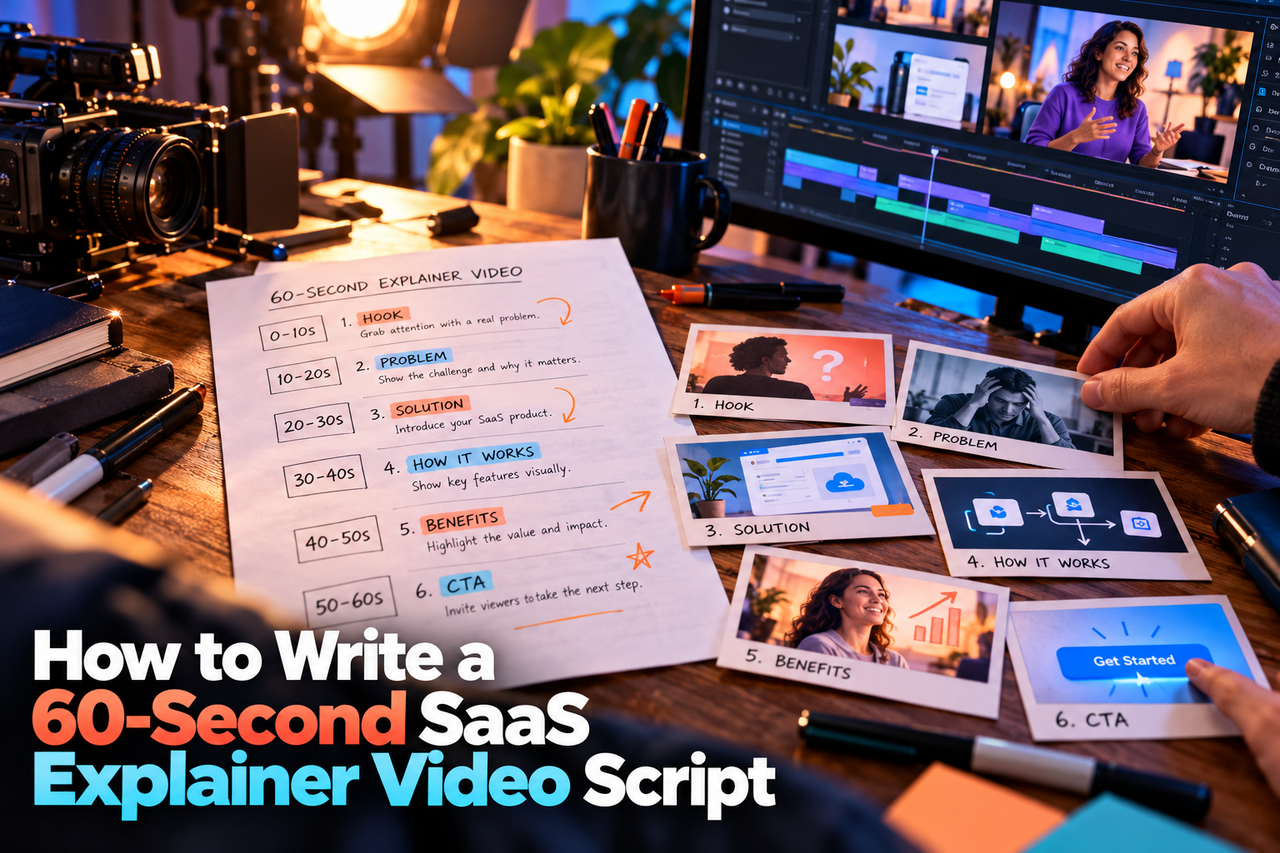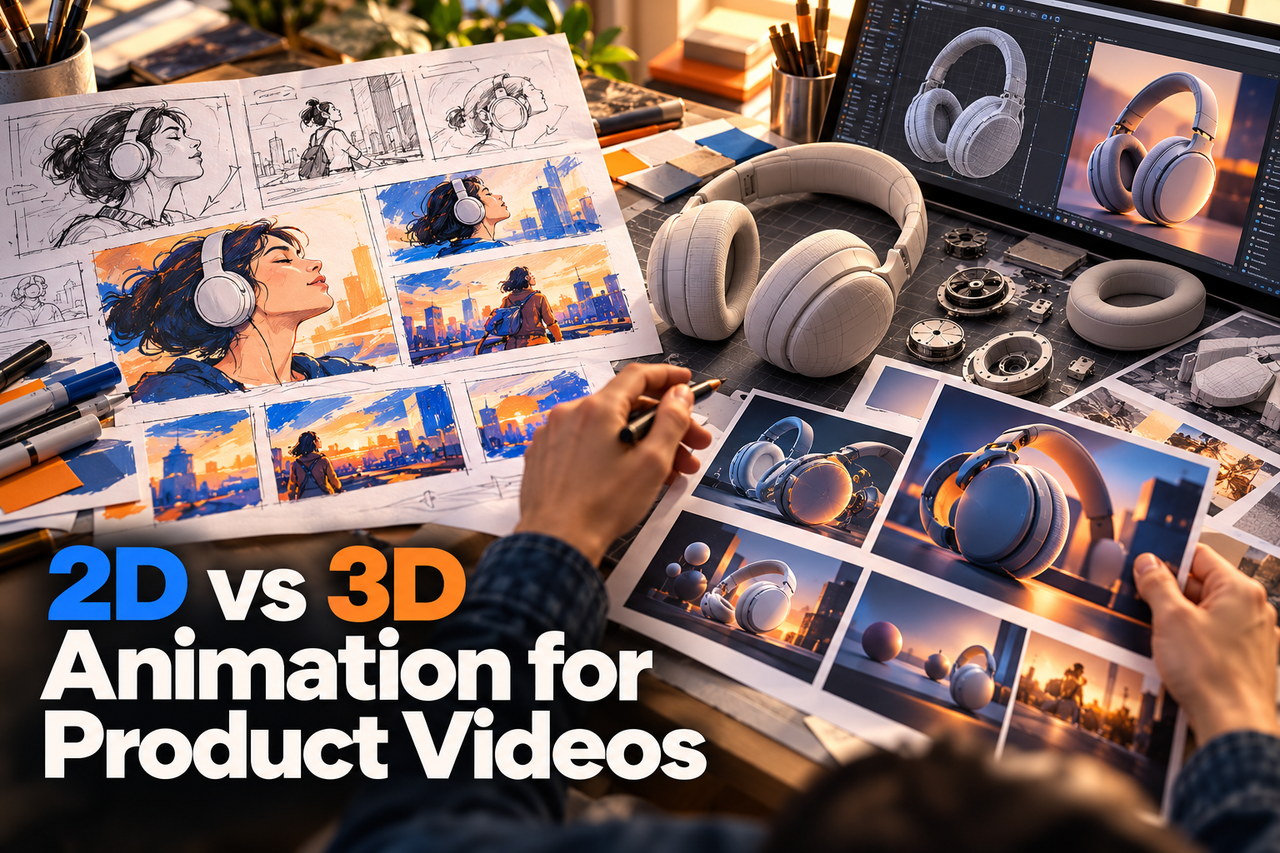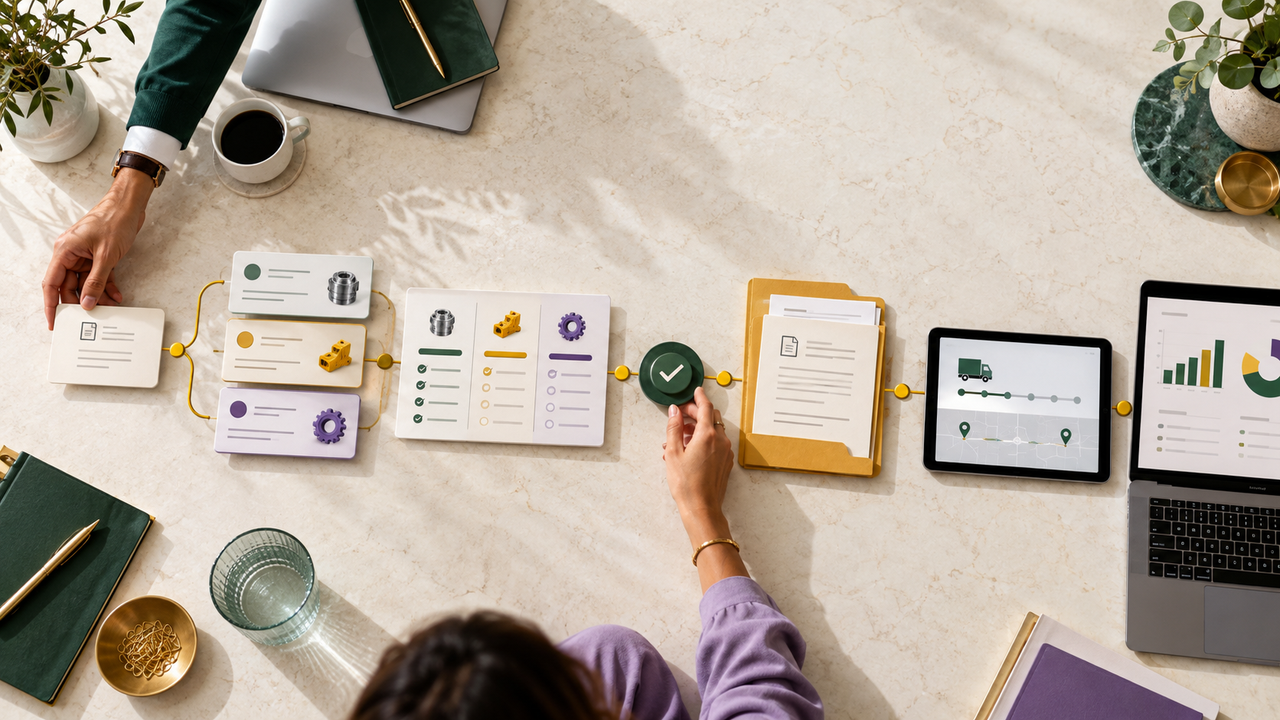
A SaaS explainer video introduces the problem your software solves and the value it offers. A product demo shows the software workflow itself. Choose an explainer when buyers need the concept made clear; choose a demo when they need to see how the product works.
The short answer
Use an explainer to make the product’s purpose easy to understand. Use a demo to show a real task or workflow in the product. The right choice depends on what a viewer needs to know next, not on which format is more fashionable.
What is a SaaS explainer video?
A SaaS explainer video is a short, structured story about a software product: the audience’s problem, how the product helps, and the next step. 2D animation is useful when the idea is abstract, the workflow has many moving parts, or a visual metaphor can make the value easier to follow. A well-planned explainer can also combine animation with selected product screens.
What is a product demo video?
A product demo video shows the product in use. It may follow a task from start to finish, show a feature in the interface, or guide a new user through a workflow. A demo can use screen recording, animated interface scenes, live footage, or a mix. The important thing is that viewers can see what they would do and what the product does in response.
Choose based on the buyer’s question
“What does this product do?”
Start with an explainer when the product category or value is unfamiliar. Give the viewer a simple mental model before introducing detailed screens or feature names.
“How would I use it?”
Make a product demo when the buyer needs to understand the interface, a specific workflow, or how several steps fit together. Pick one useful scenario rather than trying to tour every feature.
“Can I trust that it works for my situation?”
Show the parts of the product that answer the concern: a relevant workflow, a realistic example, or a clear explanation of what the product can and cannot do. Avoid implying capabilities that are not in the product.
“What should I do next?”
Give the video one next step, such as booking a demo, starting a trial, or exploring a specific feature. The call to action should match the viewer’s level of familiarity.
Can an explainer and a demo work together?
Yes. A team can use an explainer to introduce the product and a separate demo to help interested buyers evaluate it. The two videos should have different jobs: one builds understanding; the other answers practical questions about use. This also makes each script easier to keep focused.
What to prepare before production
A clear brief helps an animation team focus the story and avoid a feature-by-feature script. Gather:
- The primary audience and the problem they are trying to solve.
- The single product outcome the video should explain or demonstrate.
- The product URL, screenshots, prototype, or a safe demo environment.
- The action viewers should take after watching.
- Brand guidelines, existing product language, and any terms that must stay accurate.
- Where the video will appear, such as a landing page, sales call, onboarding flow, or paid campaign.
Common mistakes to avoid
- Trying to explain the entire product in one video.
- Showing interface details before the viewer understands why they matter.
- Using a generic story that could describe any software product.
- Writing a script around features instead of the buyer’s task.
- Adding several competing calls to action.
Frequently asked questions
Can a SaaS explainer video show the product interface?
Yes. It can use selected screens when they help explain the idea. If the viewer needs to follow detailed steps, a dedicated product demo is usually clearer.
Does a product demo have to be a screen recording?
No. A demo can combine screen capture, designed interface animation, narration, and other visuals. Choose the format that shows the workflow clearly and accurately.
How long should the video be?
There is no ideal length for every product. Keep the video only as long as needed to answer one viewer question and make the next step clear.
Explore NXTALE’s SaaS explainer video service.
For interface-led workflows, see our 2D product demo video service.