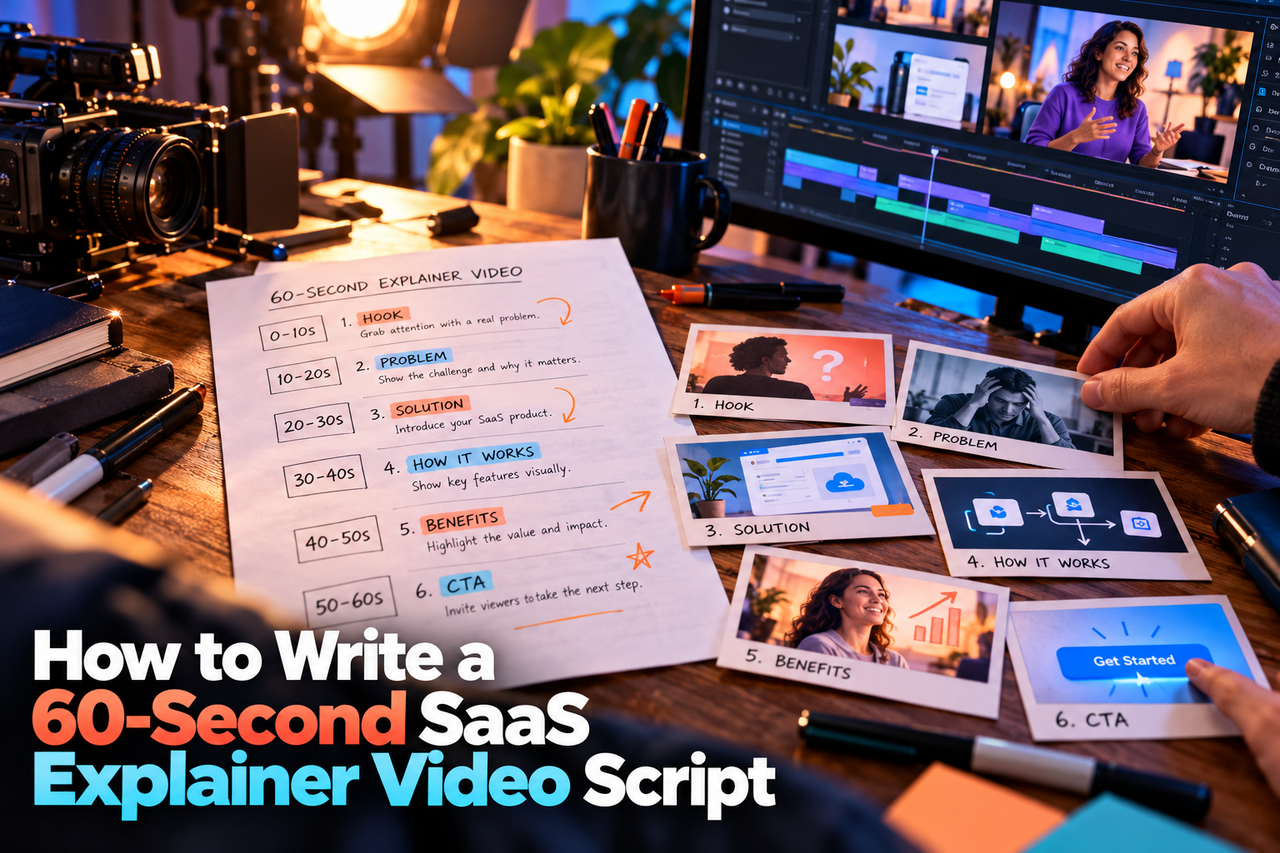
A one-minute SaaS explainer has room for one clear story, not a tour of every feature. The exact number of words depends on speaking pace, pauses, and how much information the visuals carry, so time the script aloud instead of relying on a fixed word count.
1. Open on a recognizable problem
Name a task or frustration your intended viewer knows. Keep the opening specific enough to feel relevant, but short enough to reach the product quickly. Avoid generic claims such as “work is complicated” when a concrete situation would be clearer.
2. Introduce the product as the answer
Explain what the product helps the viewer do. Use the audience's language, not internal feature names. If the product is complex, select one use case that demonstrates its value instead of trying to explain the whole platform.
3. Show one workflow
Choose the key action or sequence that makes the product understandable. The visuals can carry interface details, labels, or supporting steps, so the voiceover does not need to describe every click. Keep narration and visuals aligned, and make sure the script reflects the product as it works today.
4. State a credible outcome
Describe the change the viewer can expect without promising results the business cannot substantiate. If an outcome depends on the customer, configuration, or use case, say so or keep the claim focused on the product's function.
5. End with one next step
Ask the viewer to take one action: start a trial, book a demo, explore a feature, or talk with the team. Match the call to action to the video's placement and audience.
Read it aloud and revise
Time a natural read with the planned pauses and visual beats. If the script runs long, remove secondary features, repeated setup, and jargon before asking the narrator to speak faster. Share the draft with someone unfamiliar with the product and ask what they understood.
For a commissioned SaaS explainer video or animated interface walkthrough, the format should follow the message. This guide explains the difference between an explainer video and a product demo.