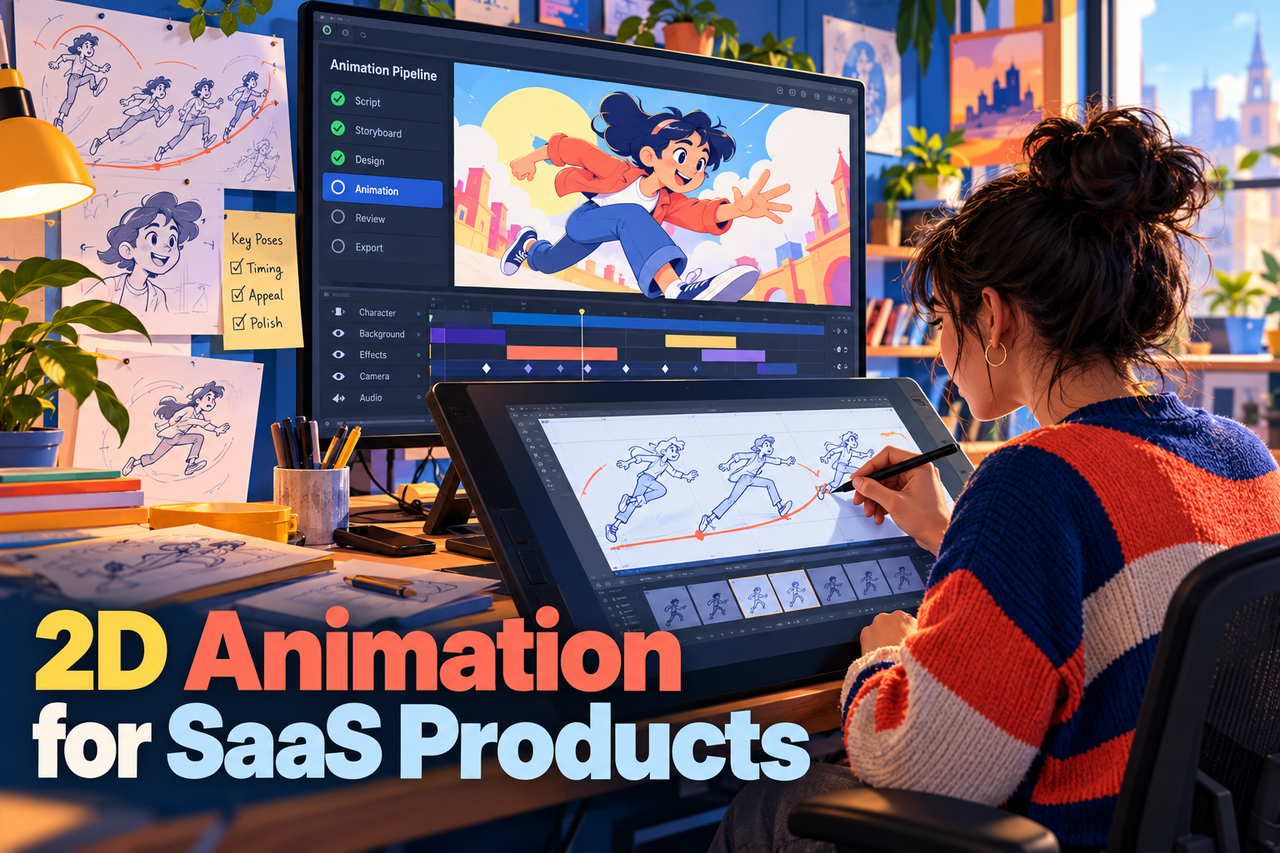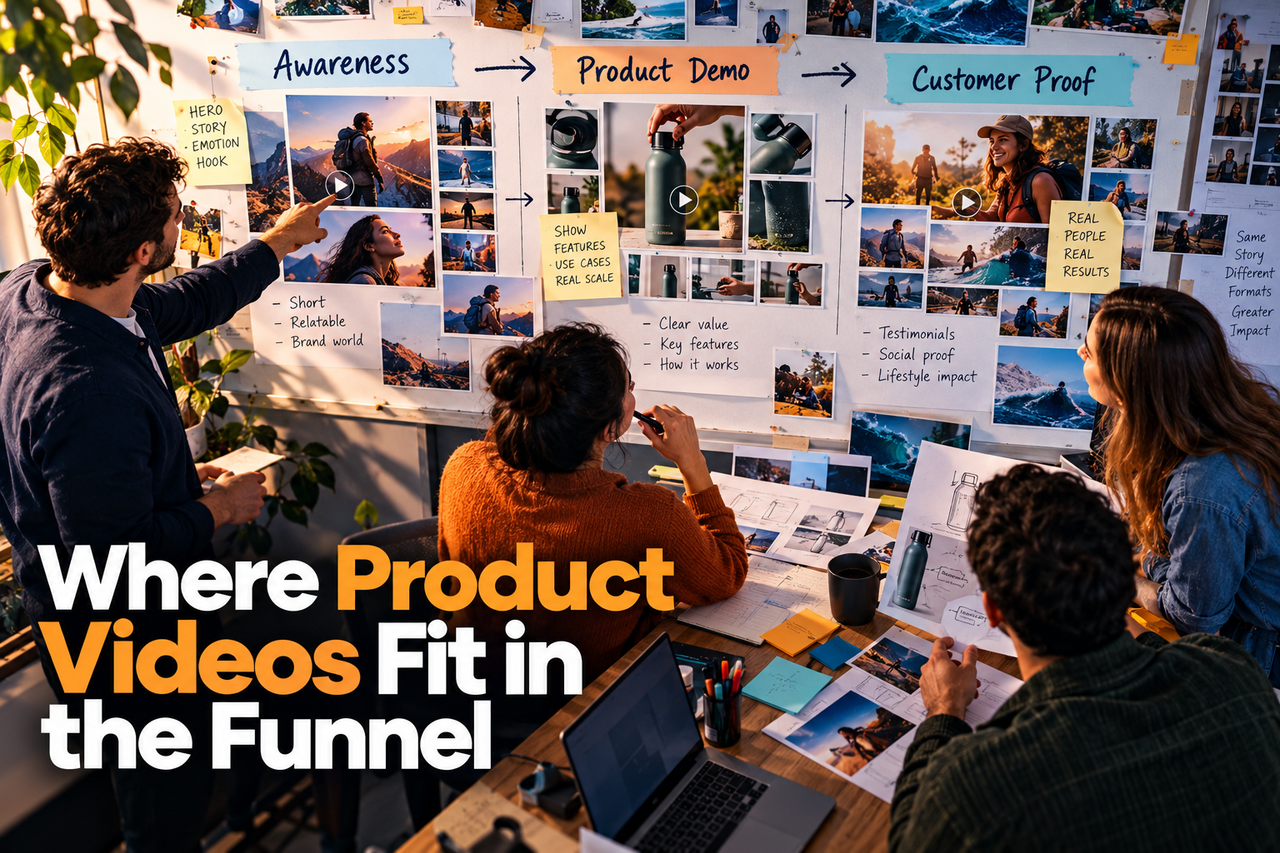
Different product videos answer different questions. A short introduction can help a new audience recognize a problem; a product demo can show how a workflow works; onboarding content can guide existing users through a task. Map each video to the moment and question it is meant to address.
Awareness: make the problem recognizable
At the first touch, viewers may not know your product or be ready for a full feature walkthrough. A short ad or animated clip can present a familiar problem, introduce the category, or create interest. Keep the message focused and make the next step clear.
Consideration: explain what the product does
People comparing solutions need a plain-language explanation of the product, its audience, and the job it supports. A SaaS explainer video can connect a customer problem to a product workflow without trying to cover every feature. Place it where buyers are evaluating your solution, such as a relevant service or product page.
Evaluation: show the workflow
When viewers want to see how the product works, use a product demo or walkthrough. Show a realistic task, the important interface steps, and the result. Keep the video specific to the viewer's role or use case where possible. See SaaS explainer video vs. product demo for help choosing between the two formats.
Purchase: answer remaining questions
A video can clarify a complex feature, implementation step, or use case during evaluation. Pair it with written details buyers may need to revisit, such as requirements, integrations, and limitations. A video supports that information; it should not hide important qualifications.
Onboarding and adoption: help with real tasks
After signup, users may need help completing specific tasks. Organize short instructional videos around those tasks and place them near the relevant feature or help content. Read how to build a SaaS customer onboarding video library for a planning approach.
Choose based on the biggest unanswered question
Start by listing the questions buyers or users ask at each stage. Then decide which one video could answer most clearly, where it belongs, and what action should follow. Review basic engagement and feedback, but treat them as signals for improvement rather than proof that a video caused a business result.
For physical products, a 3D product animation or 3D product visualization may help show form, components, or materials during product discovery and evaluation.