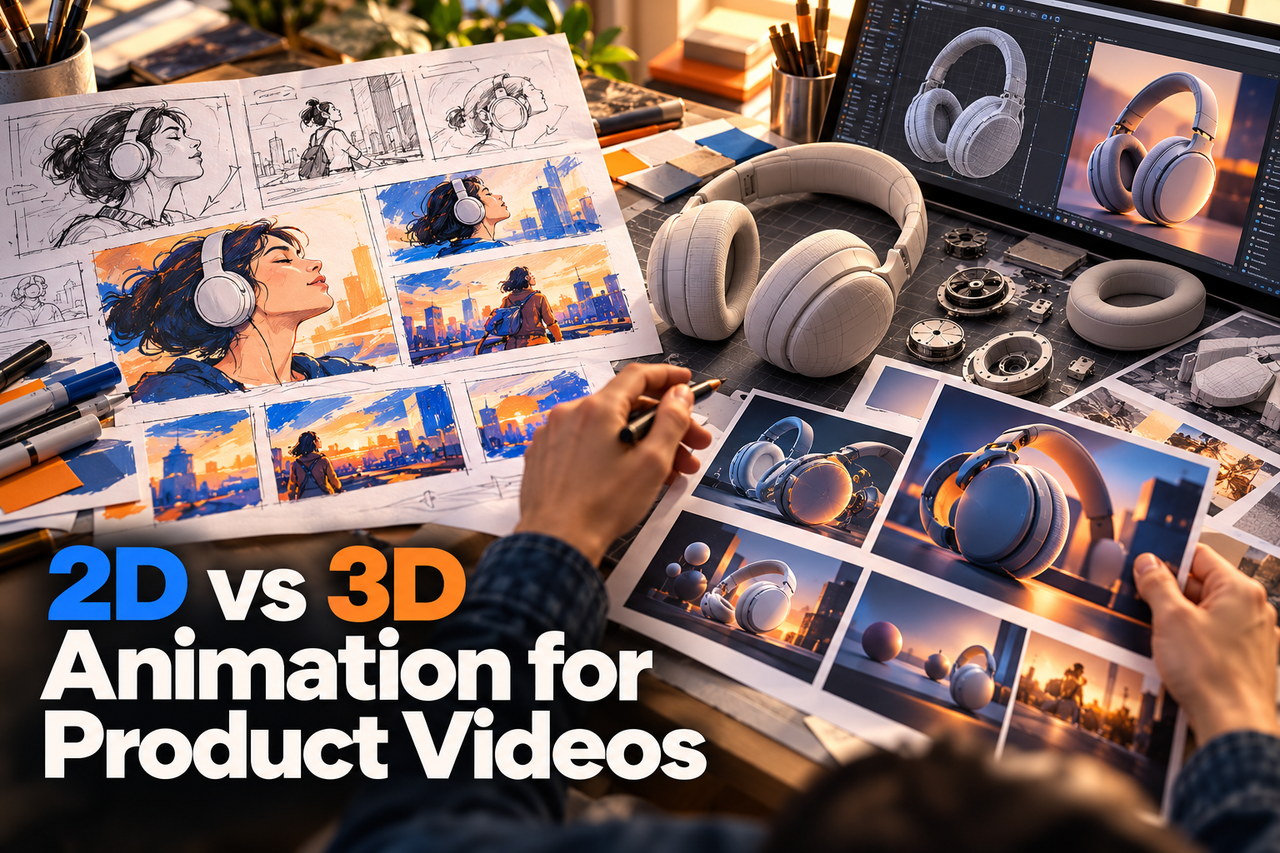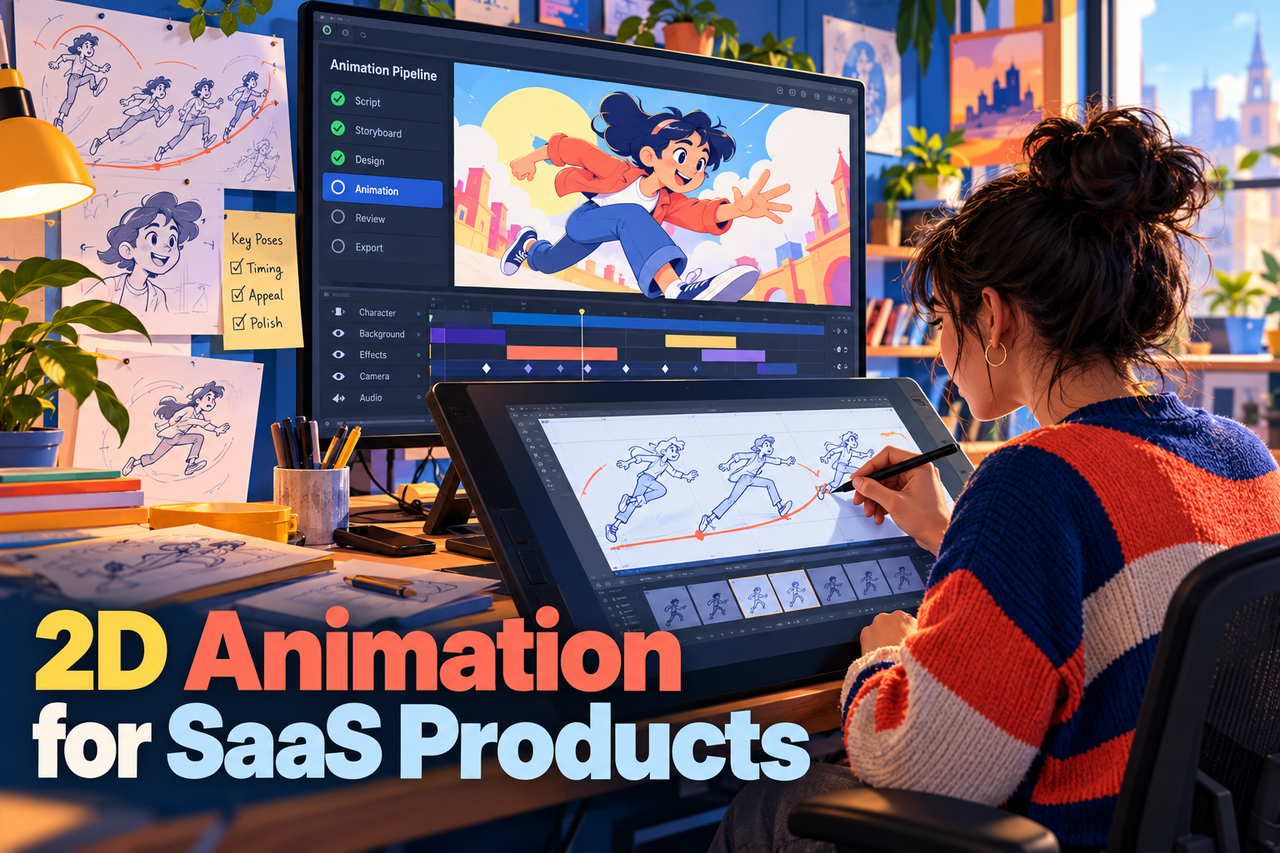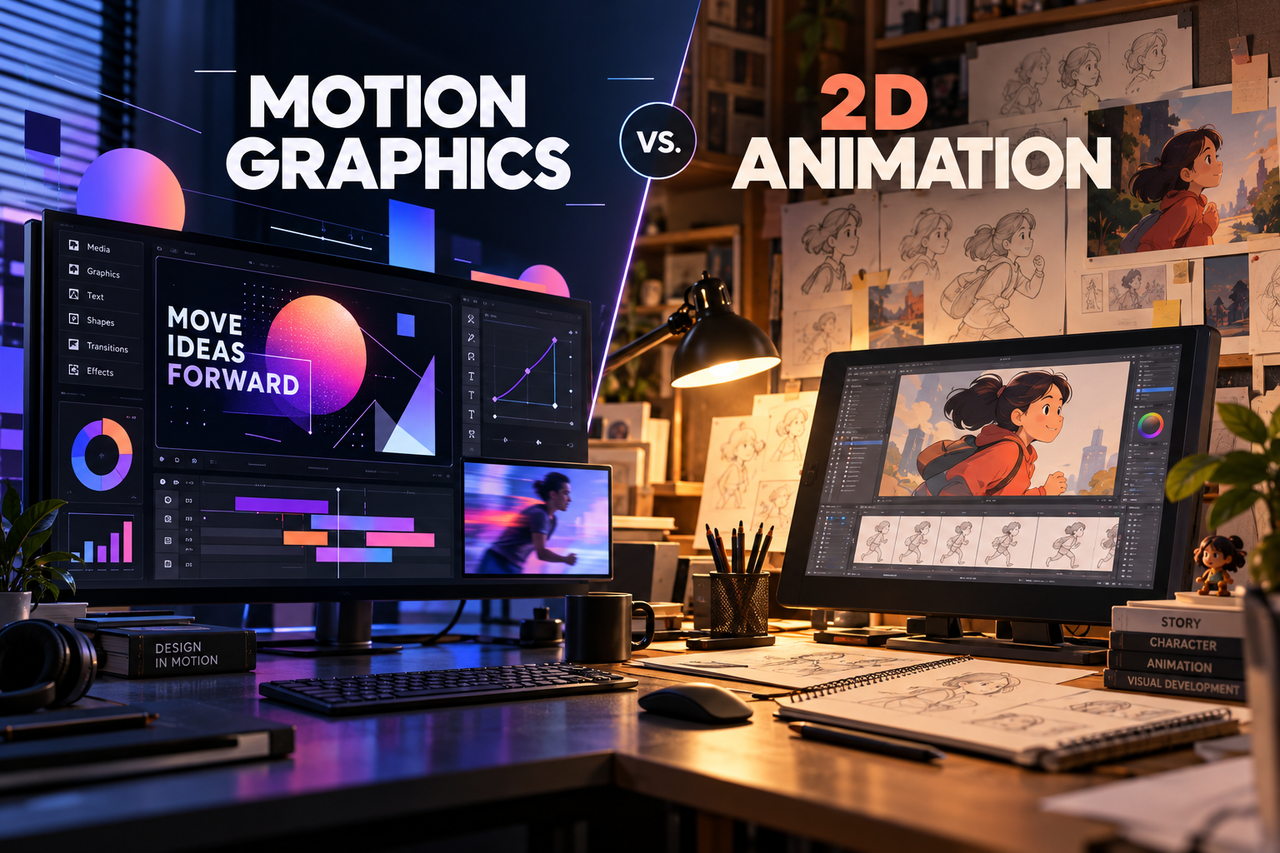
Motion graphics and 2D animation are related ways to create moving visuals, but they often emphasize different things. Motion graphics commonly animate typography, shapes, diagrams, and interface elements. 2D animation can also use those elements, while adding characters, environments, and more narrative scenes. The right choice depends on what the viewer needs to understand.
When motion graphics fit
Motion graphics can organize information, direct attention, show relationships, and add movement to a brand or interface. They work well when the subject is a set of steps, numbers, product screens, or a concise message that benefits from visual hierarchy.
For a software feature, animated interface panels and labels may be enough to show the workflow. For a data-heavy explanation, diagrams can help reveal how inputs relate to outputs. Keep on-screen text brief and readable, especially when viewers may be watching on a phone.
When a broader 2D story helps
A 2D animated story can create a user situation, show a process over time, or make an abstract product category more familiar. Characters and illustrated environments can add context around a product without requiring a live-action shoot.
Use narrative scenes when they help viewers see why the product matters. If the story needs only a few interface steps and a label, a simpler motion-graphics approach may communicate faster. More animation does not automatically make a video clearer.
Combine the approaches with intent
Many product videos use both: an illustrated opening to introduce a problem, motion graphics to explain a system, and interface animation to show the product in action. Agree on a visual hierarchy so transitions feel coherent and each style has a distinct role.
Review a style frame or short storyboard before production. Check that the visuals match the brand, the product details remain legible, and the transitions do not make the viewer relearn the visual language halfway through.
Choose by communication goal
List the message, audience, placement, available product assets, and desired next step. Then choose the simplest visual approach that can explain the message accurately. If the answer includes both an abstract idea and a concrete workflow, a hybrid approach may be useful.
NXTALE’s service pages describe both motion graphics and SaaS explainers; use the brief to decide which one leads the story and where the other supports it.