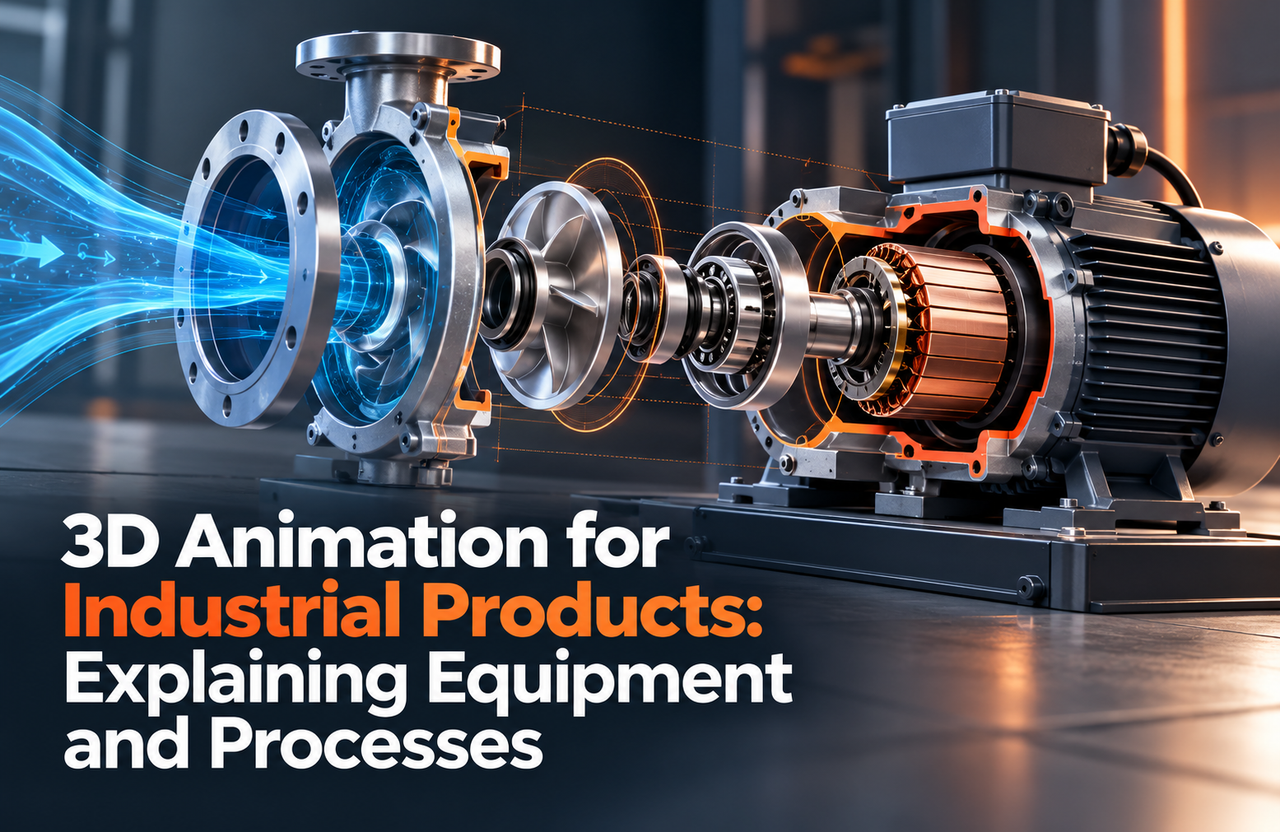
Industrial products and equipment can be difficult to explain in a brochure or a short live-action shoot. A 3D industrial animation can show a machine from selected angles, clarify how components interact, or trace a process that is otherwise hidden. Technical accuracy and a clear audience goal should guide the visuals.
Choose the process or equipment story
Decide whether viewers need to understand the overall machine, a specific component, an installation sequence, or a process flow. Name the audience: operators, buyers, engineers, distributors, or internal teams may need different levels of detail. Keep one primary goal for each video.
Separate technical information that must be exact from supporting context that can be simplified. If safety, maintenance, or performance claims appear, identify the subject-matter reviewer who can verify them.
For examples of equipment explanations, explore the Gizmo industrial safety animation and radar sensor animation. Our manufacturing and industrial video services cover this type of technical storytelling.
Prepare technical references
Provide available CAD or 3D models, drawings, dimensions, material references, operating sequences, and product revisions. Identify confidential areas and details that should not be shown. Explain how the equipment is used in practice and what a viewer might misunderstand without context.
Do not assume a file alone explains the product. A short reference walkthrough with an engineer or operator can clarify moving parts, dependencies, and what happens before and after the highlighted action.
Build a visual sequence for comprehension
Establish the machine or process before moving to close-ups. Use labels, arrows, transparent views, cutaways, or staged motion only when they help explain how the parts relate. Keep camera movement deliberate so viewers can track the sequence.
Review each scene with technical experts and check that the animation does not imply an unsafe or unsupported operation. If the animation is simplified, label it clearly and provide the accurate context alongside it.
Deliver for the real viewing environment
A sales presentation, training environment, product page, and trade show screen have different viewing conditions. Plan resolution, sound, captions, aspect ratio, and any short versions in advance. Keep text large enough to read at the expected distance and include a clear title for people who encounter the video without introduction.
A strong industrial animation helps people see what matters, while respecting the technical facts behind the machine.