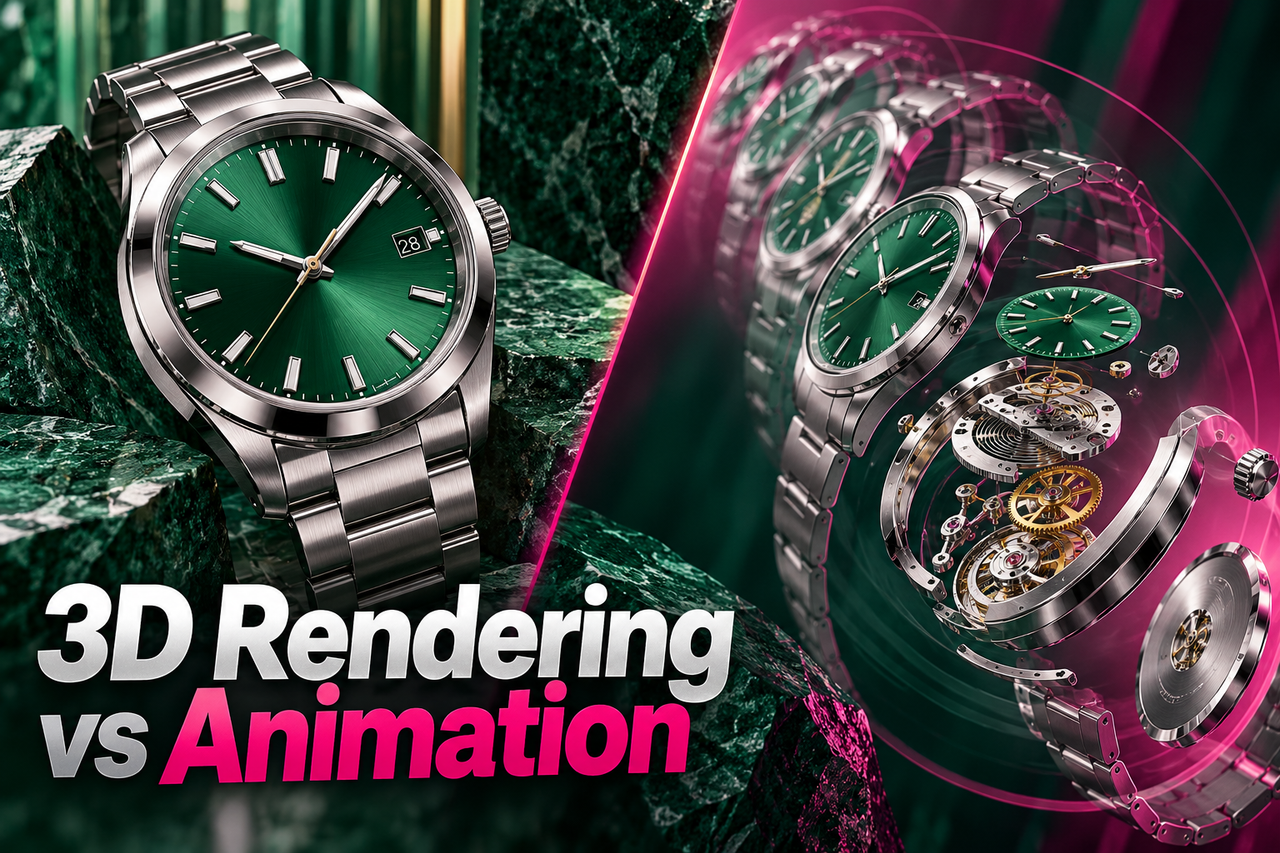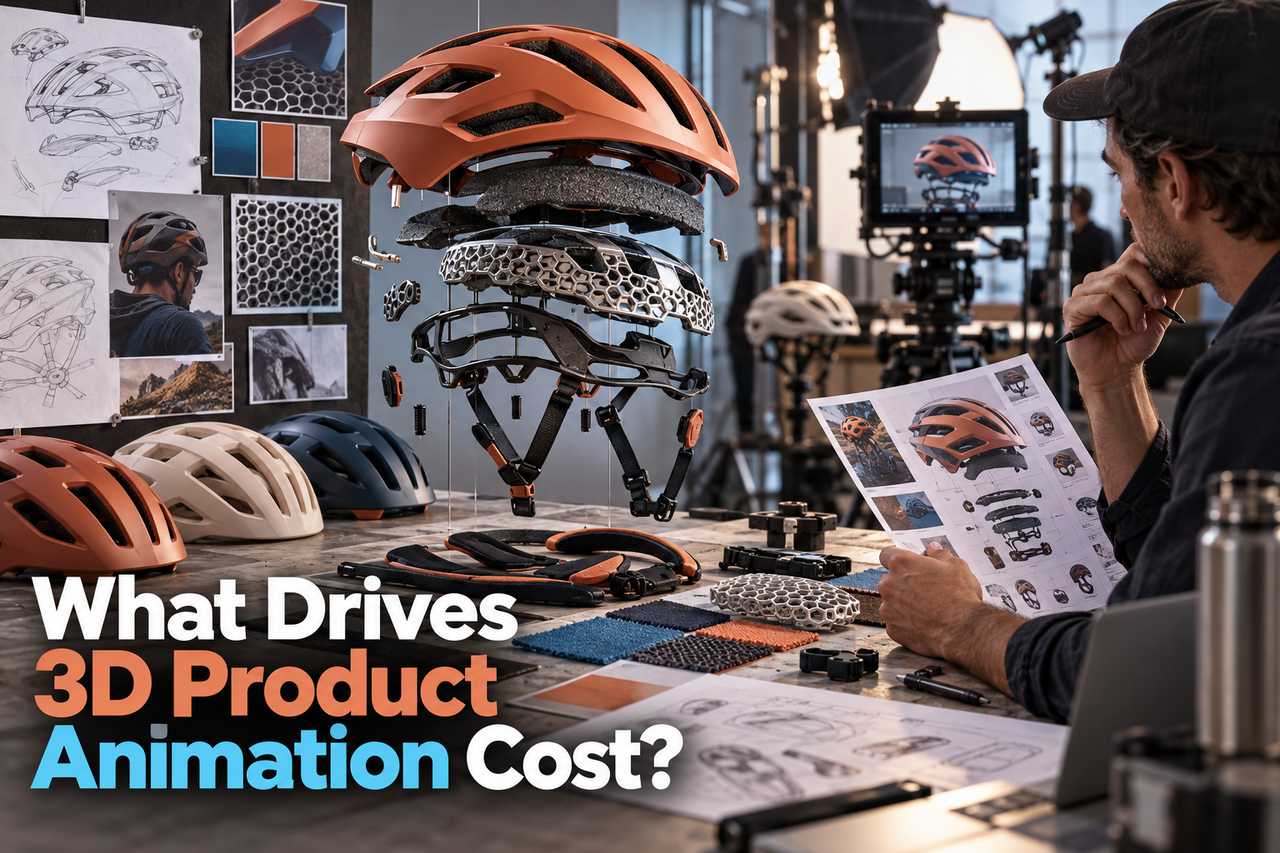
NXTALE's 3D product animation packages range from $3,200 for 15 seconds to $15,500 for 90 seconds. The right budget also depends on model readiness, the actions shown, shot complexity and required versions. Use the package prices below as a starting point, then confirm the production scope in your proposal.
NXTALE 3D product animation package prices
These are NXTALE's published one-time product animation packages in USD, reviewed on 15 October 2026. They are our studio's prices, not a claimed industry average.
| Animation length | Package price (USD) | Included stills |
|---|---|---|
| 15 seconds | $3,200 | 2 |
| 30 seconds | $5,800 | 3 |
| 60 seconds | $9,800 | 5 |
| 90 seconds | $15,500 | 7 |
Each package includes a 1080p HD final animation, post-production graphics and text, royalty-free audio, a chosen visual style and the stated number of high-resolution stills. The final scenes, model requirements, review rounds, formats and production schedule are confirmed in the proposal.
Duration can vary by up to 5 seconds above or below the package length within the agreed scope. Additional animation is $500 per 10 seconds. Additional scenes or changes in complexity are scoped separately. Character animation and other custom production receive a tailored quote.
What affects 3D product animation cost?
1. The starting product model
A production-ready CAD or 3D model may reduce modeling work, but it still needs to be checked for animation and rendering. A concept sketch, reference images, or an incomplete model can require more modeling and interpretation. Confirm that you have permission to share and use any supplied files.
2. The movement the video needs to show
A simple product turntable is a different task from a sequence with moving parts, an internal cutaway, assembly, liquid, fabric, or other physical behavior. Describe what the product should do and which details must be visible; that is more useful for estimating than saying only “make it dynamic.”
3. The number and complexity of shots
Every new camera view, environment, material, and transition can add production work. A focused sequence that explains one product benefit is usually easier to scope than a video that tries to show every angle and feature.
4. Art direction and realism
A clean studio look, a detailed lifestyle environment, and a technical visualization each require different visual decisions. Share references for lighting, materials, color, and mood. If you do not have references, describe the audience and the feeling the product should convey.
5. Script, sound, and supporting graphics
Some projects need a script, storyboard, voiceover, music, sound effects, labels, or motion graphics. Other projects may need only the animation and final exports. List these needs separately so the quote makes clear what is included.
6. Versions and final deliverables
A main video plus social cutdowns, vertical and square versions, still renders, subtitles, or language versions can change the scope. Name the platforms and formats at the beginning rather than adding them after the animation is finished.
Why runtime alone is a poor cost estimate
Two videos of the same length can require very different work. One may show a product rotating against a simple background; another may reveal internal components and explain how they move. Estimate the scenes, assets, and actions needed to tell the story, not just the final number of seconds.
How to make the budget easier to manage
- Prioritize the one product feature or benefit viewers must understand.
- Use existing models or references when they are accurate and usable.
- Agree on the storyboard and visual direction before detailed animation begins.
- Limit unnecessary scenes, alternate versions, and late changes.
- Decide in advance whether you need still images, source files, subtitles, or additional aspect ratios.
Compare the current 2D and 3D animation packages before requesting a quote. If your product is still in development, our guide to 3D video before manufacturing explains which design decisions to confirm first.
What to send when requesting a quote
Include the product’s purpose, target audience, the key action or feature to show, reference images or model files, desired style, approximate deliverables, intended platforms, and target date. If parts of the brief are undecided, label them as open questions. A studio can then distinguish confirmed requirements from assumptions.
Questions to ask before approving an estimate
- Does the estimate include modeling or only animation of supplied assets?
- How many storyboard, style-frame, and animation review rounds are included?
- Which video sizes, stills, captions, and source files will be delivered?
- How are changes to the approved script or storyboard handled?
- Who is responsible for product accuracy and final approval?
Frequently asked questions
Will providing a CAD file always make the project cheaper?
Not always. A supplied file can help, but it may need conversion, cleanup, or adjustments before it can be animated. Ask the studio to review it before treating it as production-ready.
Do additional video versions affect the estimate?
They can. Reformatting a finished video may be straightforward, while alternate edits, languages, scenes, or product configurations may require additional production. List each version in the brief.
What is the best way to compare quotes?
Compare the same deliverables, assumptions, revision rounds, and usage rights. A lower total may cover a smaller scope, so make sure each estimate describes the same work.
See NXTALE’s 3D product animation service and share your project brief.