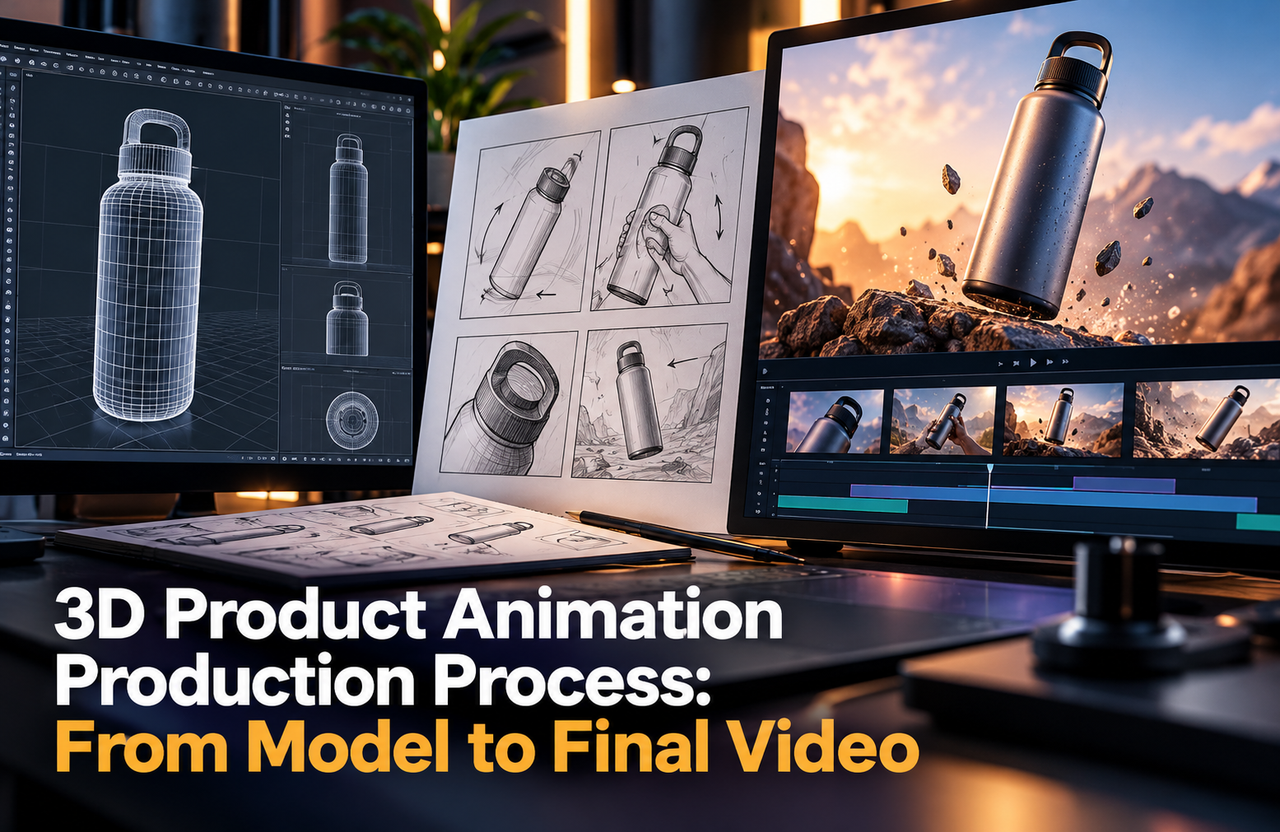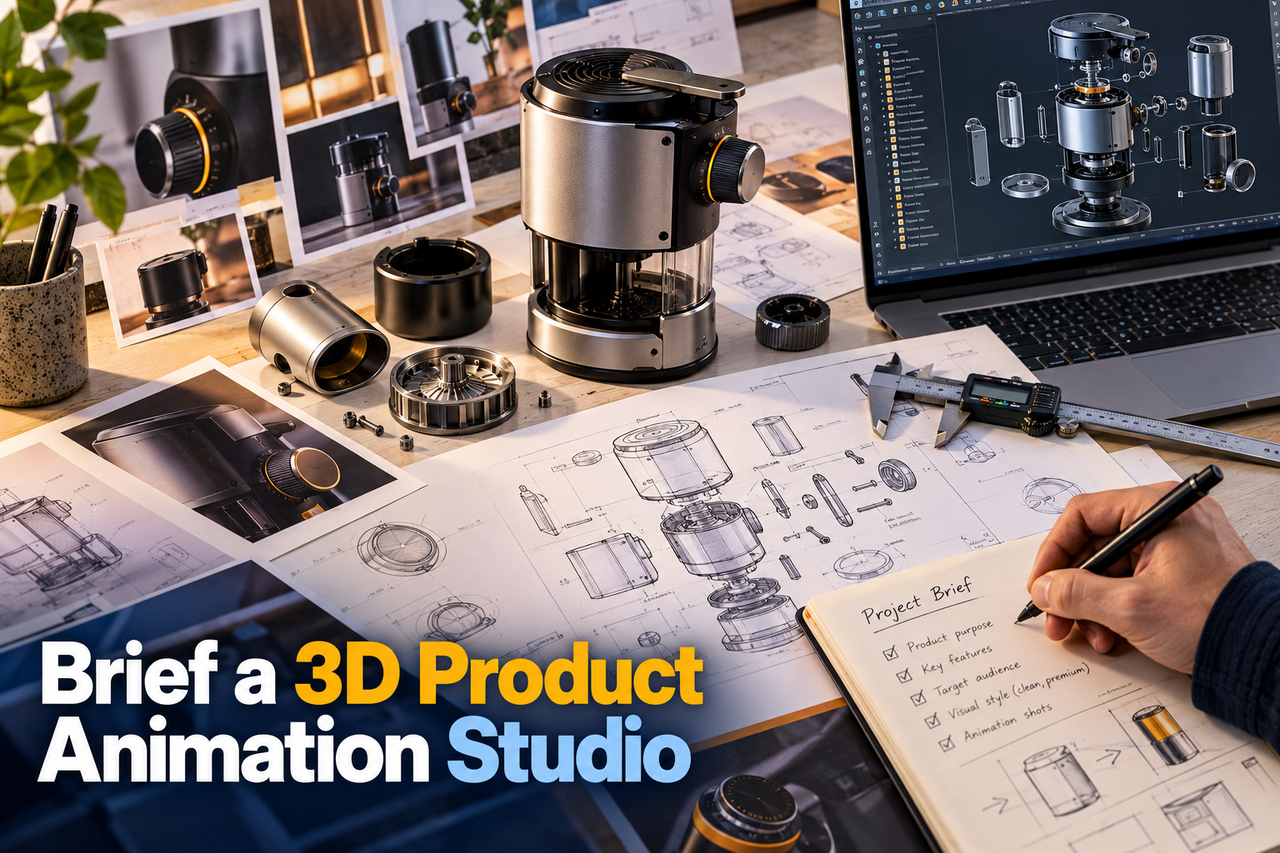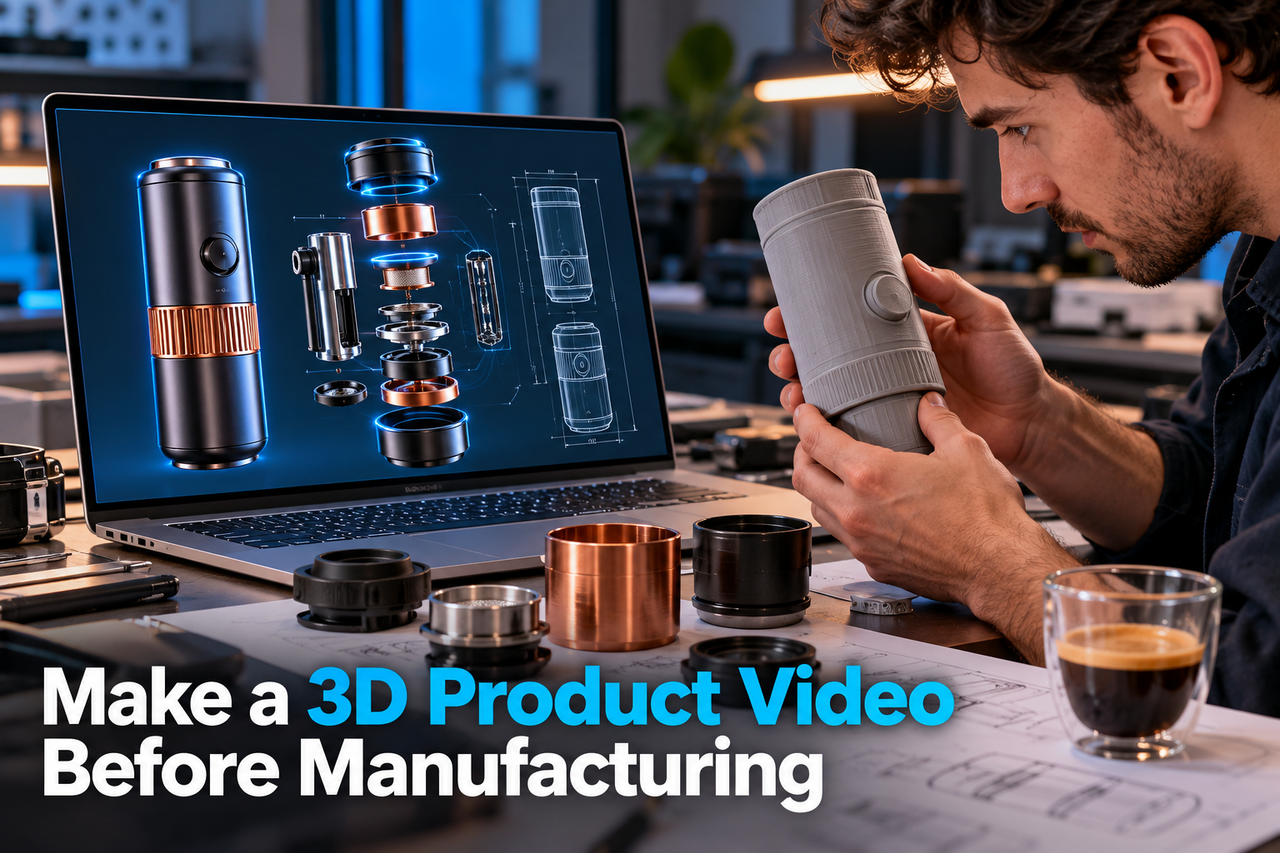
A 3D product video can help explain a product before a physical sample is ready. It can show shape, components, or intended use for a launch, sales presentation, or internal review. When the design is still developing, the production process must keep confirmed details separate from assumptions.
Decide what is confirmed
Before sharing files, label the product’s status and identify which specifications are approved. A CAD model may communicate geometry but not final materials, finishes, colours, or manufacturing tolerances. Supply a short note explaining what can be shown publicly and what must remain provisional.
Set one product owner as the source of truth for design questions. If engineering, marketing, and sales are using different versions, agree on the approved file and record its revision. This makes feedback easier to interpret and reduces the risk of animating from an outdated design.
Prepare the model and story together
Share available CAD or 3D files, reference photography, dimensioned drawings, material references, and examples of how the product should be handled. Explain the audience and the purpose of the video. A launch overview may emphasize form and use; a technical sequence may need to show assembly or internal components.
Choose shots that support the approved story. An exploded view can clarify how parts relate, while a cutaway can reveal an internal system. Make sure those visuals are accurate representations and not decorative inventions. If details are not final, avoid close-ups or labels that imply they are fixed.
Review in stages
Approve the model, key still frames, and storyboard before detailed animation. These checkpoints let product experts catch incorrect geometry or sequence while changes are still manageable. Provide consolidated feedback with marked references rather than informal notes from several reviewers.
Before release, review every frame that communicates a product fact. Confirm names, dimensions, finishes, included parts, and any claims about performance or compatibility. Add a “design preview” qualification when the product is not yet final and the intended use calls for that context.
Plan for change
Product designs can change between concept and production. Keep source files, revision notes, approvals, and final exports together. Agree how a design change will be assessed: it may affect one shot, a set of materials, or the entire visual sequence.
The goal is to make the product understandable without suggesting certainty the team does not yet have. Clear file control and honest visual choices let a pre-manufacturing video support communication while the product continues to develop.