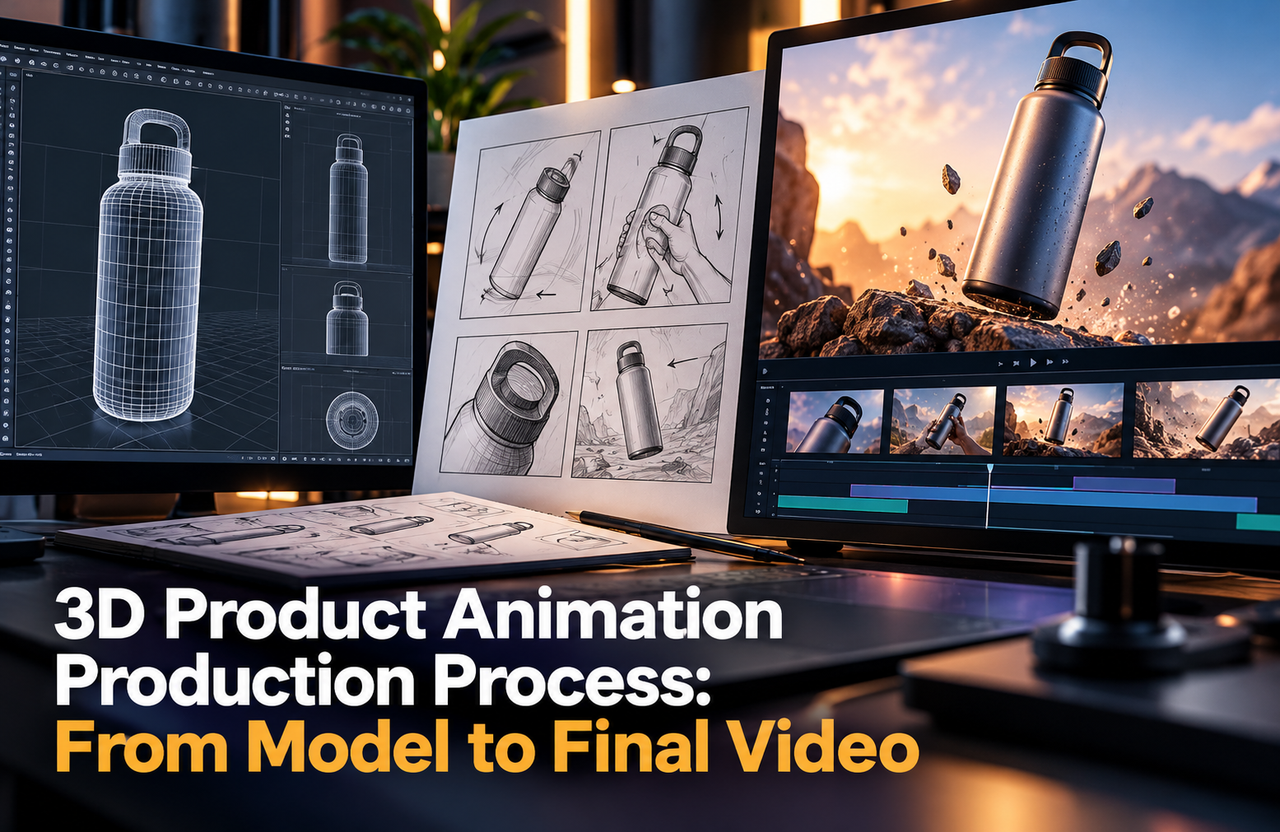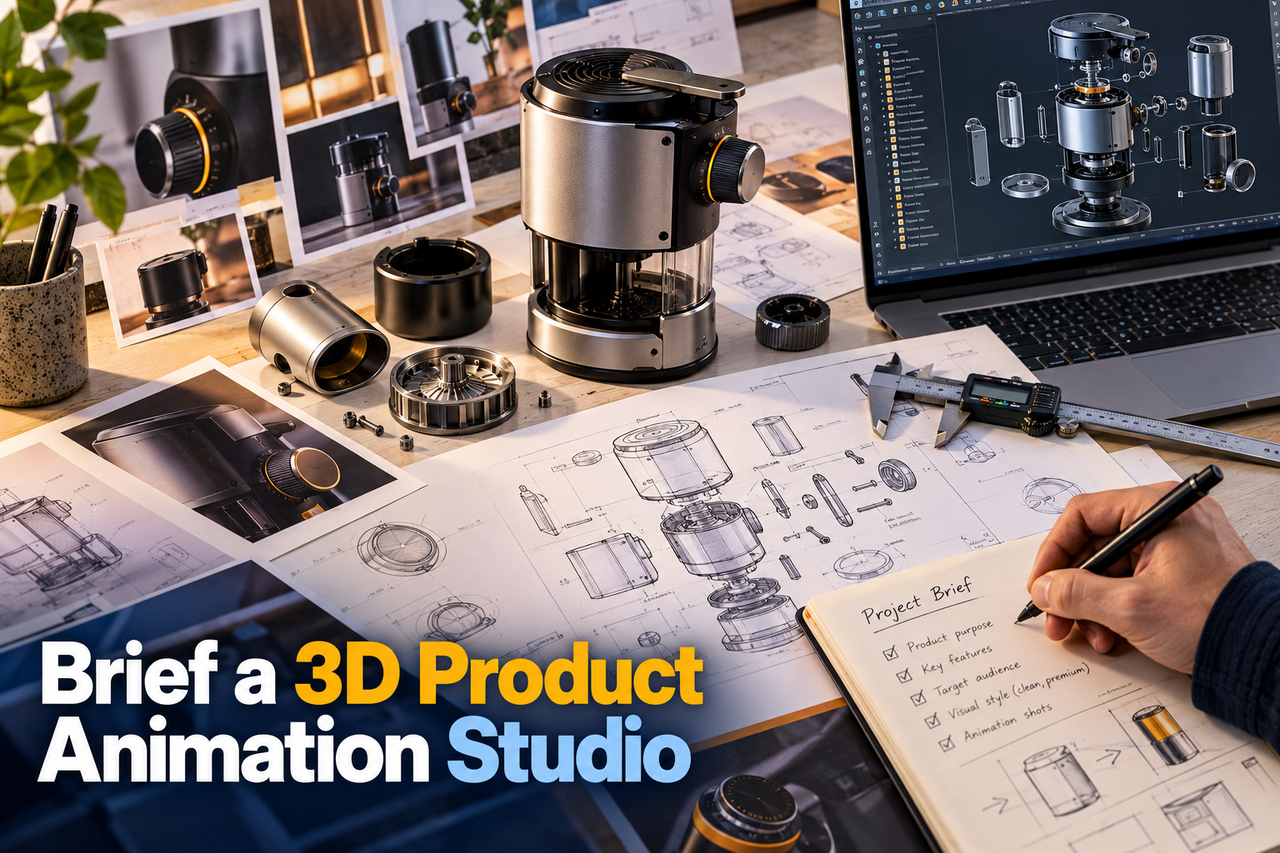
A 3D product animation studio can plan more accurately when the brief explains both the product and the job the video must do. A folder of model files is useful, but it does not tell the team which details matter, who the viewer is, or how the finished animation will be used.
Explain the audience and purpose
Describe who will watch the video and what they need to understand or do next. Is the animation for a product page, a launch presentation, a trade show, a sales conversation, or an internal review? Explain what viewers already know and which questions the video should answer.
Choose one primary message. A brief that asks a short video to introduce the product, explain every component, tell the company story, and compare competitors will be hard to turn into a focused sequence. List secondary points separately so the team can prioritize.
Provide product and brand references
Share available CAD or 3D models, approved drawings, reference photos, dimensions, material and colour information, and notes on moving or removable parts. Identify the current design revision and mark any details that are provisional. If source files cannot be shared, explain what views and references are available instead.
Include brand guidelines, logos, colour values, typography, and examples of the visual tone you want. Reference videos are most helpful when you say what you like about them—camera movement, pacing, lighting, or level of detail—rather than asking a studio to copy another company’s work.
If your brief involves a mechanical assembly, the mechanical product visualization example provides another reference for discussing geometry, components and viewing angles.
Set the deliverables and review plan
List the intended versions, aspect ratios, languages, captions, voiceover, on-screen labels, and any still renders needed alongside the video. Note where each version will appear and what technical delivery requirements the platform or event needs.
Name the people who will approve the script or storyboard, the 3D model, the style frames, and the final render. Consolidate feedback through one decision-maker at each stage. If legal, engineering, or product review is required, include it in the schedule before the final delivery date.
Use a one-page brief checklist
- Audience, viewing context, and one primary goal.
- Product revision, source files, dimensions, materials, and approved references.
- Key views or actions to show, plus details to avoid or qualify.
- Deliverables, placements, versions, and accessibility needs.
- Review owners, approval stages, and launch timing.
Make space for production questions
Some details only become clear after the studio inspects the model or develops a storyboard. Share the best information available, label uncertainties, and reserve time to answer questions. A strong brief does not need to predict every frame; it gives the team a reliable basis for making creative decisions.