A 3D product animation is built through connected stages. The team first agrees what the viewer needs to understand, then prepares the model and visual direction, and only after that develops the final motion and renders. Knowing the process helps product and marketing teams make timely decisions and keep the animation accurate.
Brief and technical review
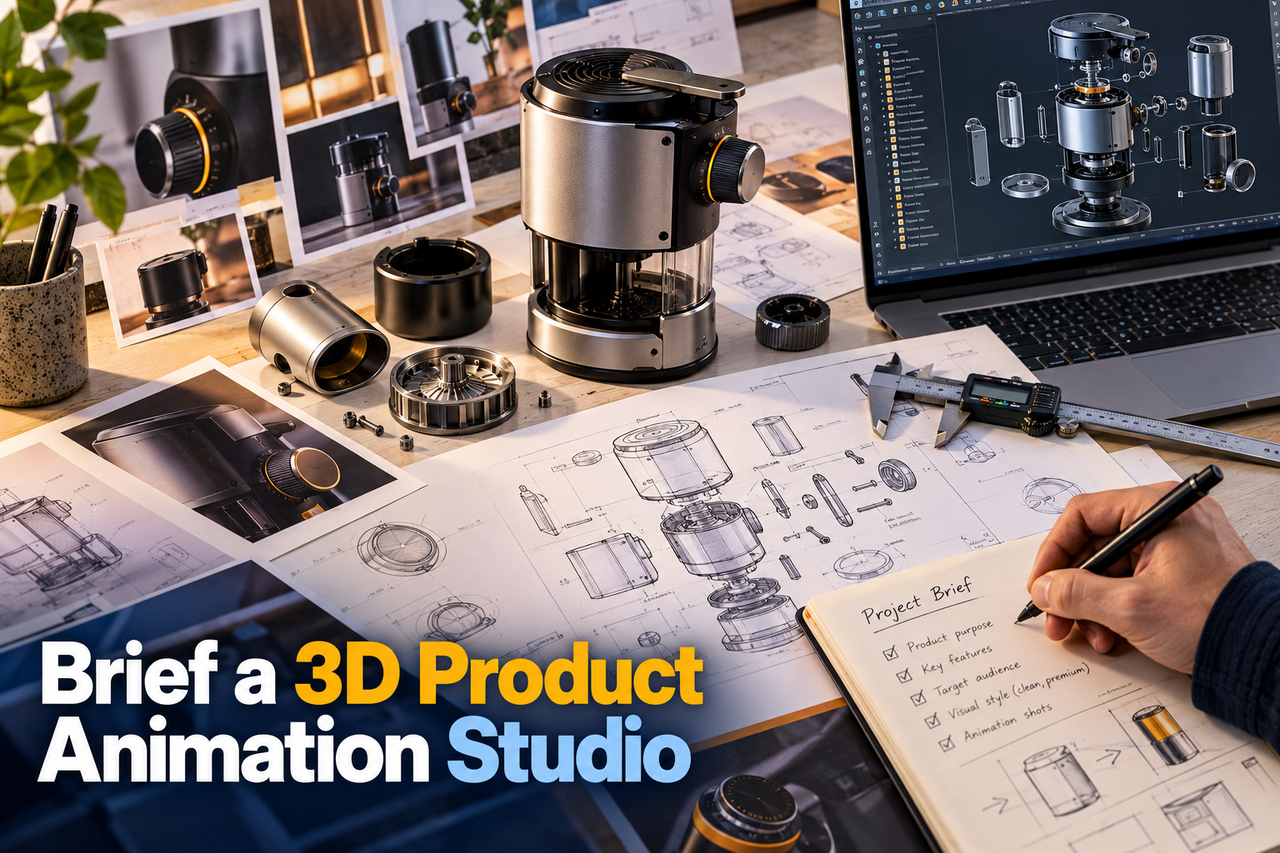
The brief defines the audience, purpose, product facts, placement, and desired next action. The studio then reviews the available CAD or 3D files, reference images, dimensions, materials, and approved product revision. They identify missing details and confirm which parts are final or provisional.
This is the point to explain what must be shown, what must stay hidden, and any performance or compatibility claim that needs review. Agree on the likely deliverables and who can approve product accuracy.
Storyboard, model, and look development
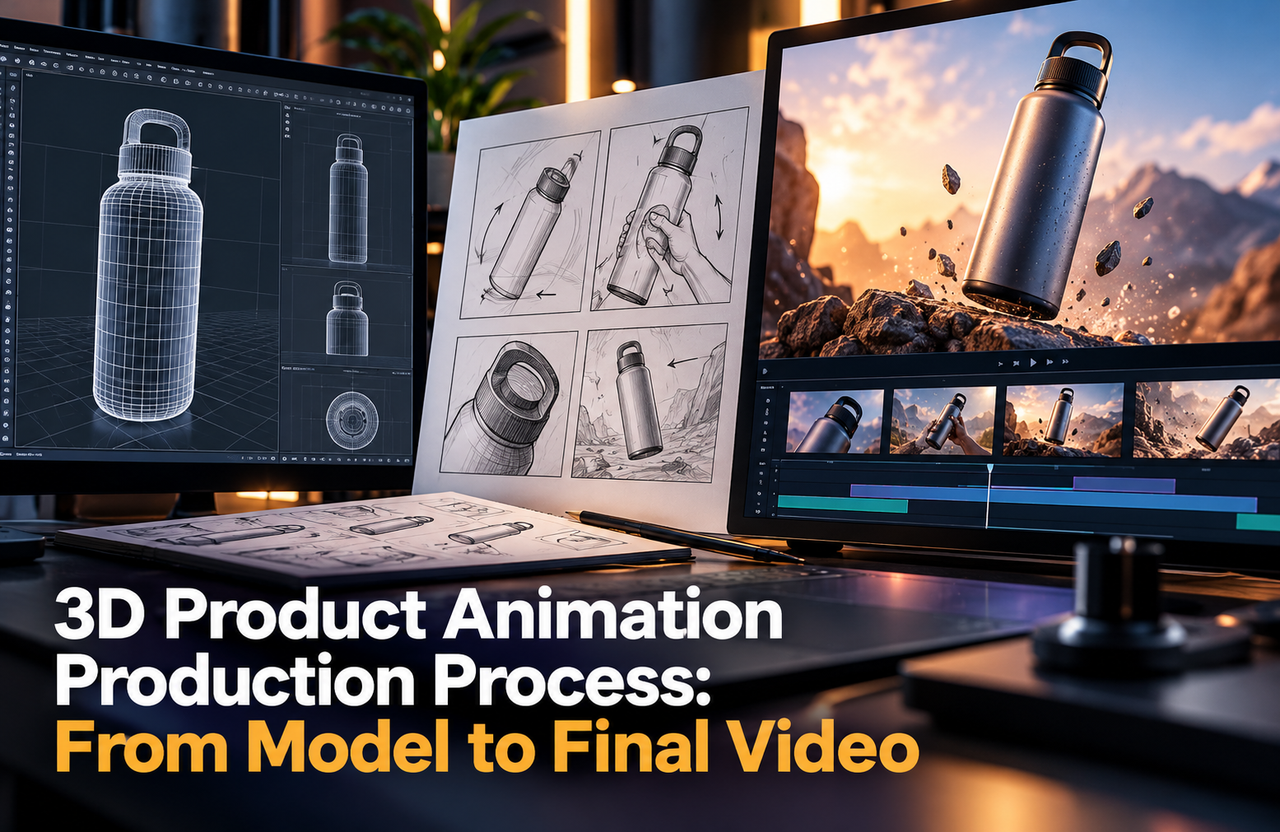
A storyboard sets the sequence of views, actions, and messages. The team may prepare a clean 3D model from supplied files, refine surfaces, and create test frames for lighting, materials, camera, and background. Product reviewers should approve the model and key frames before detailed animation.
Decide whether the video needs a hero turntable, a close-up, an assembly sequence, a cutaway, or a combination. Each shot should answer a viewer question; extra movement adds time and complexity without necessarily adding clarity.
Animation, rendering, and review
Once the sequence is approved, the team animates cameras and product components, then renders and edits the scenes. Reviews should check shape, materials, scale, movement, labels, pacing, and whether the sequence reflects the real product. Give consolidated feedback against the approved storyboard.
Rendering may take place in stages so the team can spot visual problems before final delivery. If product details change, document the affected shots and agree how those changes will be handled.
Final delivery and future updates
Check the final video in its intended placement and confirm file format, aspect ratio, captions, audio, and any still-image exports. Keep the source model and project files organized with revision notes so future product updates can be assessed efficiently.
A clear production process connects creative decisions to product truth and makes it easier to deliver a video viewers can understand.
Explore NXTALE’s 3D product animation service.
See what to send a studio for 3D product animation.
Map the final exports against your product launch video asset plan. You can also explore our 3D animation portfolio to compare different kinds of finished work.