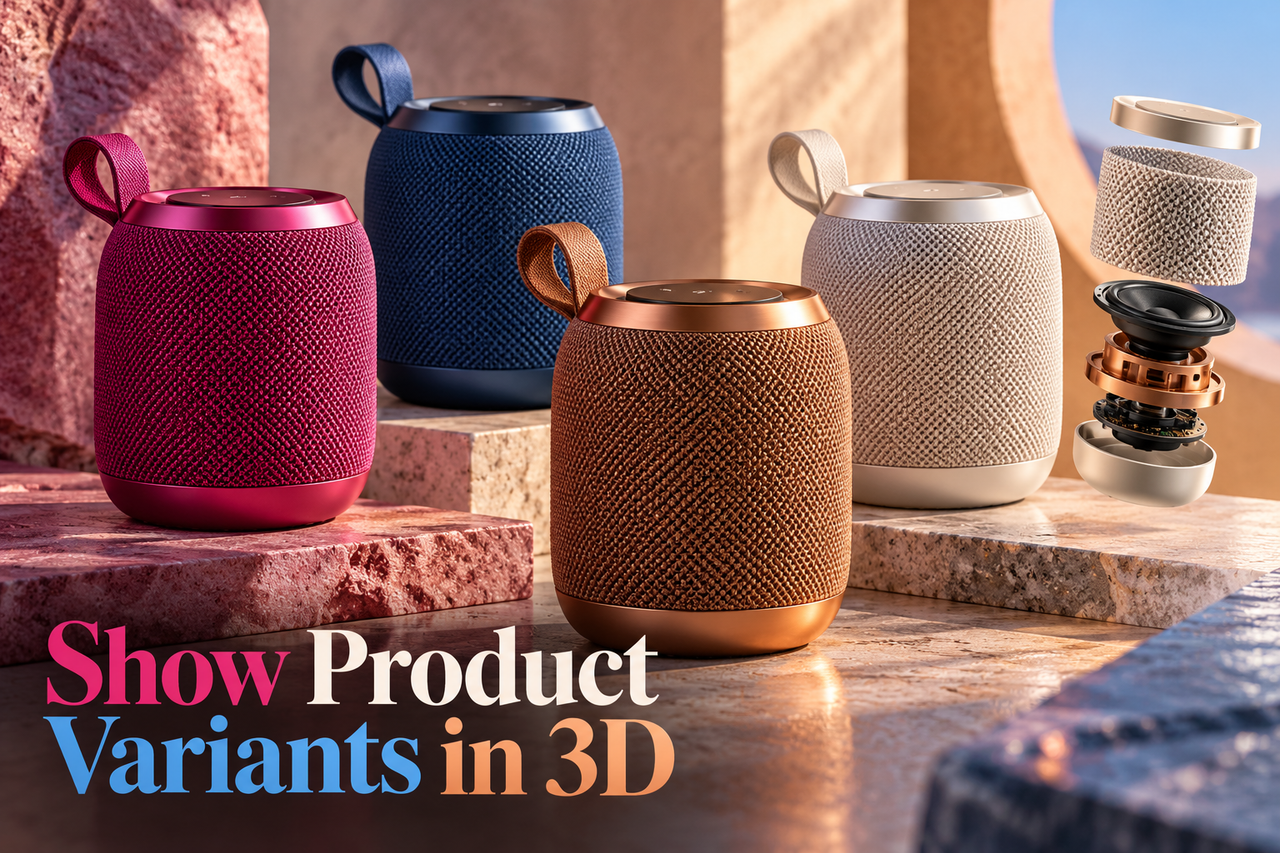
3D product animation can show an item from angles that are difficult to capture in a photo shoot, explain how parts move, or introduce a product before physical samples are ready. For e-commerce, the animation should answer a shopper’s product questions and stay faithful to the item they will receive.
Start with the questions shoppers ask
List what a buyer needs to see before deciding: the product’s overall shape, size, materials, components, setup, or use. Choose shots that answer those questions in a natural order. A rotating hero view may establish form, while a close-up or simple assembly sequence can clarify a detail.
Keep the video’s role clear alongside the product page. The animation can add motion and context, but written specifications, dimensions, compatibility, care instructions, and variant information should remain easy to find.
Protect product accuracy
Share approved product photography, drawings, CAD or 3D files, material and colour references, and notes about what must not be altered. If the model is still changing, identify which details are confirmed and which are provisional. Have a product owner review the model and final frames before release.
Pay particular attention to scale, finishes, openings, controls, included parts, and how the product is assembled. Attractive lighting should not make a material look unlike the real item, and a feature should not appear to work in a way the product does not support.
Plan versions for the store
Decide where the asset will appear: a product detail page, a category page, a paid campaign, or a launch announcement. The main video may need a close crop, a silent loop, or a shorter cut, but each version should preserve the product details that matter in that placement.
Agree on aspect ratios, duration, background, file delivery, and whether text or voiceover is needed before production begins. Keep a clean master so future edits can be made without rebuilding every shot.
Plan the main sequence using our guide to showing product features with 3D animation. Then identify scenes that can become short-form product video cutdowns for other placements.
Review the experience in context
Watch the animation beside the product copy and images. Does it add information, or repeat what is already clear? Can a shopper tell which product version is shown? Is the call to action still visible around the player? Test playback and poster images on common screen sizes.
A useful 3D product video makes a physical product easier to inspect and understand. Its value comes from accurate detail and purposeful shots, not from motion for its own sake.