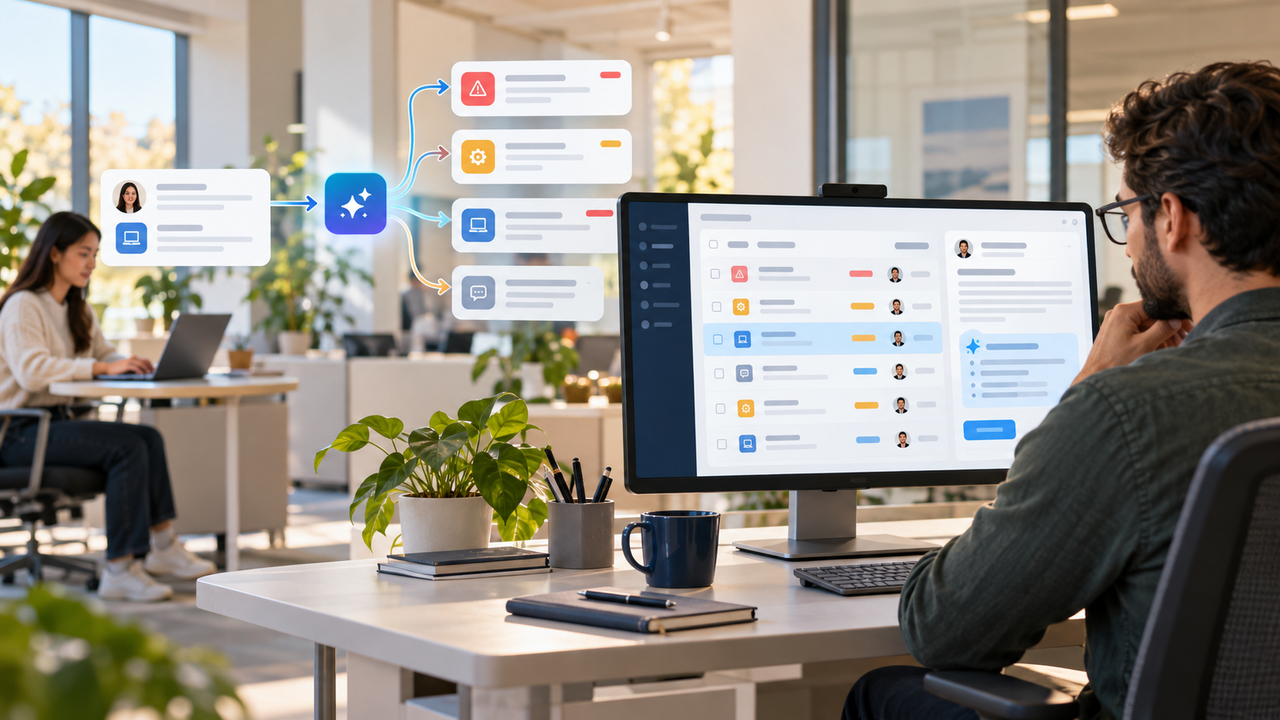
AI is difficult to explain when it appears as a label rather than as part of a real task. In an IT help desk product, the clearest story is not “the platform uses AI.” It is how a support request moves from an employee into a central support workflow, receives attention and stays visible through resolution.
That gives the viewer a familiar operational problem first. Automation can then appear at the moments where it assists the support team: assignment, prioritization context and recommendations.
Why AI help-desk products are easy to overcomplicate
An IT support platform usually serves at least two audiences. Employees need a simple way to report an issue. Administrators need a centralized view of tickets, users, priorities, assignments and resolution activity.
If a video introduces every dashboard and AI feature separately, the viewer has to assemble the workflow on their own. A stronger product video connects the interfaces through one support request and makes every feature answer the same question: what happens next?
Begin with the support problem, not the AI label
Open with a recognizable moment: an employee encounters a technical problem and needs help. The request should enter the system before the video discusses automation.
This keeps the story grounded in a task the buyer already understands. It also prevents AI from feeling like a separate layer floating above the product.
Use one ticket as the narrative spine
A single request can carry the viewer through the product without turning the video into a tour. The sequence can be structured as:
- An employee submits the technical issue with the relevant details.
- The request appears in the centralized administrator dashboard.
- The support team reviews its status, priority and assignment.
- Automation assists with routing or presents a useful suggestion at the relevant decision point.
- The team continues managing the request and its resolution activity in the same system.
The exact interface may contain many more controls, but the video only needs the screens and states required to explain this journey.
Use UniDesk as a concrete workflow example
The UniDesk AI-powered IT support platform is a useful example because its product story is built around the support lifecycle rather than an abstract AI promise.
Employees can create technical-support tickets, while administrators manage tickets and users through a unified dashboard. The documented workflow includes ticket status, priority, assigned users, request details and resolution activity.
The AI layer appears within that workflow through automatic ticket assignment and smart recommendations or suggestions. In a product video, those capabilities make the most sense when shown exactly where the administrator would otherwise need to make a routing or next-step decision.
Place automation at the decision points
The automation should enter only after the viewer understands the manual context. This makes cause and effect visible:
- At intake, show the request becoming available to the support team.
- At assignment, show the system assisting with the handoff to an assigned support user.
- During review, show a recommendation appearing beside the ticket rather than in a disconnected AI panel.
- Across the dashboard, keep status and priority visible so the viewer can follow the request.
This is more credible than an unexplained burst of particles or a generic claim that AI transforms support.
Make employee and administrator roles visually distinct
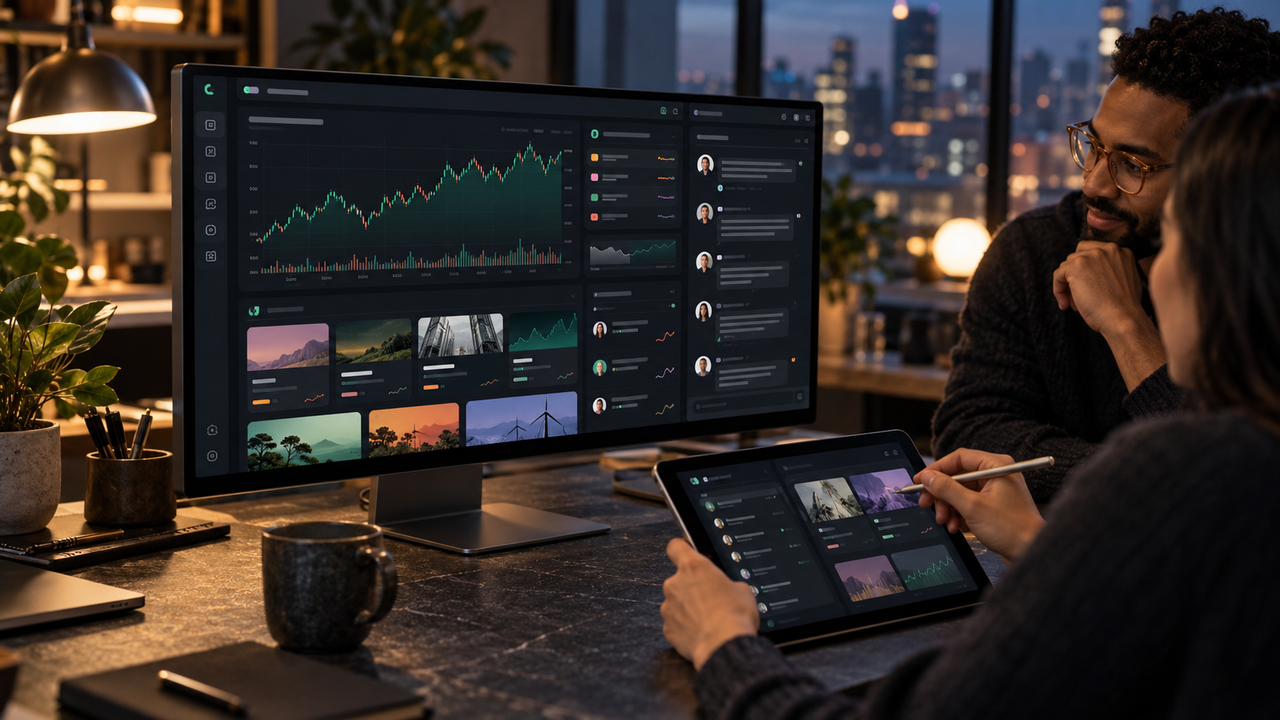
The employee view should feel focused: describe the issue and submit the request. The administrator view can then widen into the operational picture: open tickets, statuses, priorities, assignments, request details and resolution activity.
A consistent visual cue can help separate the roles. For example, use a close view for ticket creation and a wider dashboard view for ticket management. The transition between them becomes the handoff.
Explain AI through cause and effect
For each automated moment, show three things in order: the input, the system action and the visible result inside the workflow.
For automatic assignment, the input is a new ticket, the action is the assignment step, and the visible result is the ticket appearing with an assigned user. For a smart suggestion, the input is the ticket context, the action is the recommendation appearing, and the result is that the support team has more context for its next decision.
The video should not imply that the product resolves every issue autonomously. The approved source supports assistance with assignment and suggestions, not a fully autonomous support operation.
Be precise about what is automatic
AI product videos lose trust when the visuals promise more than the documented product. Keep these boundaries explicit:
- Do not invent a specific model, training method or accuracy rate.
- Do not promise guaranteed resolution times, cost savings or support outcomes.
- Do not add integrations, security certifications or channels that are not in the approved source.
- Do not imply that recommendations replace the judgment of the support team.
A restrained explanation is often stronger because the buyer can see the real value without having to accept unsupported claims.
Balance product UI with conceptual visualization
Use interface-accurate screens for ticket creation, the administrator dashboard and ticket details. Conceptual motion can clarify the handoff between those states, such as a request moving into the administrator dashboard or a recommendation appearing beside a decision.
Illustrative transitions should be treated as explanation, not as verified client screenshots or proof of a specific technical architecture.
Control visual density
Help-desk dashboards can become visually busy. A few production choices keep the story readable:
- Follow one ticket instead of showing several unrelated requests.
- Highlight only the field being discussed, such as priority or assignment.
- Keep status colors consistent from intake through resolution activity.
- Use motion to show state changes, then pause long enough for the viewer to understand them.
The goal is to make the workflow feel connected, not to prove that every control exists.
Answer the questions a buyer is likely to have
A focused explainer should leave the buyer with a clear mental model of the product:
- How does an employee create a support request?
- Where does the IT team see and manage that request?
- Which steps receive automation or intelligent suggestions?
- What remains visible and controllable for the support team?
If those answers are clear, the product feels understandable even when the underlying platform contains many more features.
A practical video structure
- Problem: an employee needs technical help, but the support process can become fragmented or administrative.
- Intake: the employee submits the issue through a straightforward ticket form.
- Visibility: the request appears in the unified administrator dashboard.
- Automation: assignment or a smart suggestion appears at the relevant decision point.
- Management: the team reviews status, priority, request details and resolution activity.
- Close: summarize the product as a centralized help-desk workflow with AI assistance inside the process.
Related guidance for SaaS product videos
For a broader framework, read How to Explain an AI Product in a SaaS Explainer Video.
If the platform contains several modules, see Explaining Multiple SaaS Features in One Product Video.
When choosing the production format, compare a SaaS explainer video with a product demo.
Need to explain AI automation without vague claims?
Nxtale Studios creates SaaS explainer videos that turn complex support workflows into clear product stories. Share the approved ticket journey, interface references and AI-assistance points, and we can shape them into a focused video for buyers, users or internal teams.