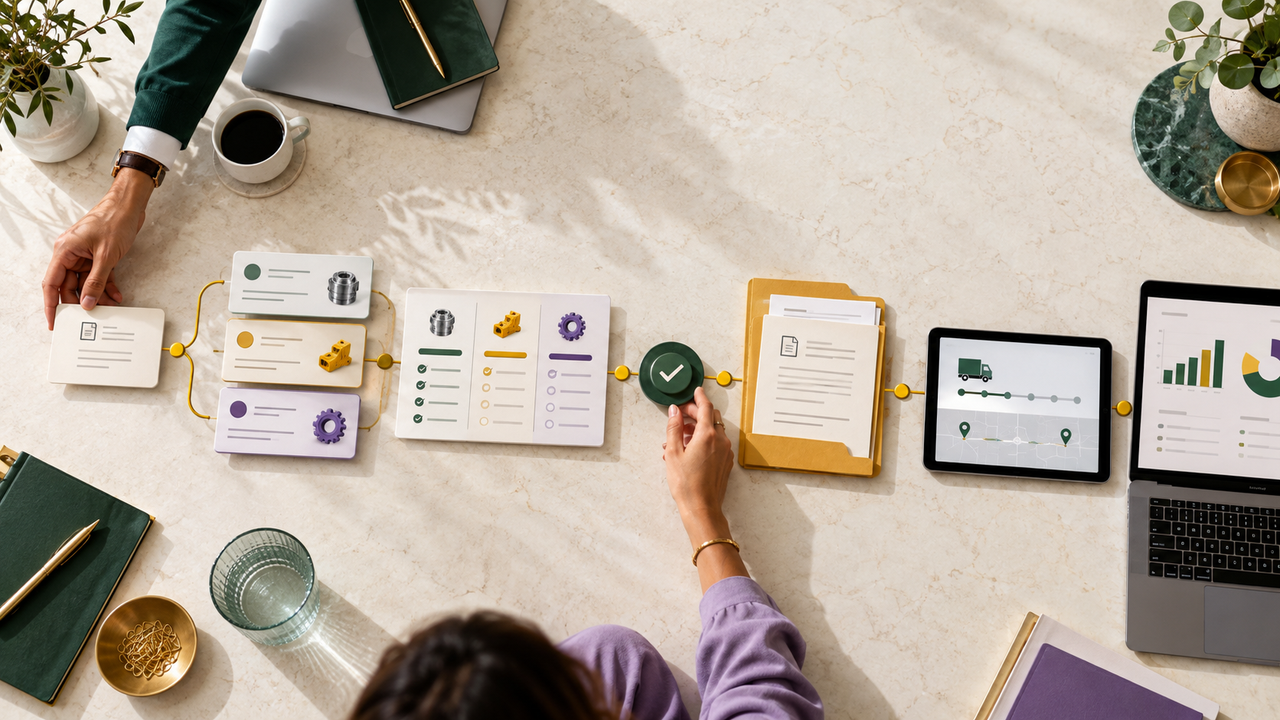
A SaaS product may have many capabilities, but a single video should not feel like a checklist. When several features must appear together, connect them through one user goal or workflow. That gives viewers a reason to care about each step and a way to understand how the parts fit together.
Group features by the task they support
List the features stakeholders want included, then group them by audience, workflow, or outcome. A set of unrelated capabilities may be better served by separate videos. Features that contribute to one task can be shown as a sequence with a clear beginning and result.
Ask what viewers need to understand before they can judge the product. Keep the main video focused on the pieces that explain the workflow; move detailed settings, edge cases, and secondary tools into a demo, documentation, or shorter follow-up clips.
Choose an order that builds understanding
Introduce the user’s situation, then show the features in the order they are used or the order that makes the product logic clear. Use transitions that explain why the next step matters. Avoid jumping between modules simply because they are important to different internal teams.
A simple map can help: viewer goal, feature, action, product response, and next step. Review that sequence with product and customer-facing teams to check that it reflects a realistic use case.
Use visuals to reduce cognitive load
Show the relevant interface clearly and highlight only the current action. Diagrams can reveal how data or users move between features; labels can define a necessary term. Keep narration focused on meaning instead of reading every menu item on screen.
If the video uses a representative workflow rather than a fully literal demo, say so where needed. Confirm permissions, integrations, and feature availability so the audience does not assume every step applies to every account.
Set a clear limit for the video
Give the video one primary audience, one reason to watch, and one next step. If the script keeps expanding, create an overview and a set of focused demos rather than speeding up the narration. Test the draft with someone unfamiliar with the product and ask them to summarize what the software does.
The aim is to show enough connected capability to make the product understandable without asking viewers to memorize the feature catalogue.