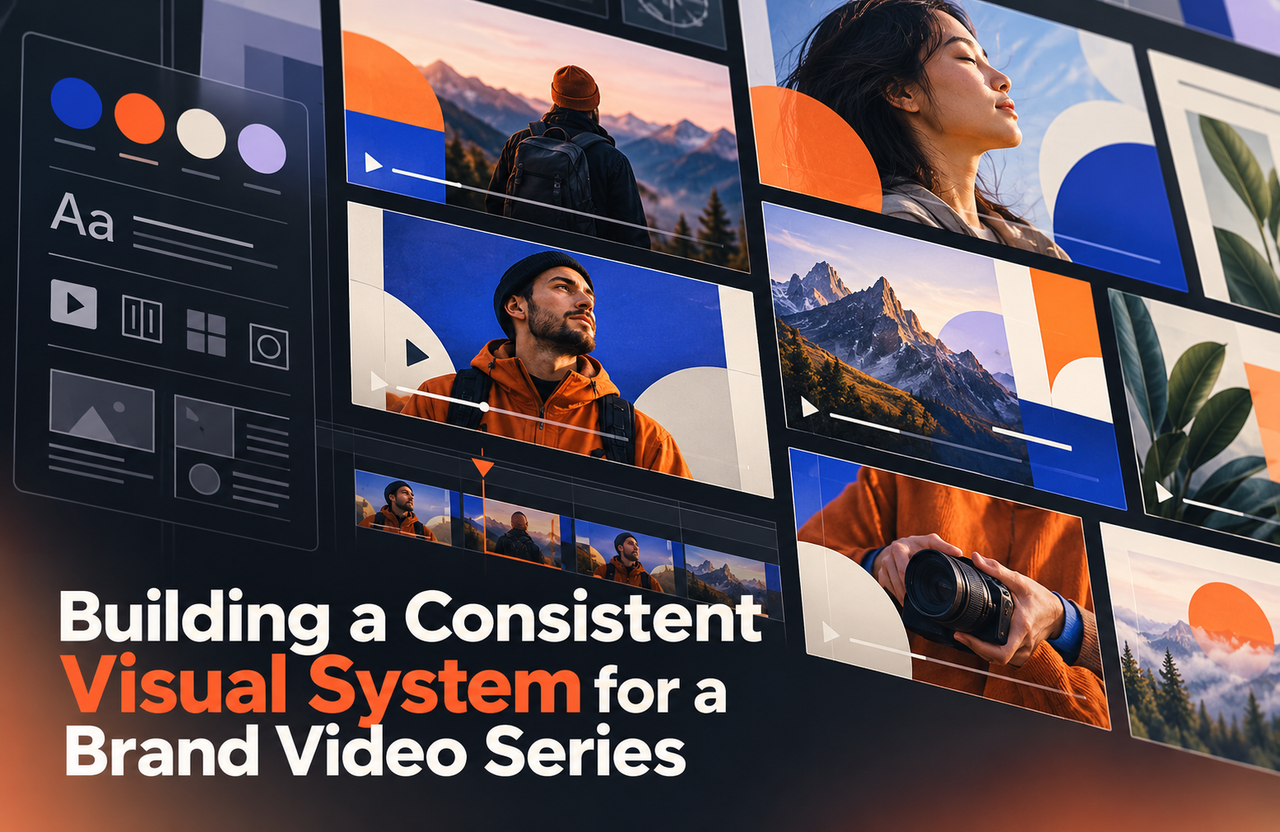
A series of brand or product videos should feel related without making every episode look identical. A simple visual system helps teams reuse choices such as colour, typography, illustration, transitions, and interface treatment, while giving each video room to tell its own story.
Choose the elements viewers should recognize
Start with the brand assets and existing design rules. Decide which elements should carry through every video—perhaps a colour palette, type treatment, recurring shapes, music style, or way of framing product screens. Consistency comes from a few clear choices, not from placing a logo on every frame.
Ask which parts need to change by audience, topic, or channel. A product tutorial may need larger interface panels than a brand introduction; a campaign edit may need a different opening or call to action.
Create examples, not only guidelines
Build a small set of approved frames or short motion samples that show how the system works in real scenes. Include examples of titles, labels, transitions, product screens, and background treatment. Use actual content rather than placeholders so the team can judge legibility and tone.
Define what can be adapted and who approves changes. A designer or motion lead can keep the series consistent while still allowing each script to use the visual approach that serves its message.
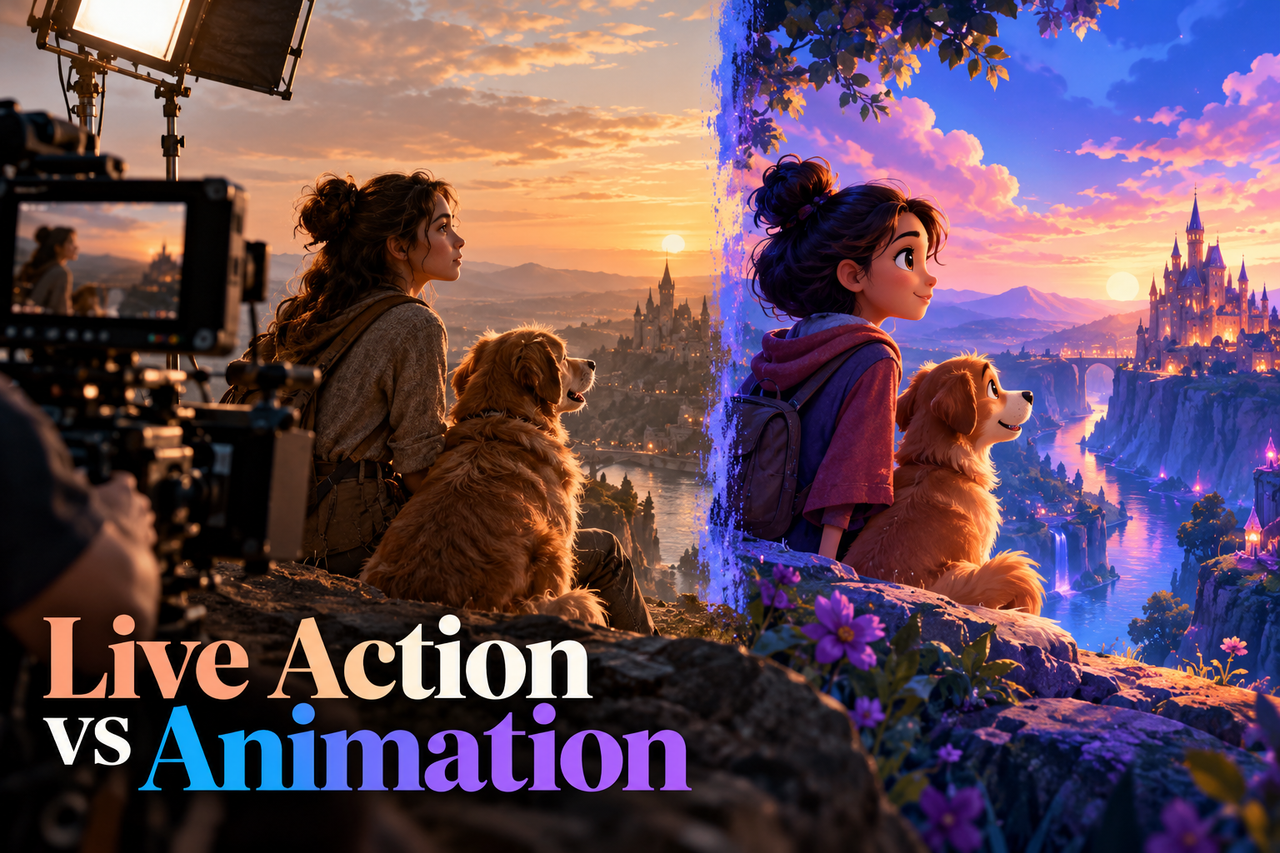
If the series may mix filming and animation, compare live action and animation for a brand or product story before setting the shared visual rules.
Make the system modular
Organize reusable assets and source files, and record fonts, colours, animation rules, and audio choices. Keep scenes modular so an updated feature, new product image, or revised call to action can be changed without rebuilding unrelated sequences.
If a series spans several formats, plan safe areas, aspect ratios, captions, and thumbnails so key information remains visible after cropping.
Review consistency across the whole series
Watch several episodes together and ask whether they feel connected and whether each has a distinct purpose. Look for repeated openings that delay the content, visual elements that have become distracting, and places where the system no longer matches the brand.
A visual system should make future videos easier to produce and recognize while keeping the story—not the template—in control.