Industrial sensors often do their most important work inside a larger system, where the process is difficult to see and the component alone tells only part of the story. A buyer may see a device mounted above a tank but still need to understand what it monitors, how conditions change and what feedback the system provides.
That makes industrial sensor technology a strong fit for 3D animation. The goal is not to decorate the hardware. It is to connect the sensor, the monitored environment and the information an operator receives in one clear sequence.
Why industrial sensors are difficult to explain
A product shot can show the housing, mounting position and exterior details. It cannot easily show the relationship between the sensor and a changing material level inside an enclosed tank.
The explanation becomes harder when the central action is non-contact. Nothing visibly touches the liquid, yet the audience still needs to understand that measurement is taking place continuously and that the system responds as the level changes.
Begin with the operating context
Start by establishing the larger industrial system before isolating the sensor. A wide view of the tank, the sensor position and the surrounding equipment gives the viewer a practical frame of reference.
The opening sequence should answer four questions:
- Where is the sensor installed?
- What material or condition is being monitored?
- What changes over time?
- How is measurement or status feedback shown?
Once those relationships are clear, closer product views can explain the component without losing the system context.
Radar level monitoring as an example
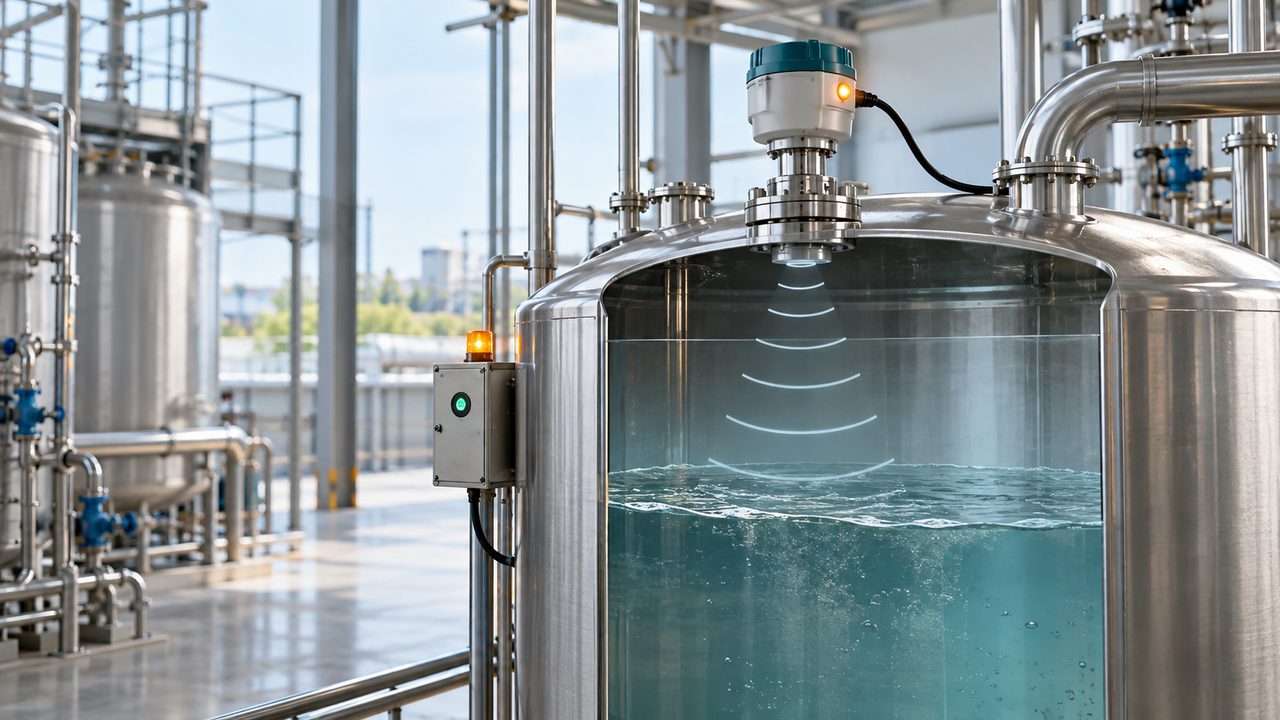
Nxtale’s Radar Sensor industrial level-monitoring animation provides a useful example. The project shows a radar-based system that measures and tracks liquid level inside a tank without physical contact with the material.
The explanation centers on the approved operating story: the sensor is integrated with the tank, the liquid level rises or falls, measurement continues, and the display and indicator lights provide visual feedback.
That sequence is specific enough to explain the product while avoiding assumptions about specifications, signal range, accuracy, communications protocols or operating conditions that are not part of the approved source.
Build the animation in three visual layers
1. The industrial system
Show the tank and the sensor as one connected setup. The viewer should immediately understand that the product belongs to a storage or processing environment rather than seeing it as an isolated object on a studio background.
A restrained cutaway or transparent section can reveal the liquid surface while preserving the exterior shape of the tank. The camera should make the installation relationship easy to read before introducing motion.
2. The non-contact measurement
Use a simple visual cue to represent the otherwise invisible interaction between the sensor and the liquid surface. The cue should be clearly explanatory, not presented as a literal view of the signal.
Keep that visual language consistent. A few controlled waves, a highlighted measurement path or a clean surface marker will usually communicate more than a dense field of glowing graphics.
3. The feedback
Connect the changing liquid level to the display and indicator lights. The audience should see that the system produces an understandable status as conditions inside the tank change.
This final connection matters because it moves the story from sensing to practical feedback. The animation is not only showing that the sensor exists; it is showing how the monitored state becomes visible.
Show change over time
Continuous monitoring is easier to understand when the animation uses time deliberately. Rather than presenting several unrelated shots, let the viewer follow one controlled change from beginning to end.
- Establish the initial liquid level.
- Show the sensor in its mounted position.
- Represent non-contact measurement with a restrained visual cue.
- Raise or lower the liquid level at a readable pace.
- Update the visual level indicator and status light in the same sequence.
The result should make cause and response easy to follow without implying unapproved performance claims.
Separate verified facts from visual choices
Technical animation depends on a clear approval boundary. Confirmed product relationships, operating states and terminology should come from the product team or approved source material. Camera movement, lighting, background detail and the styling of explanatory cues are communication choices.
For this radar sensor example, the verified ideas are non-contact liquid-level sensing, continuous monitoring, tank integration, real-time measurement feedback, visual level indicators and alarm or status indication. The animation should not add product specifications, certifications, limits or performance numbers unless they are separately supplied and approved.
Choose visual tools that support understanding
Cutaways are useful when the tank hides the monitored material. Selective transparency can reveal the level without turning the whole scene into a technical diagram. Controlled camera movement can shift attention from the overall system to the sensor and then to the feedback display.
Labels may help when the intended audience needs terminology, but they should be minimal and reviewed. In many cases, the movement of the level, the sensor position and the feedback indicators can carry the explanation without filling the frame with annotations.
Plan for the real sales and training context
The same core sequence can support a product page, a sales presentation, distributor education, a trade-show display or internal product training. Planning the main explanation first makes it easier to create silent versions, captions or shorter edits for different placements.
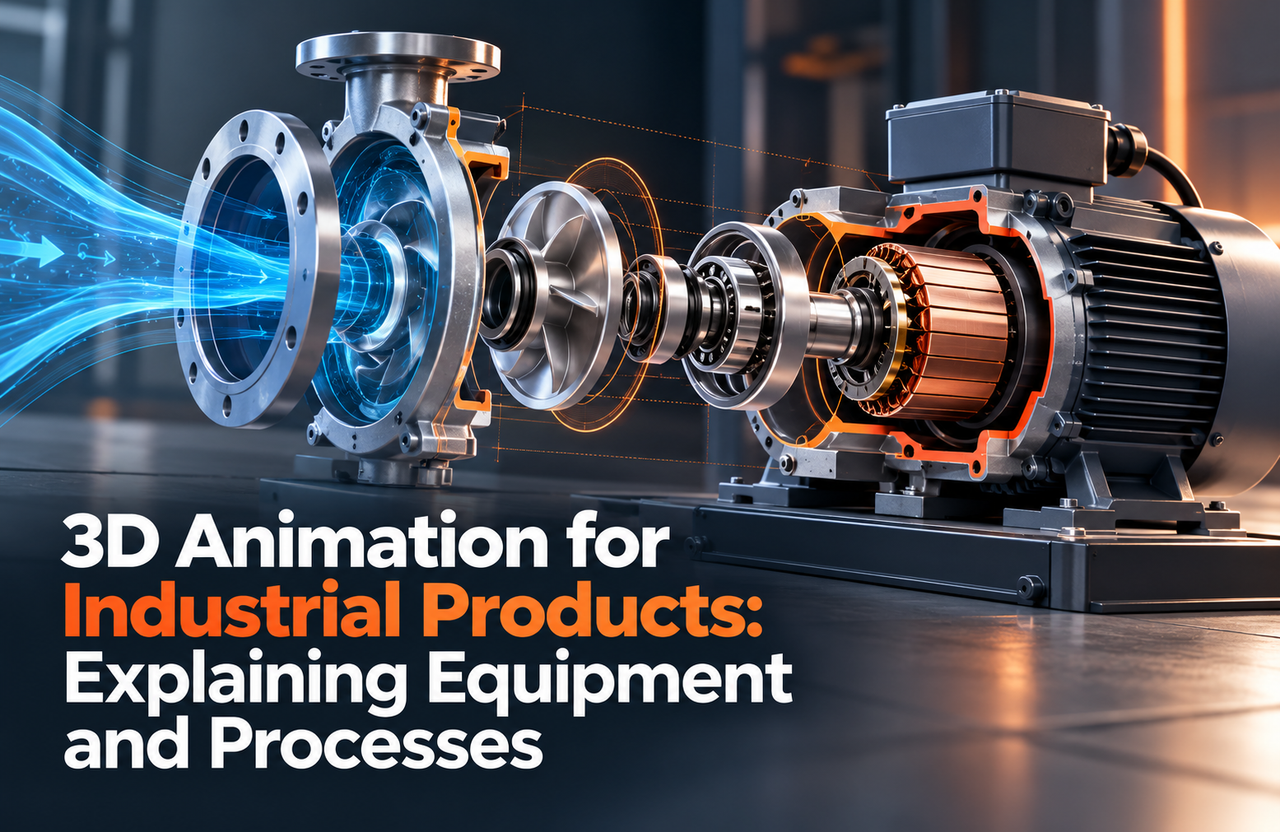
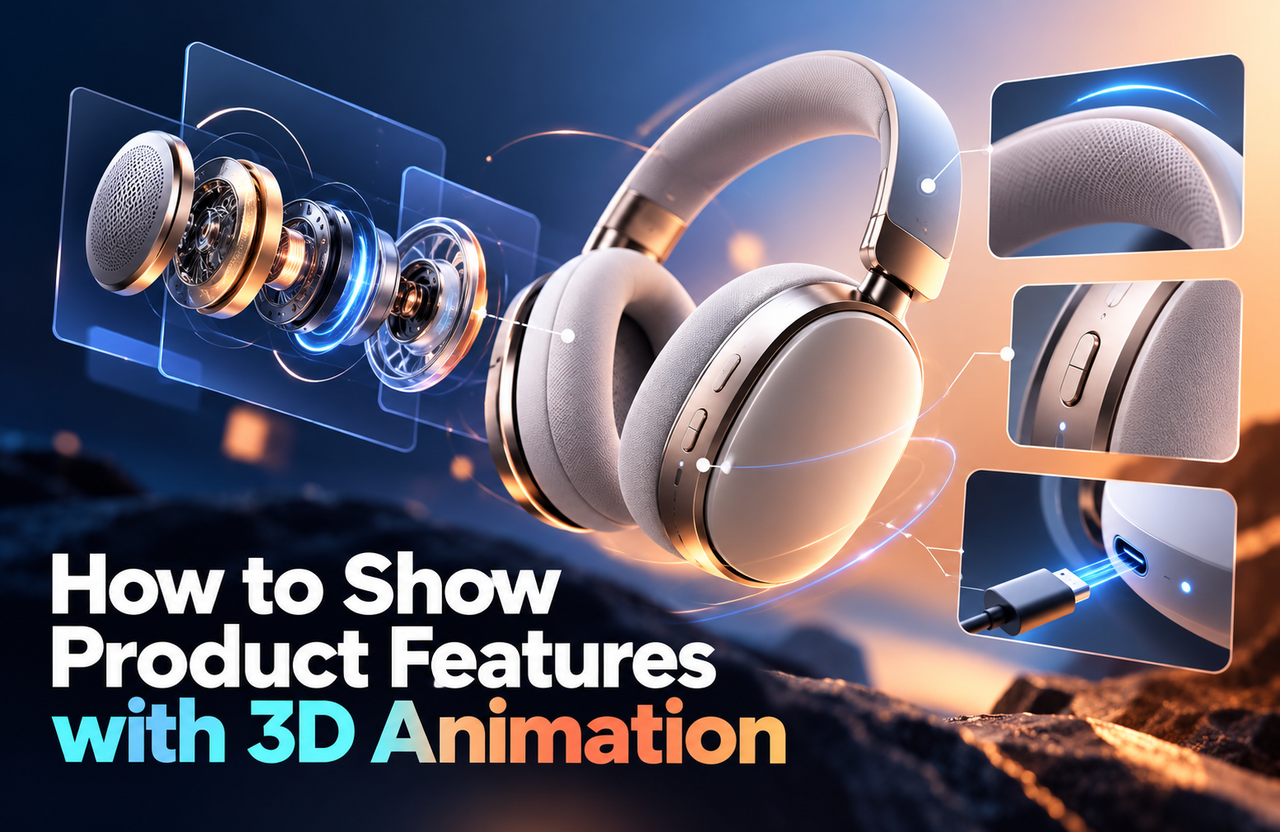
For broader guidance, read 3D Animation for Industrial Products: Explaining Equipment and Processes, How to Show Product Features with 3D Animation and 3D Product Animation Production Process: From Model to Final Video.
Technical clarity is the measure of success
A strong sensor animation lets the viewer understand where the device is installed, what it monitors, how the monitored condition changes and how the system communicates that change. Realistic materials and polished rendering should support those answers, not compete with them.
Need to explain an industrial sensor or monitoring system?
Explore Nxtale’s 3D industrial animation services for product, process and equipment visualizations. Share the approved product references, installation context and the specific operating relationship your audience needs to understand, and we can recommend a clear visual approach.