A software demo video is easier to follow when it behaves like a guided task, not a tour of every menu. Buyers want to see how the product could fit their work. Choose a realistic scenario, show the few steps that matter, and make the relationship between the action and the result clear.
Choose the viewer and the task
Decide who the demo is for and what they are trying to accomplish. A team administrator evaluating setup needs a different walkthrough from an analyst checking a report. Choose one task that is representative of the product’s value and relevant to the page where the video will appear.
Write a simple brief: the viewer’s starting point, the action they take, what the product does, and what they see at the end. If a use case depends on a particular plan, permission, or integration, state that accurately rather than presenting it as universal.
Prepare a clean, truthful product view
Use a stable environment with realistic sample data and the correct interface version. Remove personal information, distracting browser tabs, and test content that could confuse a viewer. Confirm that every screen and feature shown is approved for external use.
Do not hide a necessary step just to make the demo feel faster. If the workflow has a wait, configuration step, or human review, show or explain it. A demo that reflects the real experience sets clearer expectations for sales conversations and onboarding.
Build the sequence around decisions
Open with brief context, then guide the viewer through the action that matters. Narration should explain why a step matters; on-screen callouts should identify where to look. Avoid reading every label aloud or moving the cursor so quickly that viewers cannot track it.
End by showing the result and naming a relevant next step, such as exploring a related feature or booking a guided demo. Keep secondary features in separate clips or written documentation. A small library of focused demos is often easier to navigate than one long recording.
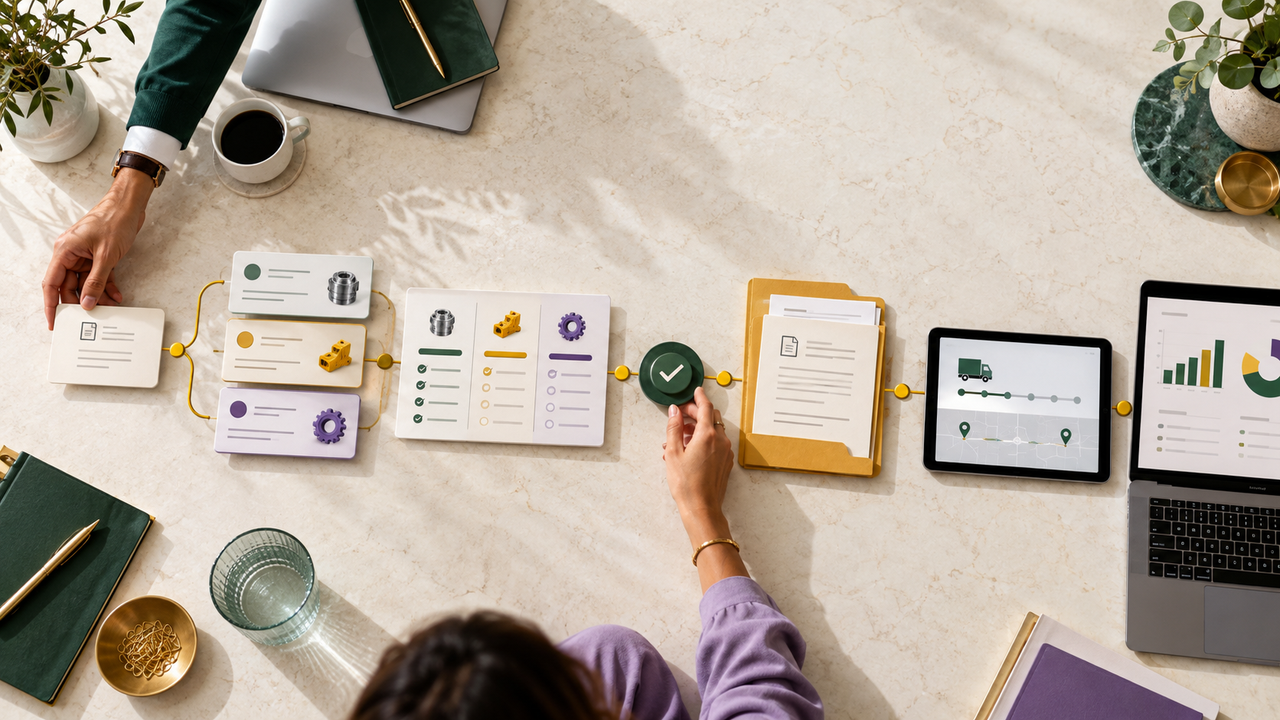
The ProcureChain product demo is one example from our software portfolio. When several capabilities need to appear together, use our guide to explaining multiple SaaS features in one video to keep the sequence focused.
Review before publishing
Ask a colleague who does not know the workflow to watch once without pausing. Can they explain the task, the important action, and the result? Check captions, playback on mobile, interface legibility, and whether the title says what the video actually covers.
Accessible playback is part of a useful software walkthrough, not a last-minute export task. See how to plan captions, voiceover and legible on-screen text for SaaS product videos.
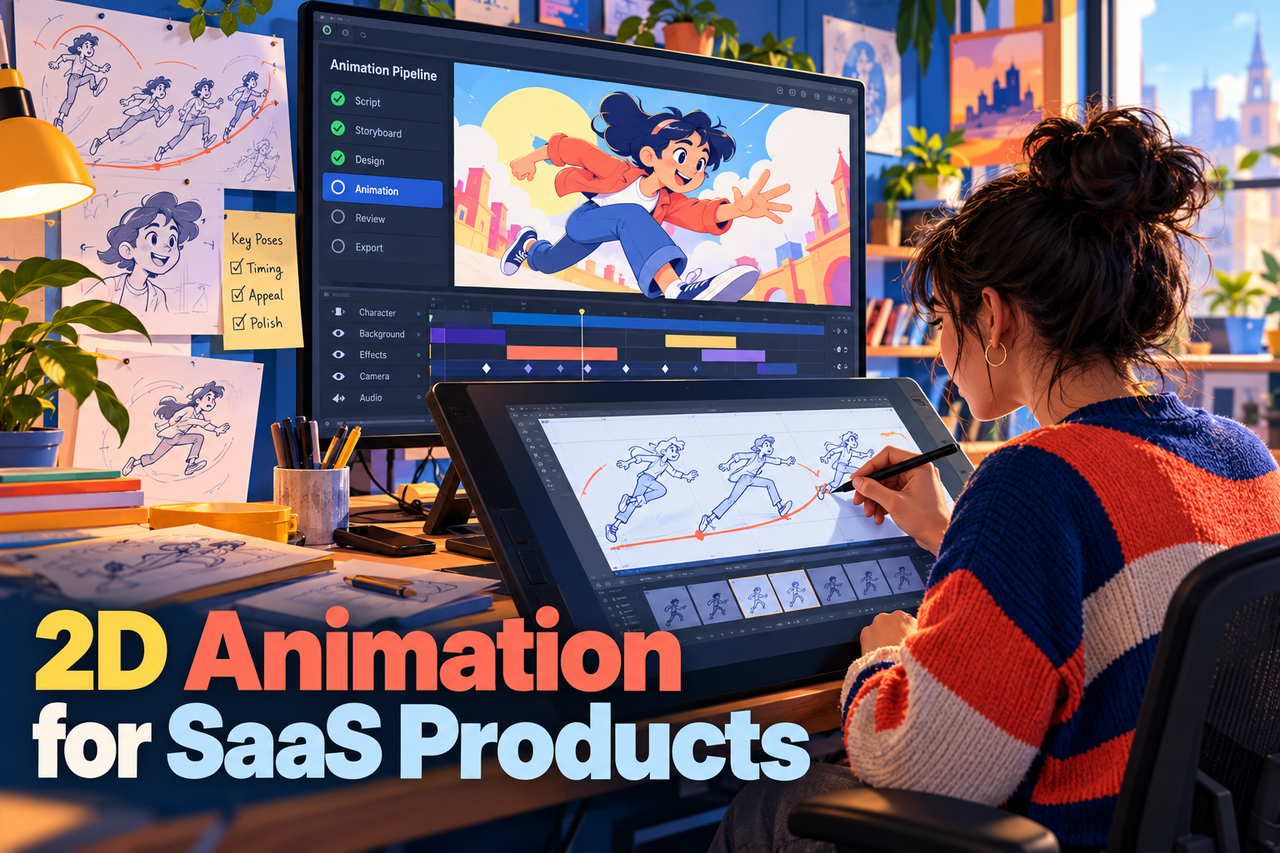
A storyboard or animated interface video can help keep steps controlled and readable when a live screen recording is difficult to stage. Choose the format based on clarity and the product’s update cycle, not on visual novelty alone.